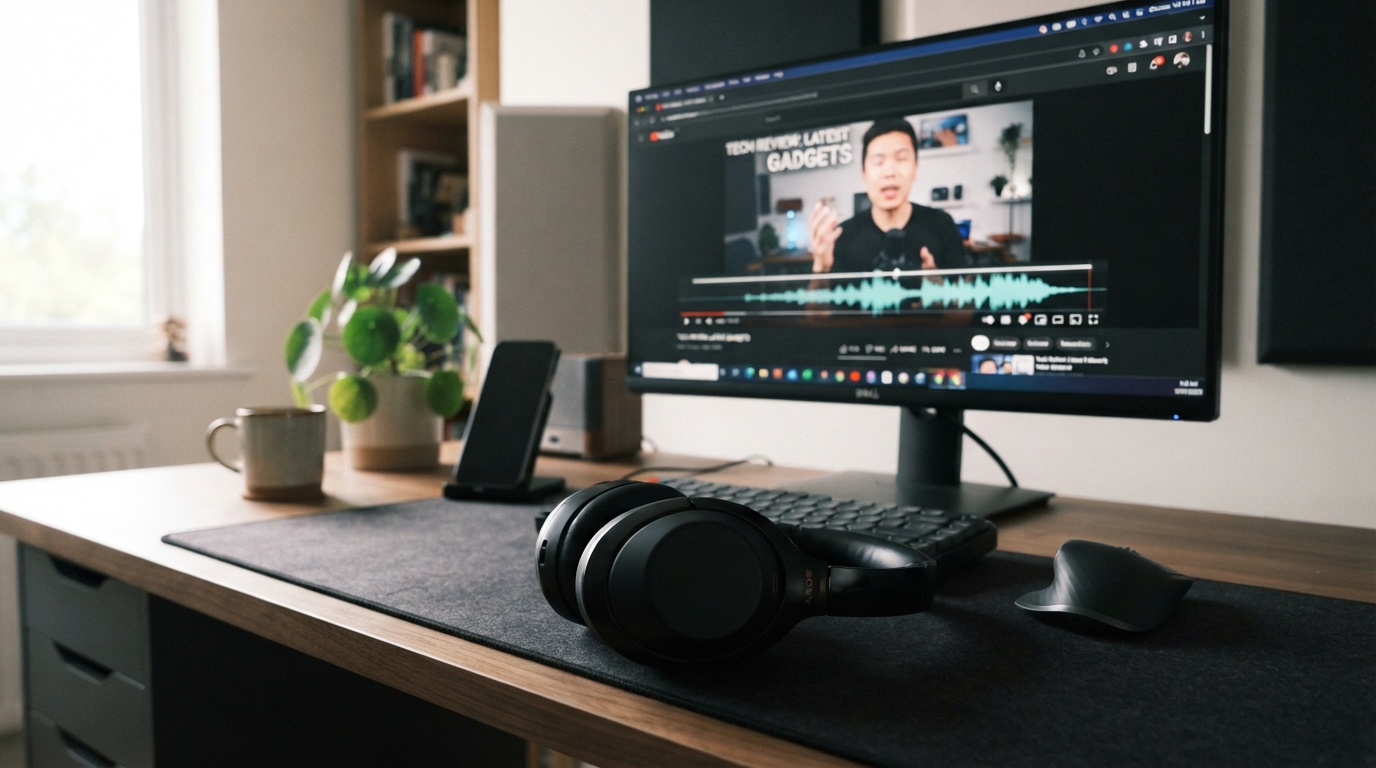
We can usually reduce Bluetooth audio delay by matching a low-latency codec on both devices, fixing the software path, or switching to wired audio when timing matters most. A live-monitoring target under 20 milliseconds shows how little delay some tasks can tolerate. Lip-sync trouble can annoy us during video, while gaming and live monitoring demand tighter timing. We’ll help you find where the delay starts and choose a fix that suits your activity.
A codec is a system that encodes audio for transmission and decodes it for playback. The right change can improve headphones, earbuds, and wireless audio without replacing the gear.
Key Takeaways
- Match the codec supported by the transmitter and receiver.
- Check whether the delay affects one app or every activity.
- Use platform settings to test changes one at a time.
- Choose wired audio when precise timing matters most.
- Compare the same short clip before and after adjustments.
Start by identifying whether the delay happens in one app or across every device and activity.
How Much Bluetooth Audio Latency Is Acceptable?
For competitive gaming, under 40 ms is great; 40-80 ms is fine for casual gaming and calls, while over 150 ms is noticeable in most activities. Acceptable latency depends on how quickly an action must match its sound.
Under 40 ms is the strongest target for competitive play and music production. Watching videos can feel fine with more delay because some players adjust lip-sync automatically.
https://www.youtube.com/watch?v=xralfO5-xQ4
| Latency | Gaming and production | Video, calls, and music |
|---|---|---|
| Under 40 ms | Great for competitive gaming and production | Responsive for calls, video, and music |
| 40-80 ms | Fine for casual gaming | Fine for video calls, videos, and music |
| 80-150 ms | Gaming may feel off | Okay for videos and music |
| Over 150 ms | Noticeable delay in play and production | Noticeable in most activities |
Match the latency target to the task: immediate timing needs a lower figure than video playback that can correct lip-sync.
A competitive player may notice a delay that a music listener barely minds. In a rhythm game, even a small gap can make button presses feel late.
Calls also vary. A little lag may be tolerable in a conversation, but speakers can begin talking over one another when audio arrives late.
Performance depends on whether an app compensates for lip-sync and how quickly the activity needs sound to follow an action. Treat the bands as practical guidance, not a guarantee that every listener will perceive the same delay.
Why Does Bluetooth Audio Lag?
A beep can reach your headphones late even when the Bluetooth connection looks stable. Several small delays can build up between the transmitter and receiver.
The receiver buffer can prevent audio glitches, but it adds time before playback. Codec processing and transmitter software add their own delays along the way.
Codec Processing and Buffering
A codec turns digital audio into data for wireless transmission, then the receiver decodes it. The receiver may hold incoming sound briefly in a buffer to prevent dropouts.
In 2026, listed software transmitter latency on most phones is 200-500 ms for aptX-family audio. That figure describes the transmitter software path, not the full delay for every setup.
Codec and device behavior can vary, so a familiar codec name does not promise identical performance. For clearer context on phone connections, see how smartphone connectivity standards differ.
Radio, Distance, and Operating-System Delays
Bluetooth operates in the 2.400-2.485 GHz range. Walls, distance, and competing wireless traffic can weaken the signal and disrupt smooth transmission.
Low battery and outdated drivers or software may also hurt performance. A weak signal can prompt more buffering as the receiver works to avoid gaps.
Bluetooth audio latency in Windows 10 can involve the adapter driver and audio output path. Compare another source before replacing headphones, since the software path may be the cause.
If delay changes when you move closer to the transmitter, investigate signal conditions before changing codecs.
Which Bluetooth Codecs and Versions Lower Latency?
The codec must be supported by both the sending device and the headphones, or audio can fall back to SBC. LE Audio with LC3 offers a low-latency option when both devices support it.
Bluetooth version numbers alone do not confirm LE Audio support. Bluetooth 5.2 introduced LE Audio; versions 5.3, 5.4, 6.0, and 6.1 refine connections rather than codec delay.
| Codec or mode | Latency | Condition | Compatibility or use |
|---|---|---|---|
| LC3 / LE Audio | Minimum claim: 20-30 ms | 7.5 ms or 10 ms frames enable under 50 ms | LC3 required; multi-stream can send separate streams to each earbud |
| aptX Low Latency | 32-40 ms; algorithm: 1.8-2.0 ms | Algorithm time is not end-to-end delay | Both devices need support; otherwise it may fall back to SBC |
| aptX Adaptive | About 80 ms normal; 40 ms low-latency | Bitrate about 279-420 kbps | Both devices must support the mode |
| SBC | 150-220 ms | Baseline for A2DP | Mandatory baseline codec for classic Bluetooth audio |
| LDAC | Typically 100 ms or more | Rates: 330, 660, or 990 kbps | Used for higher audio quality, not the lowest delay |
LC3 is mandatory for Bluetooth LE Audio, while SBC is the required baseline for A2DP. LE Audio’s minimum-latency claim is 20-30 ms, compared with 100-200 ms for classic Bluetooth audio.
Other codecs have different trade-offs. AAC is 120-180 ms, aptX Classic is 100-120 ms, and aptX HD is 150 ms or more.
LHDC standard music mode is about 100-150 ms or more, while LHDC low-latency mode is about 30 ms. aptX Low Latency’s 1.8-2.0 ms algorithm time is not the complete end-to-end delay.
Codec names must match on both devices, and unsupported aptX Low Latency can fall back to SBC. Check the exact codec feature list on both devices rather than choosing by Bluetooth version number alone.
How Do You Reduce Bluetooth Audio Delay on Android, Windows, or in a Car?
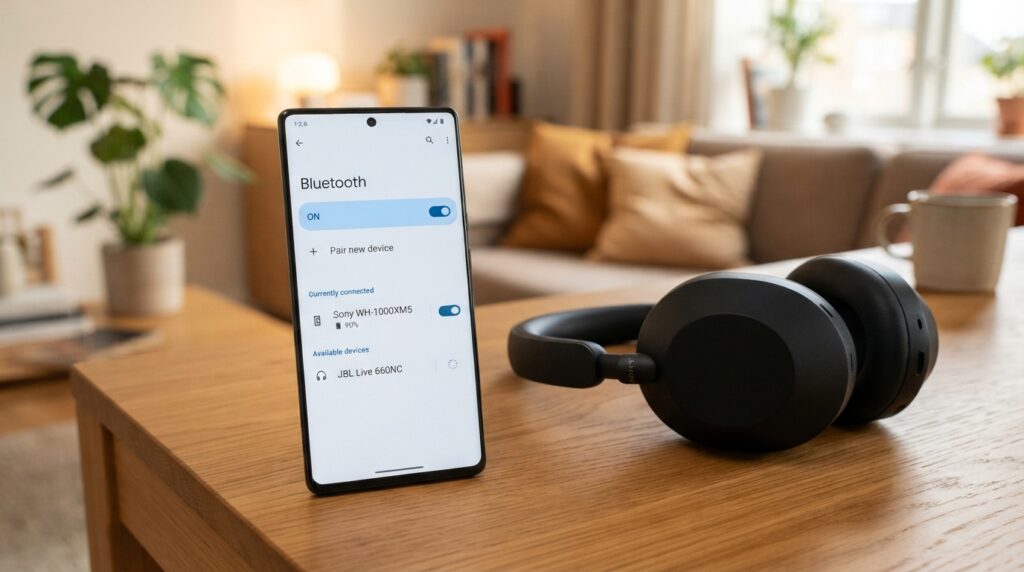
Start by re-pairing the headphones, then check the codec and power settings on the device that sends the audio. Change one setting at a time so we can spot what helps.
Choose only a codec that both the transmitter and receiver support. The available options depend on the paired devices.
Android and Samsung Settings
On Android, enable Developer options by tapping Build number seven times under About phone > Software information. Then compare available codecs, such as AAC, aptX, or LDAC, and select only one both devices support.
Turn off Power Saving mode during a test. Phone performance can shift under heat or heavy use, so keep built-in safeguards in place; these phone heat and performance tips explain safe cooling.
Samsung Sound Assistant has a Bluetooth Metronome slider for manually adjusting headphone timing. It is mainly designed for Samsung devices.
- Play the same clip in another playback app.
- Compare an available codec supported by both devices.
- Turn off Android Power Saving mode for the test.
- Use the timing slider if Sound Assistant offers it.
Windows 11 Troubleshooting
Microsoft recommends a Bluetooth output format of 2 channels, 16 bit, 48000 Hz (DVD Quality). Check that the Bluetooth device supports A2DP for higher-quality audio streaming.
Windows 11 also has an automated Bluetooth troubleshooter in the Get Help app. Use these checks if the audio delay persists:
- Remove the headphones, then pair them again.
- Turn Bluetooth off, wait 10 seconds, then turn it on.
- Update the Bluetooth adapter driver.
- Check for Windows updates and install available updates.
Set the output format in Sound settings, then choose 2 channels, 16 bit, 48000 Hz for the Bluetooth output.
Check the Car Audio Path
Look for an audio-sync adjustment in the car’s infotainment menu. Re-pair the phone if the connection has become unreliable.
Compare another playback app or source before blaming headphones. A delay that occurs only through the car points to its audio path, not the receiver.
Change one setting at a time and replay the same short clip so you can tell which adjustment helped.
How Can You Test Bluetooth Audio Latency?
A useful home check compares a wired reading with Bluetooth playback rather than trusting a browser’s delay estimate alone. Use the same stimulus each time for a fair comparison.
A wired reading gives us a rough baseline to subtract from the Bluetooth result. The test is perceptual, so reaction time can affect the number.
What Browser Latency Estimates Can and Cannot Measure
Browser Web Audio API values called baseLatency and outputLatency estimate browser and operating-system delays. They do not measure delay inside Bluetooth headphones.
A browser estimate can miss part of the wireless path, so a perceptual test may read higher on Bluetooth devices. Sound-Tester uses a screen flash and headphone beep, with a baseline reaction-time phase.
It runs multiple rounds and discards obvious outliers. Sound-Tester’s repeated tap test helps reduce the effect of one unusually early or late response.
A Practical Tap and Playback Check
Try this four-step Bluetooth audio latency test with a tap-and-beep tool:
- Take a reading through wired output.
- Repeat the same stimulus over Bluetooth.
- Subtract the wired reading from the Bluetooth result as a rough estimate.
- Repeat several rounds and disregard obvious outliers.
The test compares a tap in response to a screen flash with the headphone beep. Your reaction time affects the result, so do not treat one reading as exact.
To check for app-specific delay, play a local MP3 in VLC for Android. For local video playback, VLC also has an audio-delay adjustment.
Repeat the same test after each change, because app, operating system, and reaction time can all affect the result.
When Is Wired Audio the Better Choice?
If timing matters more than cable-free listening, wired headphones are the most dependable choice. Wired audio removes the Bluetooth transmission segment, though the full playback chain still has some delay.
Live instrument or vocal monitoring targets latency under 20 ms. Wired headphones average 5-10 ms, which helps musicians meet that tighter target.
Choose wired headphones for live monitoring when Bluetooth adjustments still leave a noticeable lag.
Gaming has different needs. Under 60 ms feels responsive, while competitive players may prefer lower delay than casual players.
Video viewing can tolerate more delay, though lip-sync errors can become noticeable around 80-100 ms. A car’s infotainment sync setting may help, and a wired input bypasses its Bluetooth link.
Wired headphones do not make audio literally instant, but they avoid the wireless transmission segment. Choose wired audio for live monitoring or timing-critical play when Bluetooth adjustments still leave a noticeable lag.
Conclusion
The most useful first move is to check whether your transmitter and headphones support the same low-latency option. Matching both ends matters more than the Bluetooth version printed on a product.
Then compare the same playback before and after a change. That keeps differences in the app or clip from clouding the result.
For music and videos, a small delay may not disrupt the experience. For live monitoring or timing-critical play, wired headphones offer a more dependable path.
Try one setting change with the same short video or game, then keep the setup that brings its sound and action closest together.