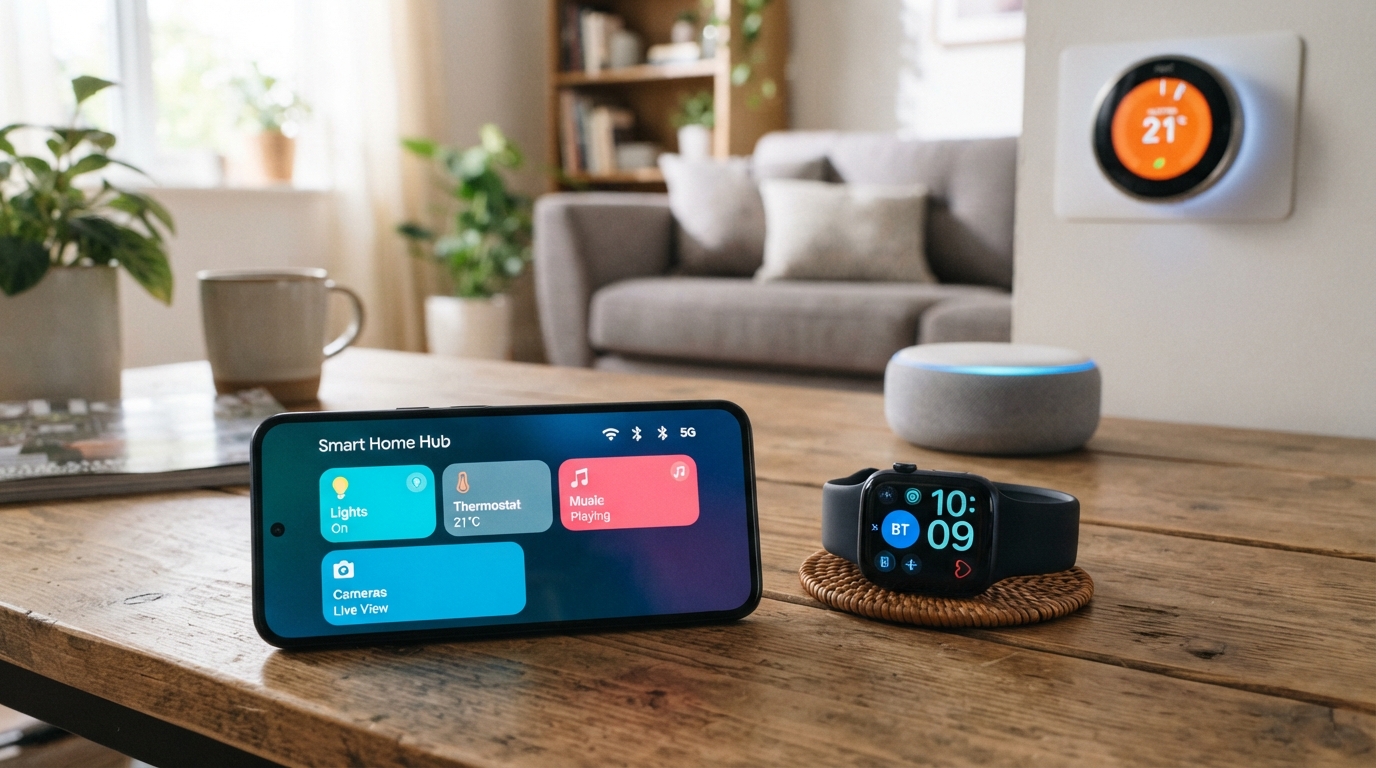
A smartphone can reach the internet, pair with a watch, and locate a nearby device because it supports several different kinds of wireless connection. Interoperability is the ability of different devices, networks, platforms, applications, and systems to exchange information and use it effectively. Radio links carry signals; standards also shape how devices share and use data.
That difference matters when a phone connects to products from different manufacturers. Wi-Fi, Bluetooth, cellular, and UWB carry wireless signals, while IoT standards can set rules for how systems exchange information. Each connection has a distinct role, and no single standard covers every task.
Key Takeaways
- Phones combine several wireless connections for different tasks.
- Wi-Fi and cellular connect to networks.
- Bluetooth, NFC, and UWB serve nearby devices in different ways.
- Cellular bands affect whether a phone can connect in a region.
- IoT standards can guide data exchange across brands and systems.
- Compatibility depends on the exact devices and features involved.
The useful question is not which standard is newest, but which connections our devices actually need.
How Do Smartphone Connectivity Standards Divide a Phone’s Connections?
A phone uses Wi-Fi for a nearby network, cellular for carrier coverage, and other radios for short-range tasks. The radio’s job matters: each connection has a different reach, power use, and purpose.
Two wireless features are not interchangeable just because both use radio signals. Wi-Fi standards describe wireless local networks; the IEEE explains the role of its 802.11 wireless LAN standard.
Wi-Fi and cellular links reach networks
Wi-Fi connects a phone to a local network, often through a home or public router. Wi-Fi 6 and Wi-Fi 6E use IEEE 802.11ax, while Wi-Fi 7 uses IEEE 802.11be.
Cellular connects the phone to a carrier network through supported bands and local coverage. Slow websites can come from a network issue, while slow menus or offline apps may point to phone performance; our phone speed troubleshooting guide explains that difference.
Bluetooth, NFC, and UWB connect nearby devices
Bluetooth Low Energy (BLE) handles low-power peripherals such as watches and sensors. Bluetooth 5.0 and later support a 2M PHY, which can provide twice the data speed of the preceding physical layer. BLE 5+ has a stated range of up to 100 meters.
NFC supports tap-based exchanges, such as a contactless payment. UWB helps locate nearby devices with precise positioning and ranging. It uses a bandwidth of 500 megahertz or more for those short-range tasks.
| Connection type | Typical reach | Main job | Key constraint |
|---|---|---|---|
| Wi-Fi | Local network area | Internet and local network access | Needs a compatible access point |
| Cellular | Carrier coverage area | Carrier voice and data service | Needs supported bands and coverage |
| Bluetooth/BLE | Nearby devices | Low-power peripheral links | Range and data needs vary by use |
| NFC | Tap distance | Tap-based exchanges | Requires very close placement |
| UWB | Nearby area | Precise positioning and ranging | Both devices need UWB support |
Stated radio range does not promise the same performance indoors or in every environment.
Walls, interference, and device placement can affect a connection. Check the radio’s intended job before treating two wireless features as interchangeable.
How Have Cellular Standards Changed From 2G to 5G?
GSM’s arrival in the early 1990s helped create a more consistent market for digital mobile phones. Each generation changed network capabilities, from digital calls toward mobile data and connected-device services.
A newer generation does not guarantee a faster connection in every location or band. The network, phone, signal, and available spectrum all affect real data rates and throughput.
2G and 3G brought digital calls and mobile data
GSM first saw use in 1991, and Nokia released its first digital GSM phone in 1992. GSM uses time-division multiple access (TDMA) and frequency-division multiple access (FDMA). IS-95, another 2G system, uses code-division multiple access (CDMA).
Digital 2G networks supported calls and messaging. 3G expanded mobile internet access and helped bring video calls to phones. These systems made wireless communication more useful beyond voice service.
4G and 5G support app-centered use
LTE first saw use in 2009 and brought the data capacity needed for app-centered services. LTE uses orthogonal frequency-division multiplexing (OFDM), as does 5G NR. 5G NR first saw use in 2018.
The generations often map to different everyday uses:
- 2G: digital calls and messaging.
- 3G: mobile internet and video calls.
- 4G: streaming and app-driven services.
- 5G: higher-capacity mobile and connected-device applications.
5G’s role reaches beyond phones to a wider set of connected devices. Network design and frequency bands still shape each connection, so the generation label alone cannot predict local service.
6G is a future generation expected in the 2030s, not a current phone capability. A phone’s generation label describes its network technology, not the speed it will deliver in every place.
Which U.S. Cellular Bands Affect Coverage?
A phone can connect to a carrier only on frequency bands its hardware supports and the carrier uses in that region. Band support links the phone to local service, while the FCC licenses specific cellular frequencies to carriers for particular regions.
A listed band alone does not guarantee service in a particular place. Lower cellular frequencies generally travel farther, while higher frequencies have shorter ranges and can support faster data rates.
| Band | Uplink frequency in MHz | Downlink frequency in MHz |
|---|---|---|
| LTE Band 2 | 1850-1910 | 1930-1990 |
| LTE Band 4 | 1710-1755 | 2110-2155 |
| LTE Band 5 | 824-849 | 869-894 |
| LTE Bands 12/66/71 | 699-716; 1710-1780; 663-698 | 729-746; 2110-2200; 617-652 |
| 5G bands n41/n77/n258 | 2496-2690; 3450-3550 and 3700-3980; 24250-27500 | 2496-2690; 3450-3550 and 3700-3980; 24250-27500 |
For the grouped LTE bands, the ranges follow the same order as the band numbers. Band 66 has uplink ranges of 1710-1780 MHz and downlink ranges of 2110-2200 MHz.
The 5G ranges also follow the listed order: n41, n77, then n258. For n77, the two ranges are 3450-3550 MHz and 3700-3980 MHz in each direction.
Compare the exact model’s supported bands with the carrier’s coverage for the places the phone will be used.
How Do Matter and Zigbee Connect Smart-Home Devices?
A phone can help set up and control compatible smart-home devices, but the connection standard determines which systems can cooperate. The standard sets the shared rules for devices and applications from different manufacturers.
Support for a standard does not make every feature work identically across ecosystems. Certification and feature compatibility still matter when a device moves between systems.
What the Connectivity Standards Alliance standardizes
The Connectivity Standards Alliance develops and manages open IoT standards, including Matter and Zigbee. Established in 2002, it represents more than 850 technology companies in 2026. Its work also covers Aliro and product-security standards.
Matter version 1.5 is the standard’s version in 2026. By early 2026, more than 4,000 devices were certified. Certification shows that a product meets a defined specification, not that every feature works in every brand’s app.
Matter and Zigbee use different approaches
Matter is an open, IP-based smart-home standard. It can communicate over Wi-Fi, Thread, or Ethernet, while Bluetooth LE helps with initial commissioning, the setup process.
Matter supports multi-admin. That feature lets a compatible device join more than one ecosystem at once, such as Alexa and Apple Home. We can use a phone to add the device, then manage it through supported apps.
Zigbee offers a complete IoT solution with a mesh network and standardized, tested layers. Matter instead uses IP-based communication over supported network links. The systems take different paths toward device cooperation.
Smart-home systems still rarely work fully across one another, and there is no clear taxonomy for every interoperability solution. Product support can vary by feature, even when two products share a standard.
Before relying on multi-admin, verify that the specific device and the desired control features support it.
What Do Healthcare Interoperability Levels and FHIR Mean?
Healthcare systems can exchange information at one level without agreeing on its meaning or the rules for using it. Interoperability has four levels, from basic data transfer to shared governance.
A shared format alone does not ensure shared meaning or policy. Healthcare organizations also need agreements about how information is managed and used.
Four levels describe how systems cooperate
The four levels are foundational, structural, semantic, and organizational interoperability. Each addresses a different challenge in exchanging health data.
Foundational interoperability lets systems send and receive data without interpreting it. Structural interoperability standardizes the data format and syntax, so information fits an agreed structure.
Semantic interoperability helps systems share the same meaning for exchanged information. Organizational interoperability covers governance, policies, and agreements between organizations.
A review of the four levels describes foundational, structural, semantic, and organizational interoperability as distinct parts of the process. Governance is part of interoperability, not an optional step after systems connect.
FHIR structures exchangeable health information
HL7 FHIR is a healthcare information-exchange specification. FHIR organizes information into resources, which use a common representation, metadata, and a human-readable part.
A common representation can help software recognize the structure of a record. It cannot decide what an organization means by a field or which policy governs its use.
For example, systems may exchange a medication record in a shared format yet apply different rules for review or access. Shared meaning and governance help close that gap.
When comparing health-data connections, check for shared meaning and organizational agreements as well as a shared format.
How Should We Choose IoT Connectivity Standards?
An IoT device needs both a suitable wireless link and a way to structure the information it sends. Those are separate layers: radio standards connect devices to networks, while data protocols guide the exchange.
An application protocol cannot make an unsupported radio link work. A device and its network must share a usable connection before applications can exchange data.
Radio standards define the link
Smartphone connectivity standards for IoT may combine Wi-Fi, BLE, or cellular with a separate data protocol. The radio link affects reach, power use, and access to networks. The application protocol shapes communication between software systems.
IoT standards can define communication, data formats, and security. That scope matters because a radio connection alone does not say how two applications should read the information.
Data protocols define the exchange
MQTT is a lightweight publish-subscribe protocol. A device publishes information to a broker, and other devices or applications subscribe to topics they need. MQTT control messages can be as small as 2 bytes.
CoAP is an IETF request-response protocol for constrained devices. It runs over UDP, a transport protocol that supports simple data delivery. The two protocols suit different communication patterns.
We can compare key needs before choosing a stack:
- Required range between each device and its network.
- Data volume and timing, including how often updates arrive.
- Battery or power limits at the device.
- Security and compatibility needs across products and applications.
Network conditions and device resources shape how well a protocol fits. A small battery sensor sending brief updates may need different choices than a device sending frequent, larger files.
Match each layer to the device’s actual range, power, and data requirements rather than selecting by protocol name alone.
How Can We Check Compatibility Before Connecting Devices?
Start with the exact phone and device models, because product families can support different connection features. Model-level details matter when a feature depends on a particular radio or standard.
A certification logo confirms compliance with its specification, not every feature across every ecosystem.
- Confirm the exact phone model supports the required radio.
- Confirm the carrier and location support the needed cellular connection.
- Check the device’s stated ecosystem and standard.
- Look for applicable Connectivity Standards Alliance certification.
Check the feature you need, not just the presence of a familiar standards logo.
The Connectivity Standards Alliance certification logo validates compliance with an Alliance specification. Check the feature you need, not just the presence of a familiar standards logo.
Conclusion
A phone’s connectivity is a set of cooperating standards, not a single feature. The link and the rules both matter: interoperability depends on devices sharing the needed capabilities and meaning.
Our next step can be simple: list the two or three devices we use most, then check which phone radios and standards they require before changing phones or adding a connected device.
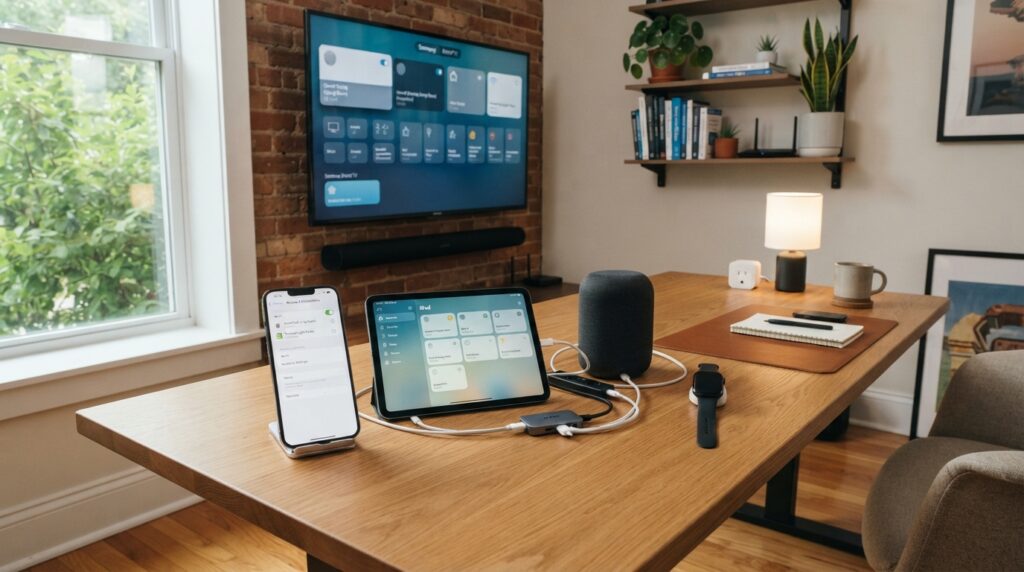
That quick check can reveal whether a new phone supports the connections we rely on. Start by checking the connection requirements of the device we rely on most.