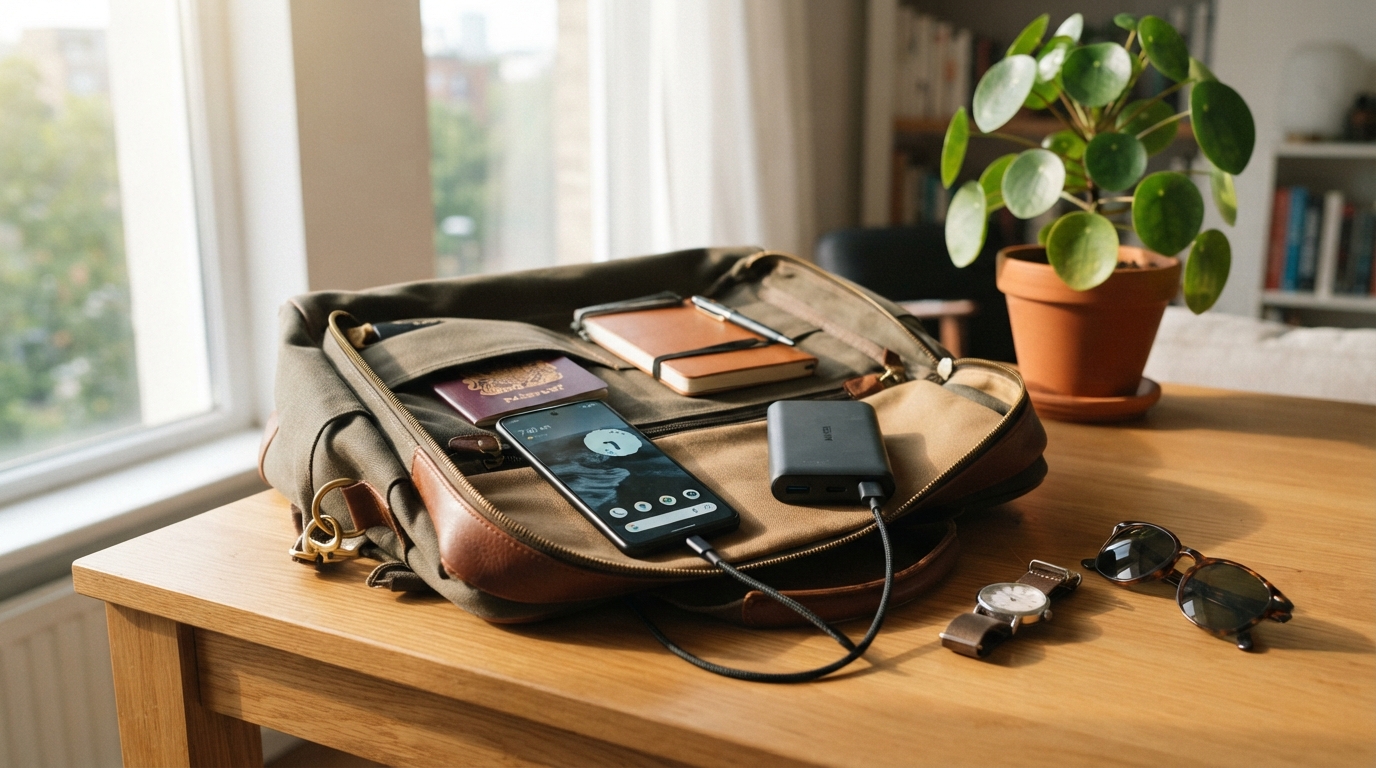
A quick charge before leaving home can make the difference between taking a low-battery phone and a ready-to-use one. In a 2026 survey, 58% of respondents said their phone battery life frustrated them. Fast charging technology can ease that strain during workday mornings, commutes, trips, and busy evenings.
A watt is a unit of electrical power calculated as volts multiplied by amps (W = V × A). The wattage printed on a charger describes its maximum output, not the power every device will draw. We can use one setup for a phone, then need different charging speeds for a tablet or laptop.
This guide helps us understand what affects charging speed and how to match everyday equipment to our devices. A quick top-up can make a busy day feel less uncertain, but the advertised number alone does not tell the full story.
Key Takeaways
- Fast charging depends on the phone, charger, cable, and shared charging rules.
- A charger’s wattage is its maximum output, not a promise of phone speed.
- A timed charging test offers a better speed comparison than a label alone.
- USB Power Delivery and PPS can support charging across compatible devices.
- Wireless charging suits routine top-ups, while wired charging often reaches higher speeds.
- Heat, battery level, and demanding apps can reduce charging speed.
The useful question is not simply how many watts a charger advertises, but whether the whole charging setup works with our device.
What Counts as Fast Charging Technology on a Phone?
A phone that gains more charge in a fixed half hour is a more useful measure of everyday speed than a charger’s peak wattage alone. Fast charging commonly starts around 15 W, while a standard 5 V, 1 A output provides 5 W. Device support and a matching charging setup decide the actual speed.
Charging power equals voltage multiplied by current. A phone reaches its maximum charging rate only when the phone, charger, and cable support compatible charging. For practical comparisons, a controlled time-and-charge test is more useful than the wattage printed on a charger.
| Phone | Test setup | Charge added in 30 minutes |
|---|---|---|
| Samsung Galaxy S26 Ultra | 60 W or higher compatible wired charger | 76% |
| iPhone 17 Pro and Motorola Moto G Stylus (2025) | Compatible wired charger | 74% |
| OnePlus 15 | Compatible wired charger | 72% |
| iPhone 17, iPhone 17 Pro Max, Samsung Galaxy S25 FE | Compatible wired charger | 69% |
| Fastest overall result | iPhone 17 Pro, average wired and wireless results | Ranked first among 33 phones |
Compare phones with the same starting battery level and time window. A charger’s peak wattage alone cannot predict how much charge a phone gains.
In a 2026 30-minute wired test, phones started at 10% or less and used chargers that met or exceeded each phone’s maximum supported speed. The Samsung Galaxy S26 Ultra’s 76% gain was the best wired result among 33 phones. The iPhone 17 Pro ranked first overall using average wired and wireless results.
Charging power often tapers as a battery moves away from empty or nears full. That control helps the phone manage charging through different battery levels, so a half-hour test does not mean every later half hour will add the same amount.
Compare charging results under the same starting battery level and time window, since unlike setups can make a speed comparison misleading.
How Does USB Power Delivery Negotiate Charging?
USB Power Delivery lets a charger and connected device agree on a supported power level instead of sending the charger’s maximum output unconditionally. The standard, also called USB PD, supports a range of charging rates for phones, laptops, and other devices. More available power does not force a device to draw more.
A charger and device set a compatible level through a charging protocol. That agreement helps explain why a charger with a high maximum output can safely serve a phone with a lower input limit.
USB PD power ranges and adjustable voltage
USB PD 3.1 supports up to 240 W through a full-featured USB Type-C cable and connector. Its Extended Power Range, or EPR, uses fixed voltages of 28 V, 36 V, and 48 V. These support power levels up to 140 W, 180 W, and 240 W, respectively.
Adjustable Voltage Supply mode lets a supported device request an intermediate voltage from 15 V up to the charger’s highest available fixed voltage. This gives compatible devices more choice than a set group of voltage levels.
USB PD 3.2 PPS, or Programmable Power Supply, offers finer changes. It adjusts voltage in 20 mV steps and current in 50 mA steps across 5 V to 21 V. PPS’s small voltage and current steps let supported devices request power that better suits their charging state.
Power direction, device demand, and role switching
USB PD devices draw the power they need and can receive more when an application calls for it. The charger’s ceiling is not a command to use all its power. Higher available output simply gives compatible devices more room to draw what they require.
Power can flow in either direction, so a host or a peripheral can supply it. A phone, for example, may provide power to another device, or receive power from it. Fast Role Swap can change source and consumer roles within 150 microseconds.
USB PD is designed to work alongside standard USB Battery Charging implementations. That helps devices use supported charging methods without making one standard the only option.
A USB PD label identifies a standard, but device support and cable capability still determine the negotiated power.
Which Phone Charging Standards Matter Most?
USB PD, PPS, and Qualcomm Quick Charge matter because they set whether a phone and charger can use the same power rules. The device and charger must both support a charging mode for that mode to work. Brand names alone do not confirm compatibility.
USB PD is a widely used cross-device charging standard. PPS is a variable power feature within USB PD, and it works only when both the charger and device support it. Shared support is the key detail when comparing charging protocols.
USB PD and PPS compatibility
A USB PD charger may serve more than one kind of device, including a phone or laptop, when each device supports USB PD. PPS adds finer control over voltage and current, but a PPS charger does not make every connected phone use PPS.
Check the charging mode listed for the phone and charger, not only the wattage. A device that does not support PPS can still charge through another compatible mode, but it will not use PPS adjustments.
Qualcomm Quick Charge and USB PD
Quick Charge requires support from both the charger and phone. If either side lacks support, charging falls back to standard USB charging rather than using that Quick Charge mode.
Qualcomm announced Quick Charge 5 on July 27, 2020. It supports up to 100 W and works with USB PD and PPS. Qualcomm said a phone with a 4,500 mAh battery could reach 50% in five minutes. Quick Charge 5+ was announced on September 10, 2025.
Quick Charge 5’s support for USB PD and PPS can help it fit into a broader charging setup. Still, that feature does not replace the need for a compatible device and charger.
Samsung Super Fast Charging 2.0 requirements
Samsung’s 45 W Super Fast Charger 2.0 needs a USB PD 3.0-compatible device that supports Direct Charging for Super Fast Charging 2.0. It uses USB PD 3.0 and PPS to adjust voltage and current in real time based on the device’s charging status.
Other devices can use the Samsung charger, but they charge more slowly if they lack the required support. Super Fast Charging 2.0 requires both USB PD 3.0 and Direct Charging support.
| Standard or charger | Stated maximum power | Compatibility condition |
|---|---|---|
| USB PD 3.1 | Up to 240 W | Compatible device and full-featured USB Type-C cable |
| Quick Charge 5 | Up to 100 W | Charger and device both need Quick Charge support |
| Samsung 45W Super Fast Charger 2.0 | 45 W | USB PD 3.0 and Direct Charging support |
Before buying a faster charger, check the protocol and the specific charging mode your phone supports, not just the brand name.
What Do 45W, 65W, and 100W Chargers Actually Deliver?
A 100 W charger does not push 100 W into every phone that is plugged into it. The printed wattage is its maximum available output, while the phone draws power according to its own limits and compatible charging mode. A higher charger rating alone does not make a phone charge faster.
A 100 W charger can serve a 45 W phone when both support a compatible protocol. The phone draws only what it can accept. That makes a high-output charger useful for more than one kind of device, but not automatically faster for one phone.
For one compatible phone, a 100 W charger is not automatically better than a 65 W charger. Choose the 65 W option if it meets the phone’s maximum, and choose 100 W when other devices need its extra output. A phone capped below both ratings will not speed up simply because the charger has a higher maximum.
In 2026, the $200 Samsung Galaxy A17 supported 25 W charging, the same maximum as the $900 Samsung Galaxy S26. A phone’s price does not show its charging limit. The OnePlus 15 cost $900 and supported 80 W charging, adding 72% in 30 minutes with its 80 W charger.
The OnePlus 15 pairs that charging support with a 7,300 mAh silicon-carbon battery. That example shows why we should separate a phone’s charging limit from its battery size. Neither the price nor a large battery tells us what a charger alone will deliver.
A 100 W charger can be helpful when a compatible laptop or several devices need more capacity than a phone does. For a single phone, the useful rating is the maximum the phone can accept through a shared charging protocol, not the largest number on the brick.
Match the charger’s supported protocol to the phone first, then use wattage to decide whether the charger also suits your other devices.
Which Charger and Cable Match Your Device?
Start with the device’s port and supported charging protocol, then verify that the cable and charger support the same power level. A connector’s shape does not prove that it supports a particular fast-charging mode. The complete setup sets the available charging rate.
A USB-A port and a USB-C port can look familiar, but their charging support differs. The phone, charger, and cable must all work together for the expected power level.
USB-A, USB-C, and device-specific cable limits
iPhone 15 models and later charge at a maximum of 7.5 W when connected to a USB-A charger. Apple recommends a USB-C PD charger and USB-C cable for faster wired charging on those models. For iPhone 14 models and earlier, it recommends a USB-C-to-Lightning cable.
A standard USB Type-C cable carries up to 3 A. Above 3 A, a cable rated for 5 A is required. A 5 A or EPR-compatible cable uses an e-marker, a chip that identifies the cable’s capability to the charging setup.
For sources rated above 60 W, USB PD checks cable compatibility through the e-marker. Without identification of a 5 A or EPR-compatible cable, current is limited to 3 A and power to a maximum of 60 W. The cable can set the ceiling, even when the charger offers more.
Multiport chargers and power banks
A multiport charger may reduce its available output when several devices share it. The combined power needs of connected devices and system conditions can change what each port supplies. Power banks also need compatible input and output support to charge devices or recharge themselves at the expected rate.
Use this four-point check before connecting a travel or desk setup:
- Confirm the device’s supported protocol.
- Check the charger’s per-port output.
- Confirm the cable’s current rating.
- Account for shared output when using multiple ports.
When a USB-C setup cannot deliver above 60 W, check whether its cable is identified as 5 A or EPR-compatible.
Is Wireless Charging Fast Enough for Daily Use?
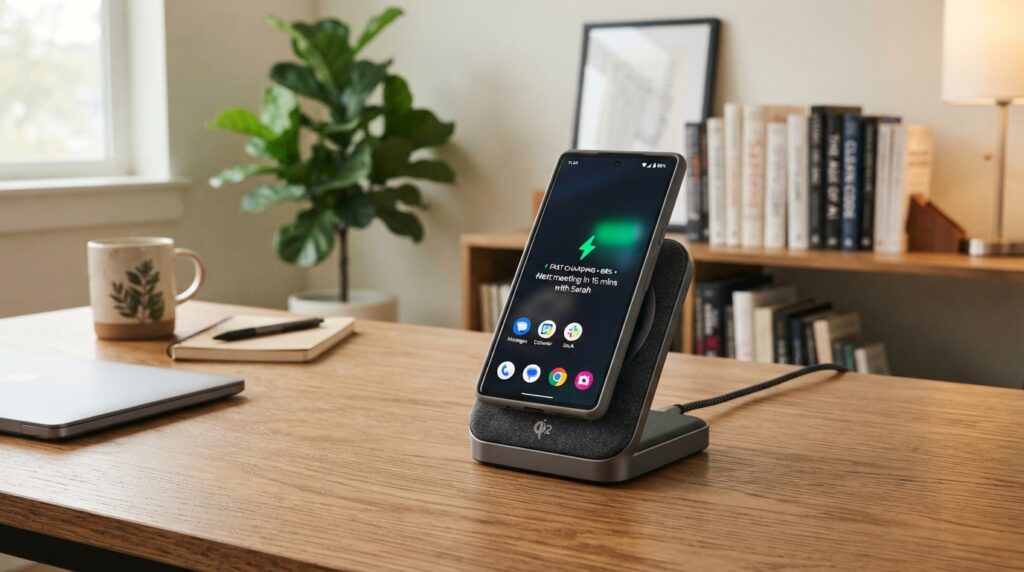
Wireless charging is a practical daily option when convenience matters more than reaching a phone’s fastest possible charging rate. Qi supports up to 15 W, while Qi2.2 supports up to 25 W. Wired charging is generally the better choice when maximum speed matters.
The wireless charging standard transfers power through electromagnetic induction, which moves energy between a charging pad and a device. Alignment and heat can affect the rate, so the phone may not receive the profile’s full power in every position.
Qi, Qi2, and Qi2.2 power profiles
Qi and Qi2 are wireless charging standards, while Qi2.2 supports a higher power profile. A phone and pad need compatible profiles to reach a given wireless rate. A pad’s stated maximum does not mean every phone will use it.
Wireless charging can suit a desk or bedside table, where we can set down a phone during routine tasks. It is convenient for regular top-ups, though wireless charging may produce heat that affects speed.
Alignment and device-specific limits
The Samsung Galaxy S26 Ultra supports 25 W Qi2.2 wireless charging and has a 5,000 mAh battery. The iPhone 17 Pro also supports 25 W Qi2.2 wireless charging. Its tested US eSIM-only version had a 4,252 mAh battery.
An iPhone’s wireless rate can also change when accessories are connected. Connecting a USB-C or Lightning accessory while wirelessly charging an iPhone limits charging to 7.5 W. That device-specific rule matters even when the charging pad supports a higher profile.
Choose a wireless pad for ease during a workday or overnight, and use a wired charger when a faster refill is the priority. A pad that does not align well with the phone may not reach its listed rate.
Check both the phone’s wireless charging profile and the charger’s profile before expecting a particular wireless speed.
How Can Fast Charging Fit a Busy Daily Routine?
A charging routine works best when it fits a pause we already have, rather than creating another task in the day. A compatible wired charger can add power during breakfast, a desk break, or a wait before leaving. Short top-ups can help us avoid planning the day around a low battery.
In a 2026 survey, 58% of respondents were frustrated with phone battery life, and 31% said their phone did not hold a charge as well as when new. That frustration can turn a commute or meeting into a search for an outlet.
Quick top-ups at home or work
Notice when a phone is idle but near a charger. Breakfast may offer a few minutes before a commute, while a desk break can provide another chance to plug in. Use a compatible wired charger when a faster boost matters.
A charge during an existing pause takes less attention than waiting until the battery becomes urgent. We can also keep a charger near the place where the phone spends most of its day, such as a desk or kitchen counter.
Keeping devices ready while traveling
A compatible power bank and cable can help keep a phone ready during a trip. Check whether the power bank can recharge itself quickly, especially before a long travel day. Before a commute or layover, give the phone priority if several devices need power.
Different travel days create different charging demands. A train ride may offer few outlets, while an airport layover may provide time to top up. A power bank is more useful when its output matches the phone and its input suits the charger used to refill it.
Use this simple routine to reduce last-minute charging stress:
- Keep a compatible charger where the device gets used most.
- Top up during an existing pause instead of waiting for an emergency.
- Check power-bank output and input compatibility before a trip.
A small top-up before leaving is easier to rely on when the charger and cable have already been checked for compatibility.
Travel plans can change, so charge the power bank before leaving rather than assuming a short stop will provide enough time. The phone is easiest to keep ready when charging fits into time already set aside.
Why Does a Fast-Charging Phone Sometimes Slow Down?
A fast-charging phone can slow down when its battery, temperature, workload, or charging equipment limits the power it can safely accept. Charging power often tapers as a battery nears full. Heat and battery level can reduce speed even with compatible equipment.
Demanding tasks can use power while the phone charges. Apple lists processor-intensive apps, games, camera apps, and high-quality video streaming as activities that can slow iPhone charging.
Heat, battery level, and intensive use
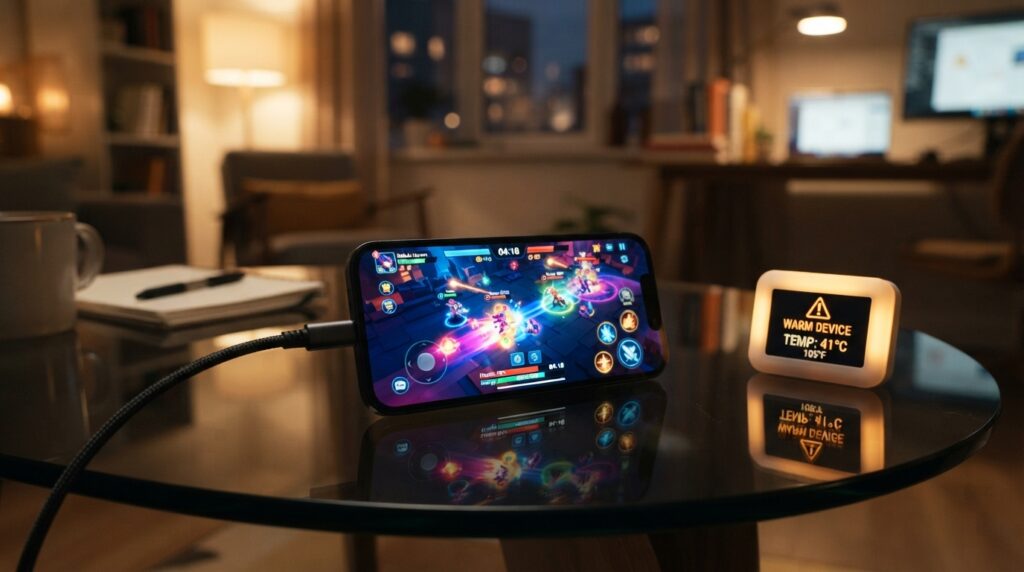
Charging creates heat, and the phone may reduce charging power to manage it. Extreme temperatures can also affect charging. Apple says an iPhone may temporarily pause charging in extreme temperatures, then resume when its battery returns to its normal operating range.
A wired charger providing 7.5 W or less can make an iPhone charge more slowly than expected. A busy camera app or game can add to the delay by using the processor during charging.
Charging, demanding apps, direct sunlight, and a weak signal can all contribute to a phone warming up. Safe ways to cool a warm phone include stopping demanding tasks, unplugging a hot device, and letting it cool naturally. Avoid ice or refrigeration.
Troubleshooting slow charging safely
Check the setup in a few steps before treating slow charging as a device fault:
- Verify the charger’s protocol and output.
- Inspect the cable and connectors for damage.
- Close demanding apps while charging.
- Move the device out of extreme heat or cold.
These checks can help identify a common limit, but they cannot promise a particular charging rate. A damaged connector or a charger with low output may need replacement, while an overheating phone needs time to cool.
If a phone repeatedly pauses or overheats under ordinary conditions, stop using the suspect charger and cable and have the device checked.
Conclusion
The most reliable way to get a faster charge is to match the phone, charger, and cable rather than buying the highest wattage by default. A useful setup supports the same charging mode across all three parts.
That match can make everyday charging more predictable at home, work, and while traveling. It also helps us avoid carrying a charger that cannot use the phone’s supported speed.
Before choosing or packing a charger, check the device’s charging specifications. Confirm its supported charging protocol and maximum input, then choose equipment that fits those limits.
Check your device’s supported charging protocol and maximum input before your next charger purchase or trip.