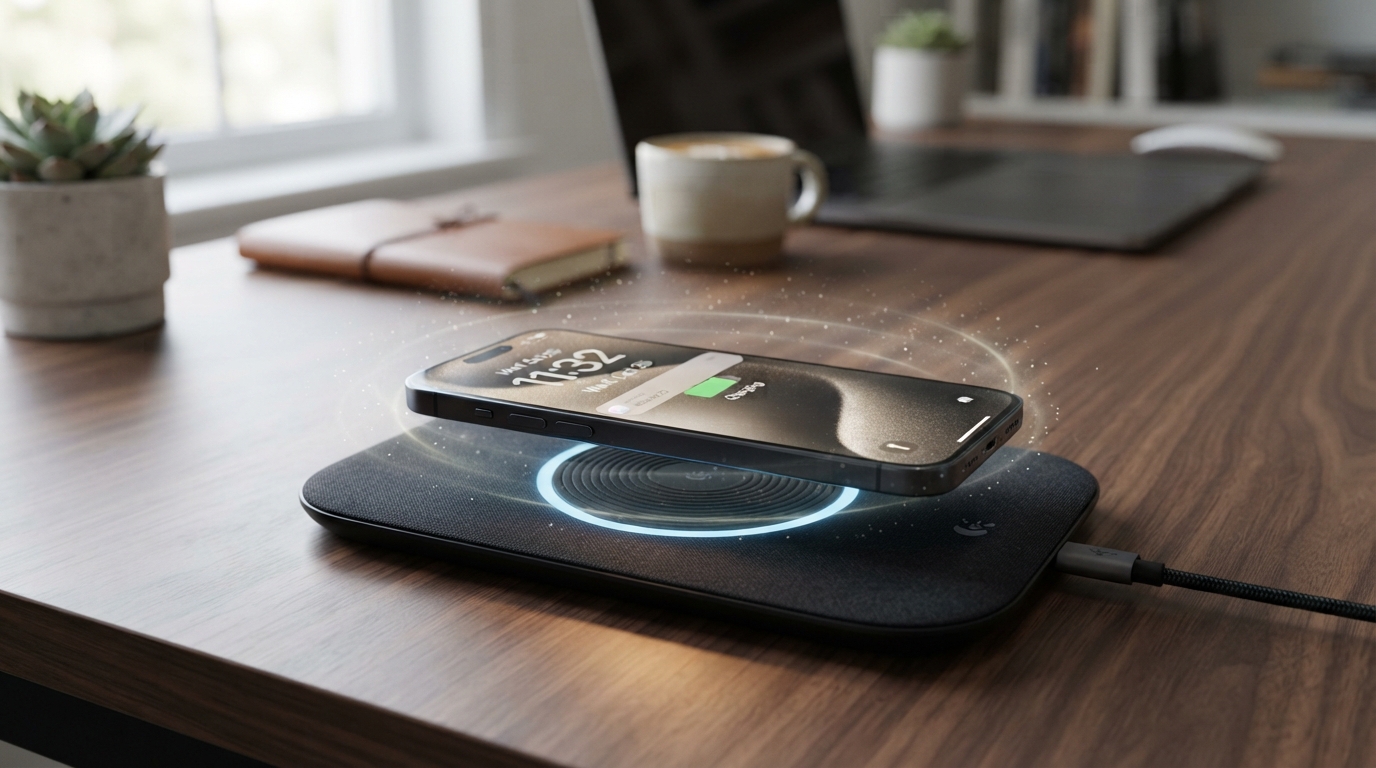
Wireless charging cuts cable clutter, but a phone usually uses less energy to reach a full charge with a cable. The gap can grow when the phone rests off-center or gets too warm. Those everyday details shape charging time, energy use, and the battery’s long-term care.
Coil alignment means positioning the transmitter coil and receiver coil directly over one another for more effective energy transfer. We can use that simple idea to get a steadier charge and avoid common setup problems. This guide explains how to choose a charger and use it well.
The most useful first step is to place the phone so its charging coil sits directly over the pad’s coil.
Key Takeaways
- Wired charging usually uses less energy than wireless charging.
- Centering the phone helps the coils transfer power more effectively.
- Thick cases, metal objects, and heat can slow charging.
- Choose a certified charger that matches your phone’s supported standard.
- Keep the phone and pad cool, with room for air to move.
- Wireless charging does not harm a battery by itself.
How Does Wireless Charging Transfer Power?
A charging pad sends energy across a short gap by using a changing magnetic field between two coils. This form of wireless charging is called inductive charging, and it lets a phone charge without a plug in its port.
The transmitter coil sits in the pad, while the receiver coil sits inside the phone. Their close position lets energy cross the gap, though each step in the transfer can waste some power.
From Wall Current to the Transmitter Coil
Power starts as electricity from a wall outlet. The charging adapter changes it into the form the pad needs, then sends it to the transmitter coil.
Smartphone charging coils commonly operate at 130-140 kHz. The coil carries alternating current, which changes direction many times each second.
That changing current creates a changing magnetic field around the transmitter coil. The field reaches across the small space to the receiver coil inside the phone.
Keep the two coils close and well aligned to support a more effective transfer of energy.
From Magnetic Field to Battery Current
The changing magnetic field induces current in the receiver coil. This effect is called magnetic induction, and it moves energy without a wired connection between the coils.
The receiver coil’s output is alternating current, not the direct current a phone battery stores. The phone’s charging circuitry changes that current into direct current and manages its flow into the battery.
The charging process has four main stages:
- The adapter converts wall power for the charging pad.
- The transmitter coil creates a changing magnetic field.
- The receiver coil generates current from that field.
- Phone circuitry converts the current for the battery.
Phone circuitry also tracks charging conditions and can adjust the power it accepts. Each conversion and transfer stage can lose some energy as heat.
Is Wireless Charging Efficiency Lower Than Wired Charging?
A cable used less energy than wireless charging in the measured smartphone comparisons. Wired charging is the more efficient choice when we want to use less energy for a full charge.
The difference is not one fixed figure for every phone or pad. Charger design, coil placement, and test conditions all affect how much power reaches the battery.
Samsung Phone Charging Efficiency
Samsung wireless charging efficiency follows the same basic rules as other phones. The result changes with the charger, the model’s supported input, and coil placement.
That means we should not treat Samsung phones as having one brand-wide efficiency figure. Two setups can use different amounts of energy, even when charging the same phone.
A 2024 iFixit test found that Apple’s MagSafe charger used around 36% more power than a wired charger. Misalignment on a wireless charging pad could halve its efficiency.
The same test measured an iPhone 15 Pro with a 12.7Wh battery. A full charge used 18.25Wh with a cable, 23.33Wh with aligned Apple MagSafe, and 33.93Wh with an off-center Qi charger.
Those results compare three distinct setups, not three versions of one identical charger. The off-center Qi result shows how placement can change the energy needed for a full charge.
How Much Energy Does Each Method Use?
An annual estimate put smartphone charging at around 5.5 kWh with a cable and 7.6 kWh with a wireless charger. The yearly totals depend on daily charging habits and the equipment in use.
The full-charge test used the same 12.7Wh battery in each row. Its results make the difference among those specific charging setups clear.
| Setup | Energy used for a full charge | Battery tested |
|---|---|---|
| Wired iPhone 15 Pro | 18.25Wh | 12.7Wh battery |
| Aligned Apple MagSafe | 23.33Wh | 12.7Wh battery |
| Off-center Qi charger | 33.93Wh | 12.7Wh battery |
In that test, the iPhone 15 Pro charging results show how much the setup affected energy use. We should read the numbers as test results, not as a promise for every phone or charger.
Wireless charging can still suit someone who values easy placement and fewer cables. A phone can rest on a pad between tasks, while a cable may be more useful when energy use matters most.
Choose wired charging when minimizing the energy used for a full phone charge matters more than cable-free convenience.
What Makes a Wireless Charger Less Efficient?
A phone that sits off-center or farther from the pad’s coil receives power less effectively. Alignment and distance are two major factors in wireless charging efficiency.
A small sideways shift can weaken the link between the transmitter and receiver coils. Added distance also reduces how much energy transfers across the gap.
Alignment and Distance
A case can add an extra millimeter or three between the coils. That space may seem tiny, yet it can affect how well the magnetic field reaches the receiver.
Qi2 uses magnets around the coils to help align a compatible phone and charger. The magnetic system helps with placement, but it does not remove every energy loss.
A thick case can create more distance, and metal in a case can obstruct the magnetic field. Cards or metal attachments may also interfere with charging.
Cases, Heat, and Standby Draw
Heat can lower charging performance because a phone may reduce power when it gets too warm. A hot room, poor airflow, or a warm device can make that more likely.
We can check five conditions when a pad performs poorly:
- Coil alignment between phone and pad
- Distance from case layers or other barriers
- Case material and thickness
- Operating temperature around the phone
- Idle power draw from an unused pad
Wireless charging pads drew around 0.2W while idle in testing. A plugged-in pad can use a small amount of power even when no phone is charging.
That idle draw is separate from the energy used during charging. Unplug a pad that will sit unused for long stretches if its standby draw matters to your energy use.
Which Qi, Qi2, or MagSafe Charger Fits Your Phone?
For an iPhone 17, choose a certified Qi2.2 charger to access wireless charging up to 25W. The phone’s supported limit and the charger’s certification set the practical ceiling.
A charger’s printed maximum does not mean every phone will reach that speed. The phone must support the standard, and the charger must meet its certification rules.
Match the Standard to the Phone
Qi is a broad charging standard used across many devices. MagSafe and Qi2 add magnetic alignment for compatible phones and accessories.
Qi2 25W is also called Qi2.2. On supported iPhone models, it matches Apple’s 25W wireless charging speed.
Tested 15W Qi2 chargers charged compatible devices at an equivalent speed to 15W MagSafe chargers. That match applies to compatible devices and tested chargers, not every phone on the market.
Understand the Wattage Limit
In 2026, iPhone 17 models support wireless charging up to 25W with a certified Qi2.2 charger. iPhone 12-15 models support up to 15W with certified MagSafe or Qi2 chargers.
An iPhone using a charger marked only “MagSafe Compatible” is usually limited to 7.5W wireless charging. That label alone does not mean the charger meets Apple’s certified MagSafe standard.
| Phone or compatibility label | Supported wireless charging limit | Required charger condition |
|---|---|---|
| iPhone 17 | Up to 25W | Certified Qi2.2 |
| iPhone 12-15 | Up to 15W | Certified MagSafe or Qi2 |
| iPhone using a charger marked only “MagSafe Compatible” | Usually up to 7.5W | Compatibility label alone |
The Qi2.2 25W charging limit applies only to supported iPhone models and certified chargers. A high wattage on the box cannot raise a phone’s own limit.
Check the exact phone model and charger certification before treating a wattage printed on a box as a real charging speed.
How Do Heat and Overnight Charging Affect Battery Health?
Wireless charging does not inherently damage an iPhone 16 or iPhone 17 battery, but excessive heat can accelerate battery aging. Heat and long periods at a high charge level matter more than the cable alone.
Both models use lithium-ion batteries. Wireless charging can warm a phone, and a hot room or blocked airflow can add to that warmth.
Is Wireless Charging Bad for iPhone 16 and iPhone 17 Batteries?
Wireless charging is not inherently unsafe for either phone’s battery. The main concern is excess heat, which can affect how long a lithium-ion battery holds its charge.
Built-in thermal controls may slow or pause charging when a device gets too hot. That response protects the phone rather than signaling that wireless charging has failed.
We can read more about how heat and charge levels age lithium batteries. Prolonged heat and high charge levels can speed battery aging.
Wireless Versus Wired Battery Health
Battery health depends more on heat and time spent at a high charge level than on whether the phone uses a cable. Wired charging can also create heat, depending on the phone and its use.
Overnight charging is generally safe with a compatible charger and good airflow. The length of the night alone is not the main issue; excess heat is.
We should avoid charging a phone in a hot spot or under bedding that traps warmth. Phones need space around them to release heat during charging.
For practical steps to limit warmth during normal phone use, see these phone cooling and thermal management tips. Those habits also help when charging makes a device warm.
Move a hot phone and charging pad to a cooler, open surface and let them cool before charging resumes.
How Can We Improve Charging Speed and Reduce Energy Waste?
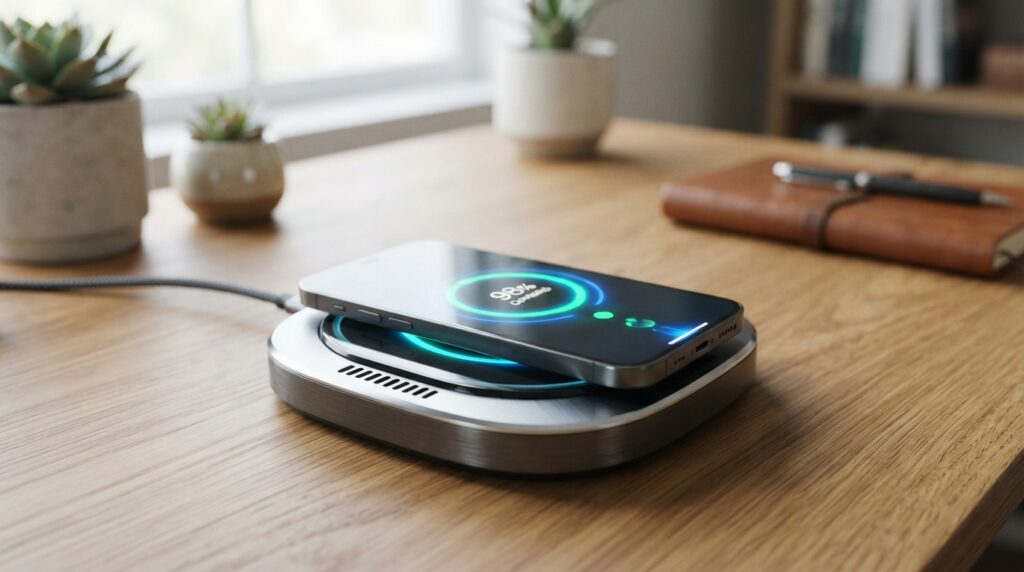
Start by centering the phone and checking that the adapter can supply the charger’s required input. A compatible phone, certified charger, and suitable adapter work as one system.
A higher-wattage pad will not always make charging faster. The phone sets the upper limit on the power it can draw.
Reduce Wasted Energy
Small objects and poor airflow can get in the way of a steady charge. We can check the setup in this order:
- Center the phone on the pad.
- Use a thin, nonmetal case.
- Remove cards or metal attachments.
- Use a charger certified for the phone’s standard.
- Keep the phone and pad ventilated.
These steps address common barriers without adding a new accessory. A neat setup can also make it easier to see whether the phone is charging as expected.
Get the Speed Your Device Supports
Apple MagSafe can deliver 15W when paired with a 20W or higher power adapter. A lower-capacity adapter may not supply the input needed for that output.
A charger may offer more power than the phone can use. The phone will not draw more than its own supported limit, so an oversized power rating does not force extra speed.
We should also check that the adapter, cable, and pad form a compatible set. A weak or damaged power connection can affect performance before power reaches the pad.
If charging remains slow after those checks, test the phone and pad without the case to isolate interference.
What Are MagSafe’s Benefits and Limitations?
MagSafe’s main convenience is that magnets help a compatible phone land in the right charging position. Apple’s MagSafe charger attaches magnetically to iPhone 12 or newer.
That alignment makes charging feel simple, and compatible accessories can attach to the same magnetic area. MagSafe does not mean every magnetic accessory works with every iPhone model.
Why MagSafe Feels Convenient
Magnets help a compatible phone settle over the charging coils without careful repositioning. That can reduce the chance of a phone resting far from the active charging area.
MagSafe charging itself continues as a feature. Apple’s separate MagSafe Battery Pack was sold from July 2021 until September 2023.
An iPhone Air Battery Pack compatibility detail notes that this newer pack does not stay magnetically attached to other iPhone models. The battery pack is a separate product from MagSafe charging.
Does Wireless Charging Harm an iPhone 13 Battery?
MagSafe or other wireless charging is not inherently bad for an iPhone 13 battery. Excessive heat remains a concern, as it does with other lithium-ion phones.
The phone’s magnetic link helps with position, but it does not prevent warmth during charging. A phone can also use MagSafe accessories without charging if the accessory serves another purpose.
Compatibility matters most when we depend on magnets to hold an accessory in place. Check the accessory’s model compatibility before relying on its magnetic attachment.
How Does Wireless Charging Differ for Electric Vehicles?
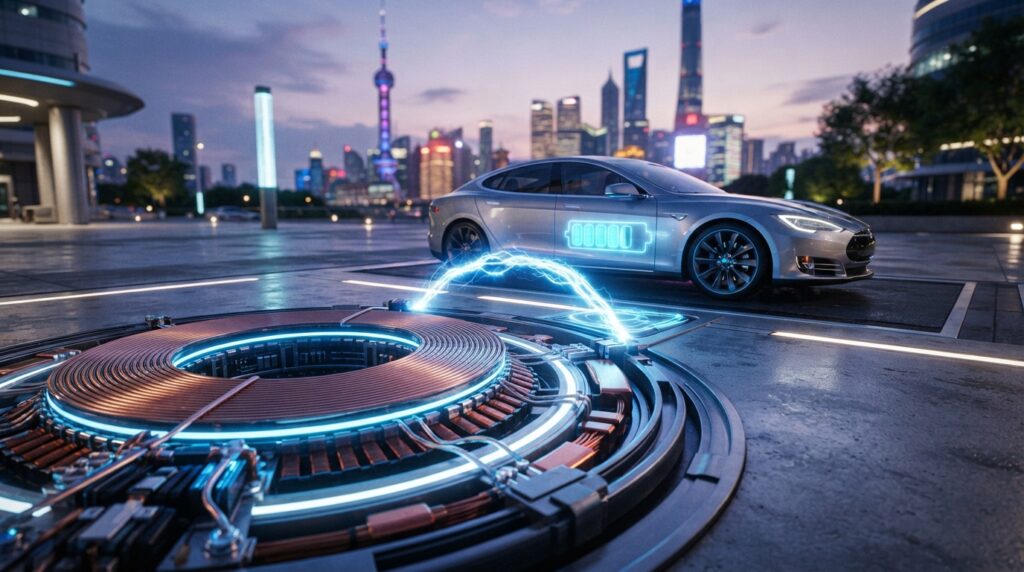
Wireless EV charging uses a different scale and coupling setup from a phone resting on a pad. SAE J2954 provides a standard for inductive electric-vehicle charging up to 11 kW.
Phone and car charging both use coils, but their size, power, and spacing differ. Phone charging uses closely positioned coils, while EV systems transfer power across a larger gap.
Qi devices commonly use frequencies in the 87-205 kHz range. That phone standard does not set the charging rules for electric cars.
Phone charging efficiency figures do not tell us how much energy an electric vehicle will use wirelessly.
Wireless EV systems use larger transmitter and receiver units. They rely on resonant inductive coupling, which helps transfer power between units spaced farther apart than phone coils.
SAE J2954 was published in 2020. It sets a standard for inductive EV charging at power levels up to 11 kW.
The system needs equipment on both the ground and the vehicle. The transmitter unit sends power, while the receiver unit takes it in for the car’s charging system.
Placement still matters, but a car’s larger charging area and hardware make the setup unlike a small phone pad. Phone test results should not be used to estimate EV charging losses.
Does Charging an EV to 100% Damage the Battery?
An occasional full charge is not automatically damaging to an EV battery. For routine use, drivers should follow the vehicle maker’s recommended daily charge limit.
That limit matters especially when the vehicle will stay parked for a long time. A full charge may make sense before a trip that needs the added range.
Battery management is separate from the wireless transfer method. The car controls how its battery charges, whether power arrives through a cable or an inductive system.
Drivers should use the vehicle’s own guidance rather than apply phone charging habits to a car. A car maker’s recommended limit reflects the battery and charging controls in that vehicle.
Use the vehicle’s recommended charge limit for routine charging and reserve a full charge for trips that need the range.
Conclusion
A cable remains the better choice when reducing phone-charging energy use is the priority. A certified wireless charger is a useful option when easy placement and fewer cables matter more.
We can improve the wireless charging experience by matching the charger to the phone and keeping the setup cool. Good alignment helps the phone receive power as intended.
Check your phone’s supported standard before choosing a pad, then center the phone and keep it cool.