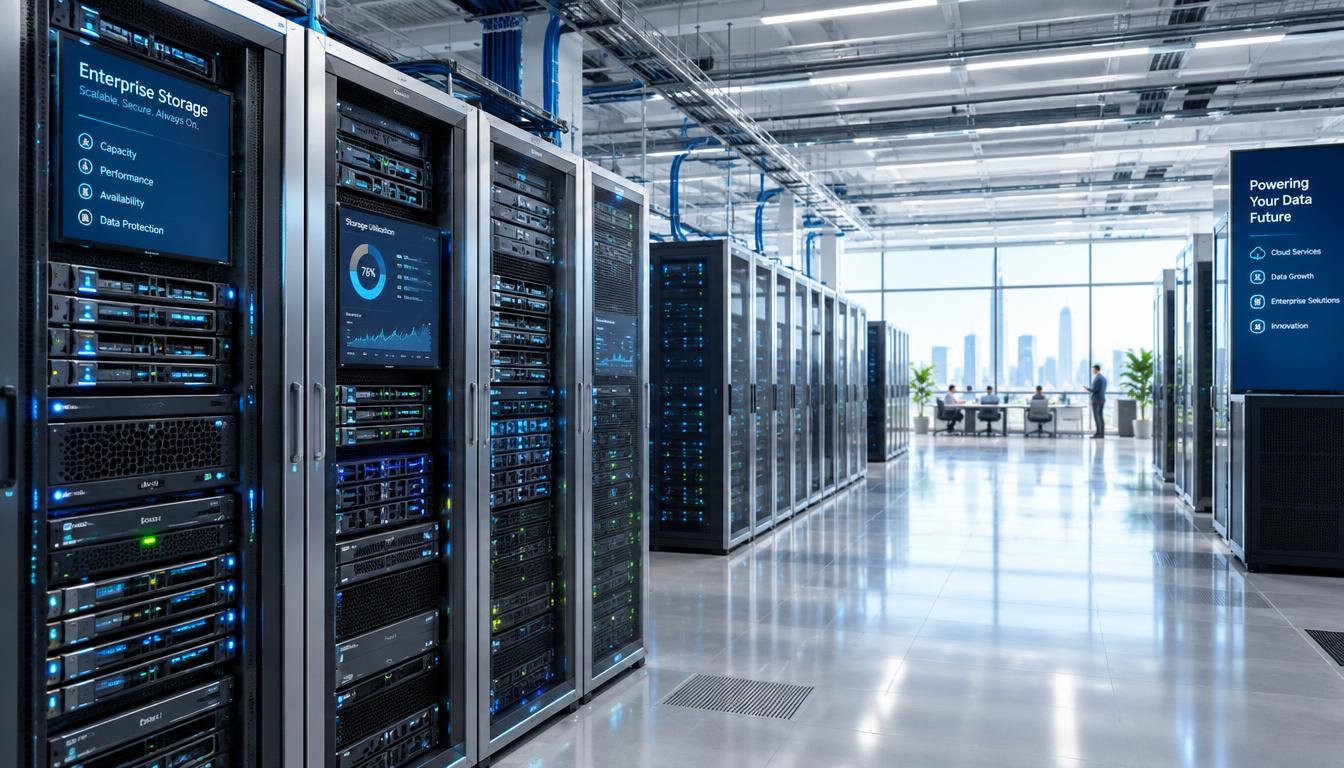
ENERGY STAR found that 28% of data center managers named storage growth as their biggest data operations trend. That growth can affect service speed, budgets, and recovery plans.
The right enterprise storage choice starts with the workload, not the largest capacity number on a product page. Our recommendations cover different workloads and architectures, not six interchangeable devices. We compare options for applications, shared files, AI, and large data collections.
Before choosing, we need to match workload, usable capacity, performance, data protection, and management needs. The operating model matters too: some users need local systems, while others need cloud services or a hybrid cloud.
We will focus on systems with a clear use case and measurable claims. Match the storage architecture to the data’s access pattern before comparing individual systems.
Key Takeaways
- Match each workload to the right storage access model.
- Compare usable capacity, not only raw capacity.
- Check how performance claims were tested.
- Set recovery goals before buying a system.
- Include support, power, space, and cloud costs in your plan.
What Types of Enterprise Storage Fit Different Workloads?
A database, a shared file library, and an AI data lake do not need the same storage architecture. Block storage suits databases and ERP applications, while file storage serves shared folders and team files.
Choose storage by how applications read and write data, not by capacity alone. A storage area network (SAN) connects servers to shared block storage. Network-attached storage (NAS) lets users and applications share files over a network.
Match the storage model to how applications and users access data. Capacity alone does not tell us whether a system fits.
Block and file storage for applications and shared files
Block storage presents data in fixed-size blocks, which databases and ERP systems can address directly. File storage organizes data into named files and folders for shared access.
Direct-attached storage (DAS) connects directly to one server, so it can suit local workloads with limited sharing needs. Network-attached storage supports shared access across a network.
Object, direct-attached, and cloud storage for scale and access
Object storage is a storage architecture that keeps data as objects with metadata and unique identifiers in a flat structure. It can handle large unstructured datasets, such as images, video, and AI training data.
Cloud storage provides remote capacity through cloud services. The five familiar physical storage devices include hard disk drives (HDDs), solid-state drives (SSDs), tape cartridges, optical discs, and memory cards.
The ENERGY STAR draft specification describes storage products and media, including HDDs, SSDs, and tape. It also covers methods such as compression and deduplication.
| Storage medium | Typical access latency | Common role |
|---|---|---|
| Performance NVMe SSD | 10 to 100 µs | Fast active data |
| Capacity flash | 50 to 200 µs | Capacity with flash access |
| Capacity HDD | 5 to 15 ms | Bulk data |
| LTO tape or optical | Seconds to minutes | Archive |
Performance NVMe SSDs serve active data quickly, while tape and optical media suit archives that can wait. The typical access latency ranges reflect the time needed to reach stored data.
Mainstream enterprise HDDs run at 7,200 RPM; 10K and 15K models are legacy performance drives, largely replaced by SSDs. Keep frequently accessed data on faster media and reserve tape or optical storage for data whose access can wait.
How Do Enterprise Storage Rankings and Market Trends Compare?
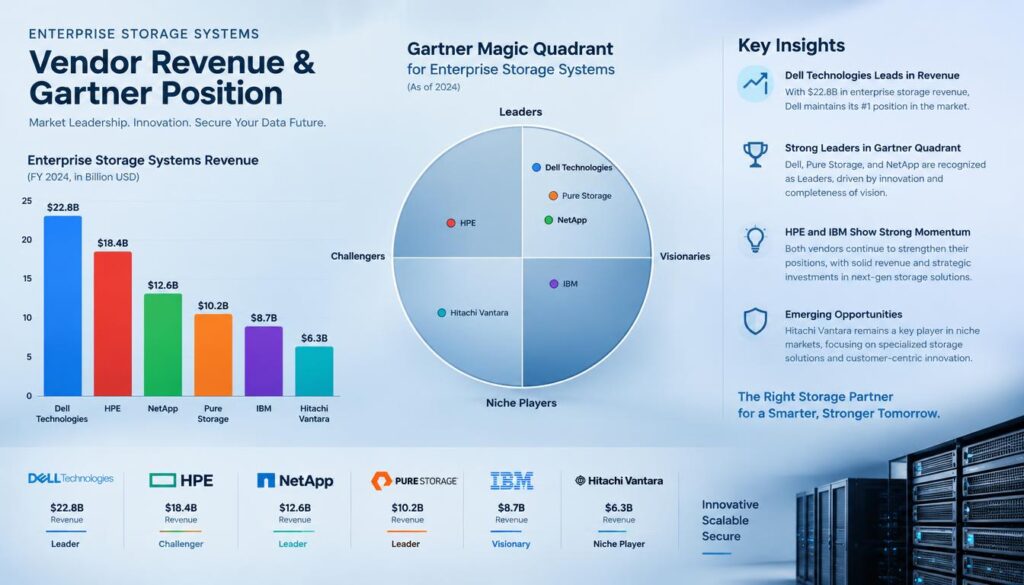
IDC’s 1Q26 revenue ranking puts Dell Technologies first, while Gartner’s 2026 Leaders group contains six vendors. These rankings measure different things: IDC ranks supplier revenue, while Gartner assesses vision and ability to execute.
A vendor’s market position does not prove that its system fits a specific workload. IDC ranked the top five worldwide external enterprise storage systems suppliers by revenue in 1Q26 as Dell, NetApp, Everpure, Huawei, and HPE.
| Vendor | IDC 1Q26 revenue rank | Gartner 2026 position |
|---|---|---|
| Dell Technologies | 1 | Leader |
| NetApp | 2 | Leader |
| Everpure | 3 | Leader |
| Huawei | 4 | Leader |
| HPE | 5 | Leader |
Those are the top data storage companies in the world by IDC’s external enterprise system revenue ranking. Gartner also named IBM a Leader, along with the five vendors in the table.
Worldwide external enterprise storage systems revenue reached $9.2 billion in 1Q26, up 22.7% year over year. All-flash arrays made $4.9 billion, or 52.6% of revenue, with 32.7% annual growth.
Hybrid flash arrays brought in $3.5 billion, up 14.0%, while all-HDD arrays brought in $0.9 billion, up 10.2%. IDC’s 1Q26 market figures show that flash systems drove the largest share.
Gartner’s 2026 Magic Quadrant named Everpure, Huawei, HPE, NetApp, Dell Technologies, and IBM as Leaders. Gartner placed Everpure highest in ability to execute and furthest in completeness of vision for the second year in a row.
The broader data center storage market was estimated at $58.59 billion in 2023 and projected to exceed $100 billion by 2029. That estimate covers a wider market than IDC’s external enterprise systems figures.
The United States market grew 30.4% year over year to $3.95 billion in 1Q26. Treat rankings as a shortlist aid, then test the systems against your own workload and recovery requirements.
6. Best Enterprise Data Storage Devices for Different Workloads
For a mixed enterprise estate, our six picks span block, object, and AI-focused storage rather than six copies of the same array. Each option fits a different job, so we should compare them by workload.
These are different categories of solution, not direct substitutes. Dell EMC is the former name for Dell’s enterprise storage business, and Dell Technologies now sells systems for block and object workloads.
-
Dell Technologies fits mixed block and object workloads. PowerStore Elite launched in May 2026 with up to 5.8 petabytes of effective capacity in a 3U system and a 6:1 data-reduction guarantee. Dell said its hardware and software upgrades deliver up to three times faster workload performance. ObjectScale reached 9.83 petabytes in 2U using 245-terabyte SSDs.
-
NetApp StorageGRID 12.1 suits large-scale AI and object storage. Released in June 2026, it adds a federated global namespace and throughput of up to 12 terabytes per second for data lakes and large object workloads.
-
IBM FlashSystem 5600, 7600, and 9600 support block storage and administration tasks. Their FlashSystem.ai feature assists administrators, while fifth-generation FlashCore Modules are designed to detect ransomware in under one minute.
-
DDN AI400X3 suits multi-node AI workloads that need high throughput. In MLPerf Storage v2.0, it sustained 120.68 gigabytes per second on 3D U-Net across multiple nodes. It also read Llama3-8b checkpoints at 30.6 gigabytes per second and wrote them at 15.3 gigabytes per second from a 2RU appliance.
-
Hammerspace Tier 0 supports high-throughput AI pipelines. It delivered 420.8 gigabytes per second on 3D U-Net across five nodes at 96.4% accelerator use. That test fed 140 simulated H100 accelerators.
-
Cloudian HyperStore fits distributed S3-compatible object and file access. It supports native S3, NFS, and SMB, with a scale-out design intended to grow from terabytes to exabytes across distributed sites.
The physical data storage companies in this shortlist include Dell Technologies, NetApp, IBM, DDN, and Cloudian. Hammerspace supplies a software platform, so we should not treat every option as a physical device.
These storage solutions range from enterprise arrays to AI-focused systems and software. Compare usable capacity and tested workload performance, not headline specifications alone.
MLPerf Storage results report DDN and Hammerspace performance on defined AI workloads, which helps place their figures in context.
How to Validate AI Storage Performance and Data Protection
An AI storage benchmark matters only when its workload, node count, and measurement method resemble yours. One fast result cannot describe every workload, since each metric tests a different limit.
Ask for a repeatable test using your model, data path, node count, and failure conditions. Latency, throughput, IOPS, accelerator use, and checkpoint read and write behavior reveal different bottlenecks.
Match latency and throughput tests to the workload
MLPerf Storage offers peer-reviewed submissions run on submitters’ hardware under common rules. Its workloads test needs such as training, checkpointing, vector databases, and KV cache.
The MLPerf Storage benchmark guide explains that results compare systems within the same workload, not across different workloads. A vector search result also needs recall and tail latency to be useful.
Ask vendors to repeat the workload with the same data path and node count you expect to run. Then test failures, restart behavior, and recovery under load.
Separate audited results from vendor performance claims
VAST Data uses DASE architecture, with stateless compute containers in front of NVMe enclosures over NVMe-oF. It offers one namespace for file, object, and database access, with QLC media and a storage-class-memory write buffer.
VAST Data has joined the xAI Colossus Frontier AI Factory expansion, and its platform powers Mistral Compute AI factories using NVIDIA GB300 NVL72. Yet VAST has never submitted a result to MLPerf Storage.
WEKA says WEKApod 3 with NeuralMesh 6 can deliver 1.1 exabytes and 10.2 terabytes per second in one rack. Those are vendor figures, without an audited submission behind them.
Check snapshots, replication, RAID or erasure coding, encryption, and access controls. Test backups and confirm recovery point and recovery time objectives for disaster recovery.
Require a repeatable workload-specific test and a documented restore test before accepting a performance or protection claim.
How Do Pricing, Capacity, and Refresh Timing Affect Your Choice?
Capacity planning is more important when storage prices are rising and shipped capacity is forecast to decline. Budget the usable capacity, not just the raw drive total.
External OEM storage prices per gigabyte rose from about $0.29 in 1Q26 to $0.39 in 2Q26. Those figures describe the market, not a quote for any system listed here.
IDC reported worldwide external OEM enterprise storage spending of $10.3 billion in 2Q26, up 33.7% year over year. It forecast 22.8% growth for 2026 and average annual growth of 8.0% over five years.
IDC expected elevated prices through at least the second half of 2027. New capacity from 2028 was expected to flatten prices rather than lower them, while all-flash arrays were forecast to grow at a 12.5% five-year compound rate.
Use this five-point checklist before setting a budget:
- Forecast usable capacity and annual growth.
- Estimate data reduction conservatively.
- Price support and software with the hardware.
- Compare power use and rack space needs.
- Model refresh timing and cloud or hybrid cloud egress.
Hybrid cloud storage can shift some costs to cloud infrastructure, but transfer fees can change the total. Cloud storage solutions also vary by service and data access pattern.
The cost of a named system depends on configuration, support, licensing, and purchasing terms, so request a configuration-specific quote. Compare the cost per usable terabyte over the planned service life, including support, power, and recovery costs.
How Can We Plan Hybrid Cloud Storage and Sustainability?
A storage tiering policy can keep active data responsive while moving older information to lower-energy or lower-cost locations. Set clear lifecycle rules to move inactive data from performance tiers to HDD, tape, or cloud.
Keep sensitive or latency-sensitive data local when cloud access does not fit its needs. A hybrid cloud model can still use cloud services for elastic capacity and backup.
Move inactive data by policy, not guesswork. Keep the rules aligned with retention, access, and recovery needs.
ENERGY STAR found storage products accounted for 11% of data center energy use in its cited analysis. IBM FlashSystem 5200 lifecycle analysis attributed 81.5% of its modeled carbon footprint to use.
Governance should cover retention, encryption, and replication, with regular restore tests. Track energy and utilization alongside capacity so a full array is not the first sign of an inefficient data lifecycle.
Conclusion
A dependable choice is the system that meets the workload and recovery requirements the business can verify. Headline capacity or speed cannot replace a test that reflects real use.
We should document one representative workload, its required recovery point and recovery time, usable capacity, and expected growth. Those details give vendors a clear basis for a configuration-specific proposal.
Test the proposed system with that workload and a restore exercise. Write down the workload and recovery targets, then validate a shortlisted configuration with a representative test.