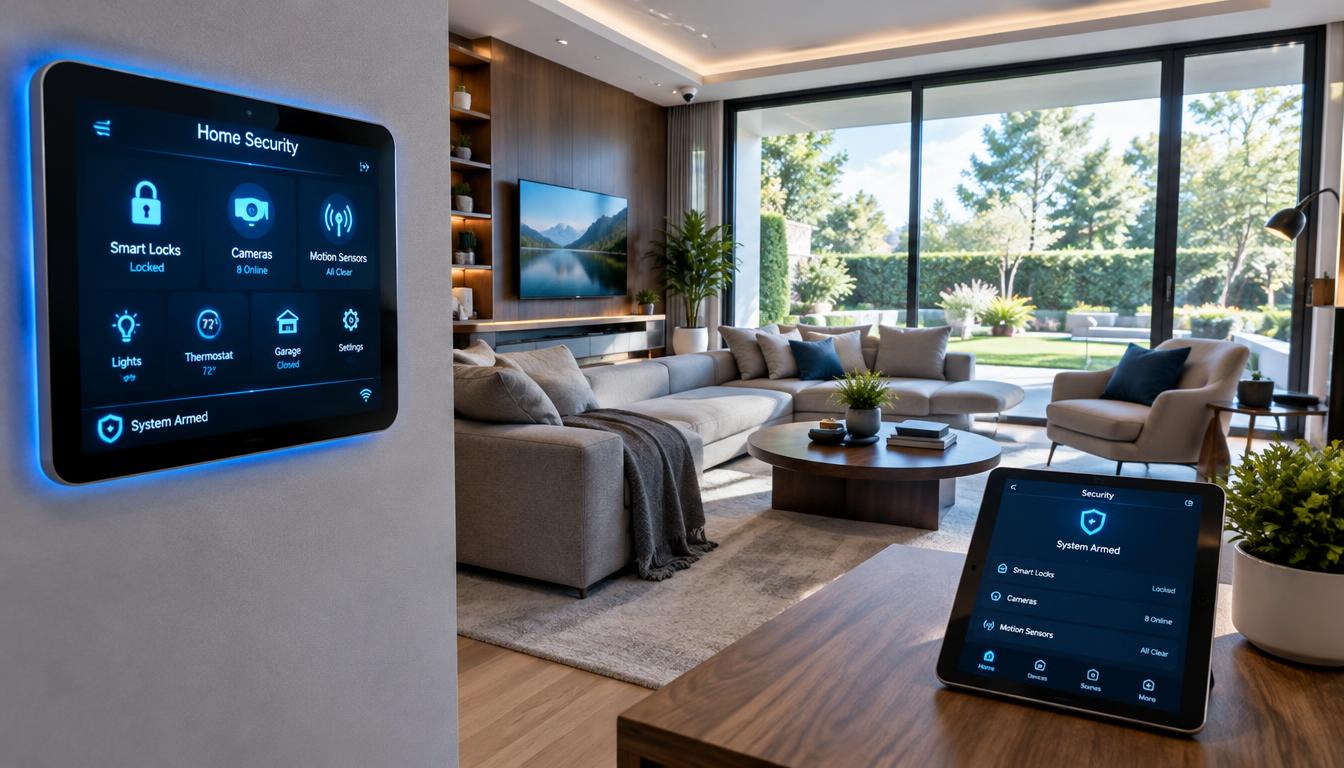
The right setup connects the devices you already use with the kind of monitoring and response you want. SafeHome.org tested more than 60 home security systems over six months, showing how many choices households face. We compare security, compatibility, automation, monitoring, installation, and ongoing fees.
ADT suits households seeking professional installation and managed protection. Vivint puts hands-on home automation and cameras at the center. SimpliSafe gives customers flexible monitoring choices, while Abode supports broad ecosystem integrations. Ring fits homes built around Alexa.
We also cover camera-first products and low-fee choices, which can leave gaps in alarm coverage or response. A preset rule that makes connected devices act at a chosen time or after an event is called automation. We explain how to check that those rules work with devices you already own.
A good match is the system whose real costs and limits you understand before installation. We weigh how each setup works in a real household, not just what its feature list promises.
Key Takeaways
- ADT fits buyers seeking professional installation and professional monitoring.
- Vivint puts cameras and coordinated home automation first.
- SimpliSafe offers free self-monitoring and DIY installation options.
- Abode works well with several smart-home ecosystems.
- Ring makes sense for many Alexa-centered households.
- Free alerts and camera viewing do not always mean full alarm protection.
What Makes a Smart Security System Different?
A connected system is different because its sensors and alarms can work with household devices instead of operating alone. Connectivity adds convenience, but it does not guarantee protection from break-ins. The truth about home security systems is that devices still need good placement and a response plan.
Connectivity adds convenience, but it does not guarantee protection from break-ins.
A traditional home security system often relies on a keypad, alarm, and a set of sensors. A connected system may link alarms, cameras, and sensors with smart locks, thermostats, and lighting through an app or voice assistant.
| Feature | Traditional setup | Connected setup |
|---|---|---|
| Control | Keypad and app | App, voice, and keypad |
| Integration | Standalone | Connects with other devices |
| Automation | Minimal or none | Schedules and event-triggered routines |
| Remote access | App | App |
| Setup | Professional | Professional or DIY |
Automation can follow a direct command, a schedule, or an event. For example, motion from a sensor might turn on a light, while arming the alarm could lock a door.
Alexa, Google Home, and IFTTT are platforms used to check device compatibility. A smart home gains little from an integration if its devices cannot communicate through the same platform.
Some home security systems also let customers use a voice assistant for control. Check whether a specific lock, light, or thermostat works with the system, not just the brand name.
Before paying for integrations, check whether your existing locks, lights, and voice assistant are compatible.
How We Evaluated the 2026 Picks
A useful comparison tests more than whether an app can arm an alarm. We assessed security systems 2026 by their equipment, monitoring, costs, and use in common household situations. Equipment, monitoring, and price each shape our ratings.
SafeHome.org tested more than 60 home security systems over six months and ran more than 150 simulated break-ins. The program weighted equipment at 40%, monitoring at 30%, and price at 30%.
Our checks focus on three practical questions:
- Does the equipment suit the home and work with the devices already there?
- Can the household choose the right monitoring plan, and how does response work?
- What is the full cost, including installation and ongoing fees?
Testing across many security systems is different from a brand-specific response simulation. ADT averaged 28 seconds across 20 break-in simulations, while the cited industry average response time is 45 seconds.
That ADT result describes one test series, not every alarm or call. Real response can change with the event, the signal, and what happens after an alert reaches a monitoring center.
Readers searching for 4 best smart home security systems reviews should compare equipment and costs, not rely on a score alone. Ratings help when they match your priorities, such as professional monitoring or a lower monthly fee.
Treat a response-time result as one measure, not a promise of the same result in every emergency.
4. Best Smart Home Security Systems for Different Needs
For most households seeking managed protection, ADT is the strongest fit, while SimpliSafe is the more flexible choice for self-monitoring or DIY installation. Vivint is our pick for automation, Abode for broad integrations, and Ring for Alexa-centered use. Choose by the kind of protection and control you will use.
These are leading home security systems for different needs, not identical bundles. Prices below describe either equipment packages or comparison setups, so the figures should not be treated as like-for-like costs.
| System | Best fit | Installation | Equipment or setup figure | Monitoring starting point |
|---|---|---|---|---|
| ADT Pro Install | Managed protection | Professional | Packages $349-$1,593.95 | $49.99 per month |
| Vivint | Home automation | Professional | Custom equipment quote | Plan quote |
| SimpliSafe | Flexible monitoring | DIY or professional | Packages from $250.96 | Free self-monitoring or paid plans |
| Abode | Device integrations | DIY or professional | $354 setup in comparison | Free app tier |
| Ring Alarm | Alexa-centered use | DIY or professional | $279 setup in comparison | Free self-monitoring with limits |
ADT Pro Install packages cost $349 for Security Starter and $404 for Life Safety in 2026. Video Essentials costs $528.99, while Outdoor Video costs $648.98.
Front Door Protection costs $738.98, and Total Safety costs $1,593.95. SimpliSafe equipment packages start at $250.96 in 2026. The comparison lists $354 for Abode and $279 for Ring, both with a $0 monthly fee.
Best home security depends on the equipment and service level that matter to you. A setup price may cover a different bundle than a package price, so compare the included devices before choosing.
Compare the same equipment and service level before deciding that one setup is cheaper.
Is ADT the Best Professionally Installed Home Security System?
ADT is our pick for readers who want professional installation, Google Nest integration, and round-the-clock monitoring. ADT combines technician setup with professional monitoring starting at $49.99 per month in 2026. It is a strong choice for buyers who want a professionally installed system managed through one service.
ADT Pro Install packages include Google Nest cameras, thermostats, and displays. The equipment connects with Google Home, Alexa, and Z-Wave devices, giving customers ways to manage compatible gear alongside security.
What ADT Pro Install Includes
The ADT+ app serves as the main place to manage devices and routines. Customers can use it to control supported equipment and set actions for connected devices.
ADT has six monitoring facilities across North America. In 20 break-in simulations, ADT averaged 28 seconds. That is a test average, not a promise about how quickly help will arrive during an emergency.
ADT is the best professional home security system for a buyer who puts monitored, professionally installed service first. Its packages also suit people who want Google Nest equipment rather than a separate camera setup.
What ADT Costs and Requires
ADT’s six listed equipment packages range from $349 for Security Starter to $1,593.95 for Total Safety in 2026. Professional installation costs $100-$200, depending on system complexity.
ADT requires at least one month of professional monitoring with a package. A customer who pays for equipment upfront may stop monitoring after that month without further system payments.
Financing is available for systems costing at least $599, for up to 60 months, and requires a monitoring contract. Financing equipment may also require a contract, and terms can differ by package.
ADT Pro Install is listed with a 36-month contract and a six-month money-back guarantee. Before financing, confirm the minimum equipment total, contract length, and the monitoring commitment in the written offer.
When Is Vivint Worth the Premium?
Vivint is worth considering when coordinated automation and professionally installed cameras matter more than a low upfront price. Its value depends on how much you will use those connected features. Vivint offers professional installation and works with Alexa, Google Home, and Z-Wave.
Vivint can link security cameras, motion sensors, smart locks, and lights. A customer can set a rule to turn on lights when motion is detected or lock a door when the alarm is armed.
Where Vivint Excels at Automation
Those routines can make everyday actions easier. For example, a front entry light can come on when a sensor detects movement after dark.
Vivint cameras offer two-way audio and spotlights, and its equipment is weatherproof. These features can help someone see and speak through a camera, but they do not guarantee that crime will be stopped.
Vivint is listed with a 31-second average response time in the 2026 comparison. Exact equipment pricing depends on the custom system, so its starting cost is not as easy to compare with a fixed package.
What to Weigh Before Choosing Vivint
Who is better, Vivint or ADT? ADT fits buyers who prioritize its monitoring network and published package prices, while Vivint suits buyers who want automation and camera features.
Vivint’s professional installation can help households that do not want to set up each device themselves. The added value is weaker for someone who will not use connected cameras or home automation.
Check that the cameras cover useful views and that the routines match your daily habits. Ask for the complete equipment and service total in writing before agreeing to a customized setup.
Is SimpliSafe the Flexible Alarm System for You?
SimpliSafe is a strong flexible pick for households that want the option to self-monitor without a required long-term contract. Customers can choose DIY installation or professional installation. The alarm system works with Alexa and Google Home.
SimpliSafe offers equipment packages starting at $250.96 in one 2026 review and around $250 in a separate 2026 guide. The total changes with the devices and plan selected.
Choose DIY or Professional Installation
DIY installation suits customers who want to place and pair their own equipment. Professional installation is also available for households that would rather have a technician set up the system.
SimpliSafe offers choices without requiring a contract. That can help customers who want to handle installation themselves but still keep a paid monitoring option available.
Compare Free and Paid Monitoring
Free self-monitoring can send push notifications, emails, or texts when the system is triggered. The customer receives the alert and decides how to respond; this does not include a monitoring center handling the event.
SimpliSafe’s optional Standard professional monitoring plan costs $22.99 per month in 2026. That is one paid option, not the cost of every service level.
Monitoring options and monthly fees depend on the selected package and plan. The app and voice-control features can also vary, so check which features remain available on the exact plan you select.
Can Abode Fit an Existing Smart Home?
Abode makes the most sense for a DIY household that wants app control and integrations without starting with a monthly monitoring plan. Free app access is different from paid professional monitoring. Its equipment can connect with HomeKit, Alexa, and Google Home.
Abode supports customers who want to add compatible devices over time. The 2026 no-monthly-fee listing includes $199 equipment with free app control and live camera viewing.
Integrations and App Control
Free Abode app access includes live camera viewing and integrations with HomeKit, Alexa, and Google. Those features help customers bring security equipment into an existing smart home.
Check the exact hub and add-ons before buying. A device may use the same broad platform but still lack support for a specific model or routine.
Free and Paid Abode Plans
Abode professional monitoring starts at $8 per month and can be upgraded or canceled without a contract. Its Connect+ plan costs $13 per month and adds cellular backup.
The free app tier can suit customers who want control and live viewing but do not want professional monitoring. A monitoring plan adds a service team to the response path.
Compatible devices and add-ons should be checked before purchase. Verify that the Abode hub supports the devices and routines you already rely on.
Is Ring Alarm Right for an Alexa-Centered Home?
Ring is a natural shortlist candidate for households already organized around Alexa, but its free tier has important app and camera limits. Free Ring Alarm self-monitoring does not include all app or camera features. Ring Alarm also works with Google Home.
That makes Ring a useful fit for a household that already uses Alexa devices. The level of control depends on the chosen Ring Protect plan.
Ring Alarm for Household Security
Ring’s free self-monitoring lets customers handle their own response, but app control and mobile notifications are unavailable without Ring Protect Plus. The same plan limit applies to camera viewing and recording.
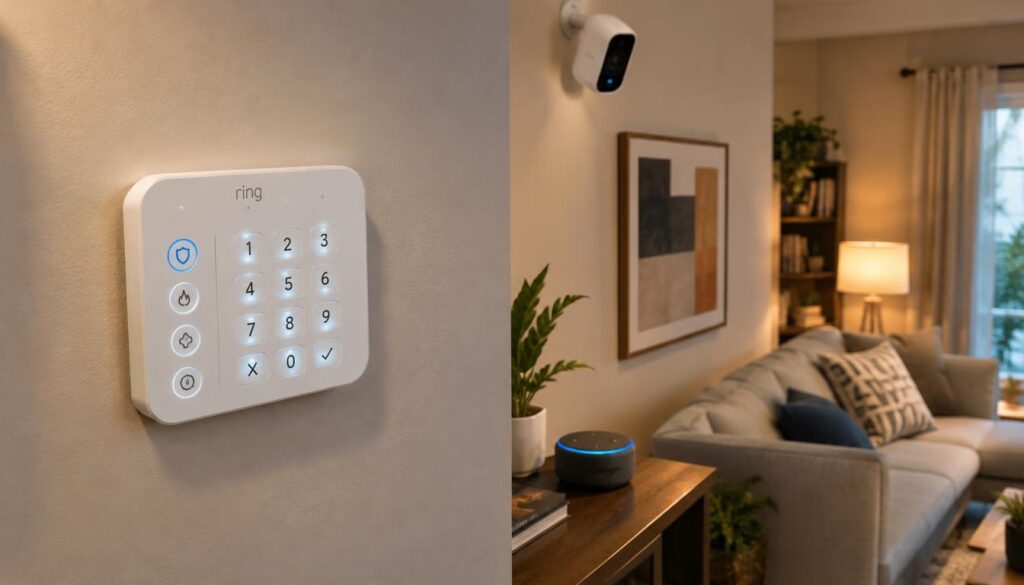
A free alarm tier should not be mistaken for full phone access. Customers who rely on alerts need to check the paid plan’s terms before settling on the system.
Ring Protect and Camera Features
Ring Protect can provide up to 180 days of video event storage. This gives customers more time to review camera footage, though storage and access depend on the selected plan.
Ring’s cameras may suit households already using its devices, but the features are not all included with free self-monitoring. Check the plan details for both alarm alerts and recorded video.
Confirm that the exact Ring plan includes the alerts and footage access you expect.
Which Systems Work Without a Monthly Subscription?
SimpliSafe is the most straightforward pick for free alarm alerts, while Eufy and Wyze suit buyers focused mainly on cameras and recording. Free camera viewing or local storage does not make a camera a complete alarm system.
Abode is another choice for free app control and broader integrations. ADT Blu is a separate DIY platform, but its self-monitoring starts at $9.99 per month, so it is not a zero-monthly-cost option.
Alarm Systems With Free Self-Monitoring
SimpliSafe can send free push notifications, emails, or texts when its alarm is triggered. Abode’s free app tier includes live viewing and smart-home integrations, while Ring’s free self-monitoring has key app and camera limits.
Camera-first products serve a different need from an alarm system with entry sensors and response options. Free viewing or local recording does not add door sensors, alarm motion detectors, or professional response.
Cameras With Free or Local Storage
Eufy eufyCam S3 Pro records 4K footage to a local HomeBase hub without cloud fees. Eufy equipment starts at $199 and includes free app camera viewing with local storage.
Eufy does not offer door or window sensors, alarm motion detectors, keypads, or professional monitoring. It can suit camera-focused buyers, but it does not replace a full alarm system.
Wyze cameras start at $99 and support Alexa and Google integration without a monthly fee. They offer free 12-second cloud event clips stored for 14 days.
Continuous Wyze recording requires Cam Plus at $1.99 per month per camera or a microSD card. List the specific free features you need before comparing a product’s no-subscription label.
Should You Install a System Yourself or Hire a Professional?
Choose DIY for a simple layout and hands-on setup, and consider a technician when wiring or placement is complicated. Professional installation does not automatically mean better monitoring. It describes who sets up the equipment, not who responds to an alarm.
Wireless systems rely on battery-powered devices and a wireless connection. Wired systems need physical cabling, which can make a technician more useful during setup.
When DIY Installation Makes Sense
A straightforward system can suit a customer comfortable pairing devices and placing sensors. Consider these practical checks:
- DIY works for a simple layout and a customer who can pair devices.
- A technician can help plan device placement and handle complicated wiring.
Home layout matters. A small space with clear entry points may be easier to set up than a home with many floors and doors.
When Professional Installation Helps
ADT Pro Install and Vivint offer professional installation. SimpliSafe offers DIY or professional installation, giving customers a choice based on their comfort and home setup.
A technician can help place devices and work through wiring needs. ADT Pro Install costs $100-$200 in 2026, depending on system complexity.
Renters should consider restrictions on drilling and permanent wiring. Existing wiring, the home layout, and comfort with troubleshooting also affect the choice.
Ask whether a rental agreement permits drilling or permanent wiring before booking installation.
Which Monitoring Option Fits Your Routine?
Self-monitoring fits a household prepared to receive alerts and decide what to do, while professional monitoring adds a service team to that response path. Choose professional monitoring if no one at home may be able to respond.
SimpliSafe suits households seeking free triggered alerts, Abode offers flexible plan changes, and ADT Blu is an ADT-branded DIY option. A 2026 review scored SimpliSafe 9.2, ADT Blu 8.6, and Abode 8.0 out of 10 for self-monitoring.
Self-Monitoring and Free Alerts
With self-monitoring, an alert goes to the owner, who decides what action to take. SimpliSafe can send push notifications, emails, or texts when the system is triggered.
Abode professional monitoring starts at $8 per month and has no contract. ADT Blu offers self-monitoring plans that can be canceled anytime, but its starting cost is $9.99 per month.
Professional Monitoring and Response
Professional monitoring means a team receives alarm events and follows the plan’s response steps. ADT Pro Install professional monitoring starts at $49.99 per month in 2026.
Use these three checks when choosing among monitoring options:
- Can someone at home respond promptly to an alert?
- Does the plan include cellular backup if internet service fails?
- Does the household want an emergency dispatch option?
A professional monitoring plan can help when the household is away or unable to act. Choose a plan around who can act on an alert at the time it arrives, not just the monthly fee.
What Smart-Home Compatibility Should You Check?
Start with the devices and voice assistant you already own, then check the system’s exact compatibility list. Support for a platform does not ensure that every device or routine will work. Check the hub, device model, and actions you want together.
Alexa, Google Home, and Apple HomeKit are voice or smart-home ecosystems supported by different systems in this roundup. Z-Wave connects devices, while Matter and Thread serve different roles in device compatibility.
| Ecosystem or connection | What to verify | Practical example |
|---|---|---|
| Alexa | System and device support | Use a voice command to arm an alarm |
| Google Home | Exact camera or lock model | View a supported camera |
| Apple HomeKit | Hub and accessory support | Add a supported door sensor |
| Z-Wave | Device pairing with the hub | Connect a compatible smart lock |
| Matter or Thread | Standard and network support | Check a Matter device’s Thread link |
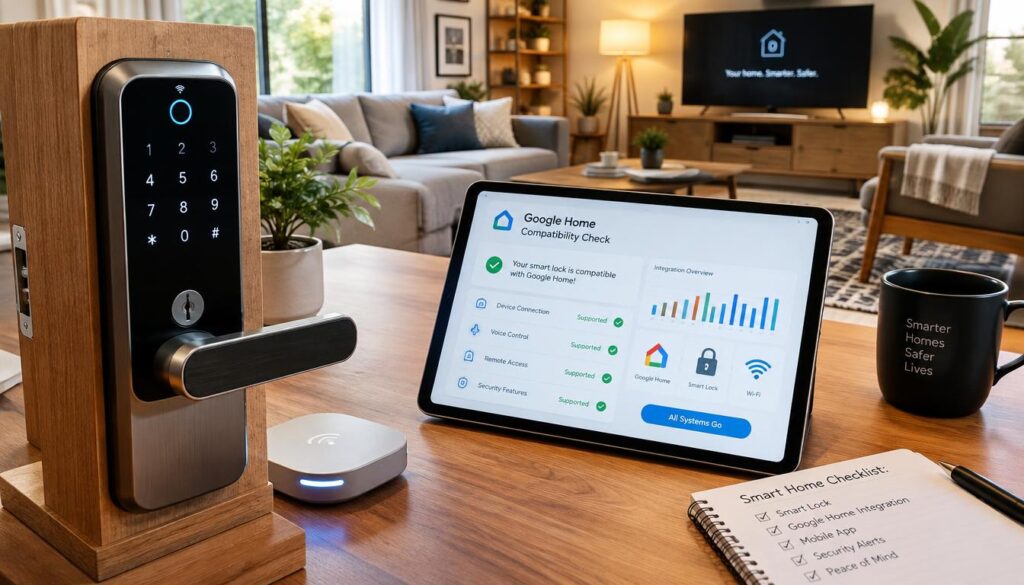
Matter is an interoperability standard for connected-home devices. Thread is a wireless networking protocol that can create a mesh network.
Connected systems may also use Wi-Fi, Zigbee, Bluetooth, or cellular connections. A product’s announced support does not prove that a specific hub and device will work together.
Check these three details before adding equipment:
- The hub model and its supported connections.
- The exact model number of each device.
- The routines that must work across devices.
Security systems can mix different connections, so a smart lock and alarm may need a shared hub or platform. Test one important routine, such as locking the door when you arm the alarm, before adding more devices.
Which Cameras and Sensors Do You Actually Need?
Start with the doors and rooms that need coverage, then add cameras where seeing an event would help you respond. Entry sensors and motion sensors serve different jobs. Cameras add visual context but do not replace every alarm device.
Entry sensors cover doors and windows, while motion sensors detect movement in a room. Indoor and outdoor cameras can show what happened, with different needs for placement and storage.
| Device | What it detects or provides | Practical limitation |
|---|---|---|
| Entry sensors | Doors and windows opening | Do not show who entered |
| Motion sensors | Movement in a room | Do not identify the person |
| Indoor cameras | Video inside a room | Need a power and privacy plan |
| Outdoor or doorbell cameras | Video near an entry or yard | Need a view, weather rating, and storage plan |
Eufy eufyCam S3 Pro records 4K video to a local HomeBase hub without cloud fees. Wyze offers free 12-second cloud event clips for 14 days.
Continuous Wyze recording requires Cam Plus at $1.99 per month per camera or a microSD card. Those options differ: one stores event clips in the cloud, while local storage stays on a hub or card.
Eufy does not offer door and window sensors, motion detectors, keypads, or professional monitoring. Vivint offers weatherproof equipment and cameras with two-way audio and spotlights.
Confirm whether footage is stored locally, in the cloud, or only after an event before choosing a camera.
What Should You Check Before Signing or Canceling?
Read the agreement’s exit terms before installation, especially if equipment financing ties service to a contract. Check the contract length, equipment balance, and cancellation steps in writing. ADT Pro Install is listed with a 36-month contract and a six-month money-back guarantee.
Check the contract length, equipment balance, and cancellation steps in writing.
Review these five terms before you sign:
- Early termination fees.
- Contract length.
- Equipment ownership.
- Move policies.
- Auto-renewal terms.
Read Contract and Equipment Terms
Financing can connect equipment payments with service obligations. Ask what happens to an unpaid equipment balance if service ends early or you move.
The Federal Trade Commission’s Cooling-Off Rule allows three business days to cancel some qualifying in-person sales over $25. It applies to qualifying sales made at a home, workplace, dorm, or seller’s temporary location.
That rule is not a general right to cancel every security contract. A current lawsuit claim should be checked against the specific case and its status, not inferred from a complaint or headline.
Know the Cancellation Rules
Vivint can be hard to cancel when contract length, equipment financing, and required cancellation steps all affect the exit. Keep a dated record and request written confirmation.
ADT’s cancellation number is 800-238-2727. Vivint’s number is 800-216-5232, extension 5020.
Vivint became part of NRG Energy after NRG completed its acquisition in 2023. Save the signed agreement and written cancellation confirmation with the date the request was made.
Conclusion
Choose the system that protects the entry points you care about and works with the devices you already own. ADT fits many buyers who want professional installation and professional monitoring.
SimpliSafe is a flexible choice for free self-monitoring and DIY installation. Its fit depends on whether you want to handle alerts yourself or add a paid service.
Before committing, confirm the full equipment list, monitoring service, installation charge, and contract terms for your chosen setup. Write down your must-have features and confirm the full monthly and upfront commitment before placing an order.
Conclusion
Choose the system that protects the entry points you care about and works with the devices you already own. That match matters more than a long feature list.
ADT suits many households that prioritize professional installation and professional monitoring. SimpliSafe gives buyers more flexibility when they want DIY installation and free self-monitoring.
Check the complete equipment, monitoring, installation, and contract terms for the exact configuration you plan to use. Write down your must-have features and confirm the full monthly and upfront commitment before placing an order.