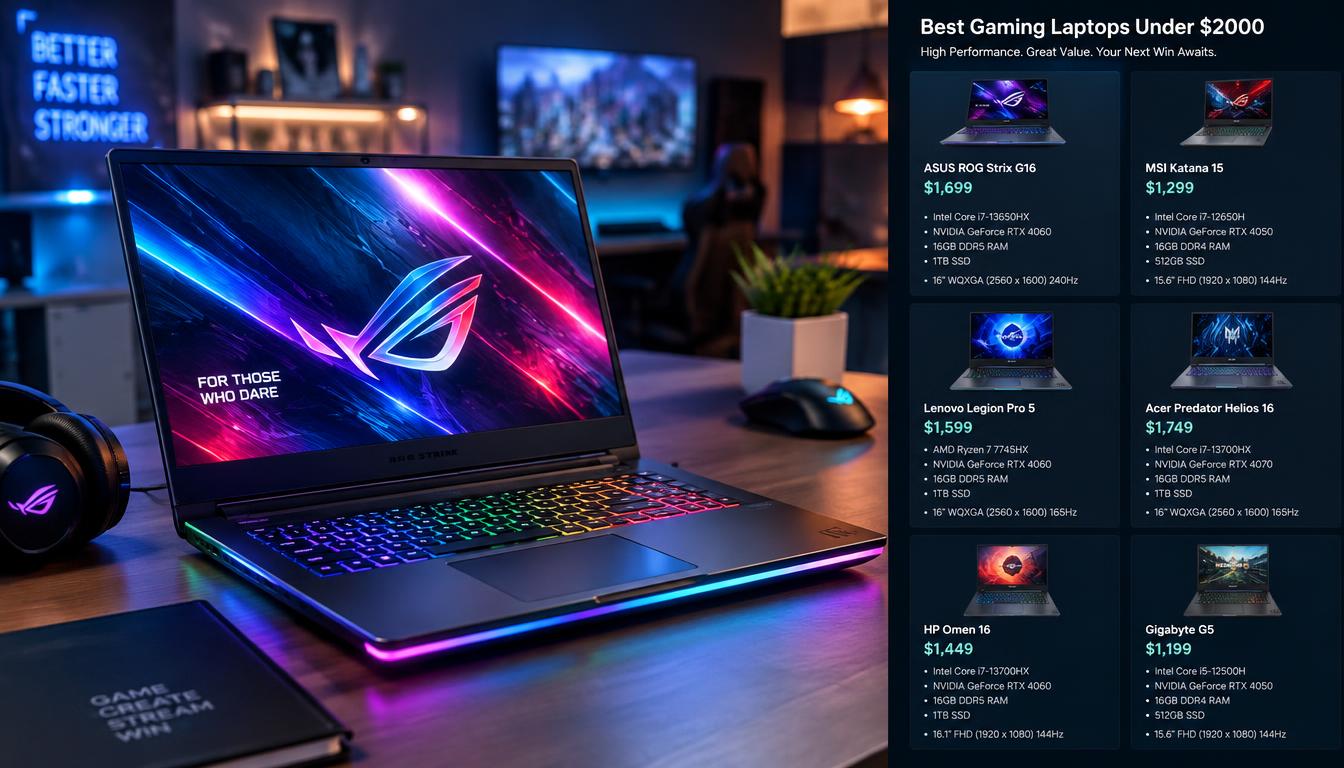
A $2,000 ceiling can buy very different gaming experiences depending on which configuration we choose. One laptop name can cover several versions, each with a different price, GPU, display, or amount of RAM. That makes a quick comparison of model names less useful than checking the exact listing.
We’ll help US shoppers find practical options for different budgets and priorities, from lower-cost gaming to stronger graphics performance. A clear match can save money without giving up the features that matter most to the games we play. We’ll also point out where the same model name can hide a costly difference.
The refresh rate is the number of times a display updates its image each second, measured in hertz (Hz). That number matters, but it does not tell us how well a laptop will run every game. The GPU, screen resolution, and exact configuration all affect the experience.
We should verify the exact model number and configuration before treating any listing as a match.
Key Takeaways
- Compare the full configuration, not only the laptop family name.
- Choose the GPU based on the games and settings we use.
- Check the display, RAM, and SSD before paying.
- Several listed options fit below the $2,000 spending ceiling.
- Confirm the current price and exact SKU at checkout.
3. Best Gaming Laptops Under $2000: Our 2026 Shortlist
For most shoppers, the ASUS TUF Gaming A16 balances a capable GPU and a lower listed price, while the MSI Vector is the stronger performance-first alternative. We’d start with the A16 for value, the Vector for graphics power, or the HP Victus RTX 4050 for a sub-$1,000 option.
These five primary choices have listed configurations at or below $2,000. Prices and parts can vary under the same model name, so the table describes specific fits, not every version in each product family.
Compare the exact configuration, not just the model name. Several versions of one laptop can have different prices and hardware.
| Model | Best fit | Budget status |
|---|---|---|
| ASUS TUF Gaming A18 | Large-screen gaming | Listed within the cap |
| ASUS TUF Gaming A16 | Value-focused gaming | Listed within the cap |
| MSI Vector 16 HX AI | Performance-first gaming | Listed within the cap |
| HP Victus with RTX 4050 | Gaming under $1,000 | Listed within the cap |
| Alienware 15.3-inch RTX 5060 configuration | Midrange gaming with 32GB RAM | Listed within the cap |
The 15.3-inch Alienware configuration lists for $1,809 with a Ryzen 7 260, RTX 5060, 32GB RAM, and 1TB of storage. Those parts make it a well-equipped option for shoppers who want more RAM and SSD space without reaching the limit.
The ASUS TUF Gaming A18 suits players who want a larger screen, while the A16 keeps more of the budget free. The Vector is the performance-first option in this shortlist. The Victus offers a lower-cost way into PC gaming.
The Zephyrus G16 is a conditional pick, not a guaranteed under-budget choice. Its exact configuration qualifies only when its listed price is $2,000 or less. We should treat each model name as a family label, not a guarantee that every configuration costs less than $2,000.
Which Specs Matter Most for Gaming Performance?
For gaming frame rates, the GPU is usually the first specification to compare, but the CPU and cooling determine how consistently the system can keep up. Check the exact GPU, CPU, and cooling design rather than judging performance by a product name.
A graphics processing unit, or GPU, usually has the largest effect on frame rates. The central processor, or CPU, can matter more in CPU-heavy games, high-frame-rate esports, streaming, and multitasking.
Higher resolutions ask the GPU to render more detail. A 1080p screen is less demanding than a 1440p screen, so a laptop may run the same game at different frame rates. Lower graphics settings or upscaling can help when frame rates fall.
How the GPU and CPU shape frame rates
Do not compare a graphics benchmark unless the test settings match. A result only helps when the game, resolution, and graphics settings are alike. Cooling also matters because heat and fan noise can affect performance during long play sessions.
- Exact GPU model and its power limit.
- CPU model and generation.
- Results in the games and settings we use.
- Cooling and noise under sustained load.
Match graphics power to the games you play
A familiar gaming laptop format has a 15.6- to 16-inch screen and a dedicated midrange GPU. That describes a common style, not a market-share claim. The ASUS ROG Strix G16 is worth comparing only when its exact configuration meets the $2,000 cap.
For a laptop 2000 budget, the right balance depends on the games we play and the screen resolution we want. Esports players may value high frame rates, while visually rich games can benefit more from stronger graphics. The “No. 1” gaming brand does not guarantee the best fit, so we should compare the exact model and configuration.
Compare benchmark results only when the game, resolution, and graphics settings are alike.
Is the ASUS TUF Gaming A18 Worth Nearly the Full Budget?
The TUF Gaming A18 makes the most sense for a gamer who wants a large display and is willing to spend close to the full budget. Its 18-inch FHD+ screen favors desk-based gaming, while its larger body is less convenient to carry.
The 2026 RTX 5070 version lists for $1,950 and includes a 144Hz display and 16GB RAM. That configuration leaves little room beneath the spending cap, so its larger screen and graphics card should be features we will use often.
An 18-inch display can make games easier to see from a desk, especially when the laptop stays in one place. The trade-off is size: the A18 takes up more room in a bag and on a small table.
A separate A18 listing has an RTX 5050, Ryzen 7 260, 16GB memory, and a 1TB SSD for $1,356.50. It is not the same configuration as the RTX 5070 model. The $1,950 RTX 5070 version is the near-cap option; the RTX 5050 listing costs much less.
A product-family page or retailer result can pair a headline with a different configuration. We should match the SKU and the full parts list before checkout, rather than relying on the A18 name alone.
Choose the RTX 5070 configuration only if its extra GPU performance matters more than keeping several hundred dollars in reserve.
Does the ASUS TUF Gaming A16 Offer Better Value?
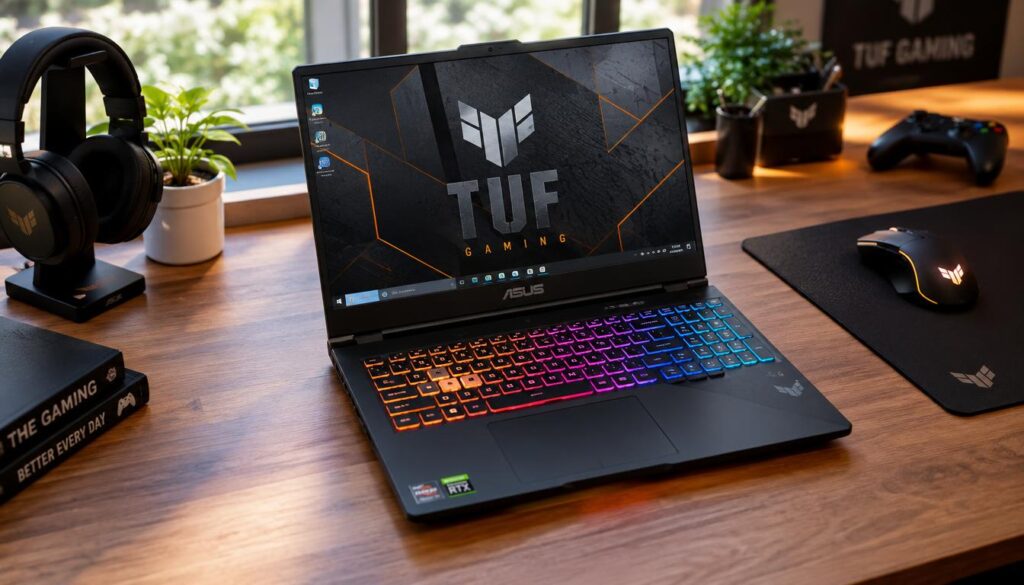
The TUF Gaming A16 is the more balanced value choice when a 16-inch screen is enough and saving part of the budget matters. Its listed RTX 5060 configuration costs $1,500, leaving more room in the budget than a near-cap purchase.
The 2026 listing pairs the RTX 5060 with an AMD Ryzen 7 260 processor, a 16-inch FHD+ 144Hz display, 16GB RAM, and a 512GB SSD. That mix suits shoppers who want a capable midrange gaming laptop without paying for an 18-inch screen.
The 512GB SSD can fill quickly if we keep a large game library installed. Some modern games take up substantial space, so we may need to remove titles or add storage sooner than with a 1TB drive.
Sixteen gigabytes of RAM is a practical amount for many games today. More RAM can help with heavier multitasking, but the need depends on how we use the laptop and whether we want to upgrade later.
ASUS notes that the A16’s 16GB RAM is enough for current use and suggests an upgrade for future-proofing. That guidance does not prove every A16 configuration has the same upgrade path. Check the specific model for replaceable memory and storage options.
Check whether the specific A16 configuration allows the memory or storage upgrade the buyer expects.
When Does the ASUS ROG Zephyrus G16 Make Sense?
The Zephyrus G16 makes sense for shoppers who want a lighter premium machine, provided the exact GPU configuration stays within budget. The G16 qualifies for this roundup only when that specific version lists at or below $2,000.
The 2026 GU606 review covers GPU versions from RTX 5060 through RTX 5090. ASUS lists an Intel Core Ultra 9 386H processor and up to an NVIDIA GeForce RTX 5080 Laptop GPU for the 2026 G16. The exact price can differ greatly by configuration.
Choose a configuration by GPU tier
The reviewed RTX 5080 version supports up to 160W of GPU power with Dynamic Boost. That limit does not mean every G16 runs at the same power or delivers identical game performance. We need to check the exact configuration, not just its GPU name.
The reviewed RTX 5080 configuration has 64GB of onboard LPDDR5-8533 memory and a 1TB SSD. ASUS lists up to 32GB of LPDDR5X memory for the 2026 model. Those are different configurations and should not be treated as the same memory setup.
Weigh portability against sustained power
The RTX 5060 and RTX 5070 versions weigh about 1.85 kg. Versions with the RTX 5070 Ti, RTX 5080, or RTX 5090 weigh about 1.95 kg. The heavier versions still weigh under 2 kg, but GPU tier changes the listed weight.
That lighter design can suit a student or traveler who carries a laptop often. A thinner body may also make cooling behavior worth checking when games run for a long time. Portability alone does not tell us how much performance the laptop can sustain.
Confirm the exact GPU, weight, and onboard-memory specification on the individual configuration before deciding.
Is the MSI Vector 16 HX AI the Performance Pick?
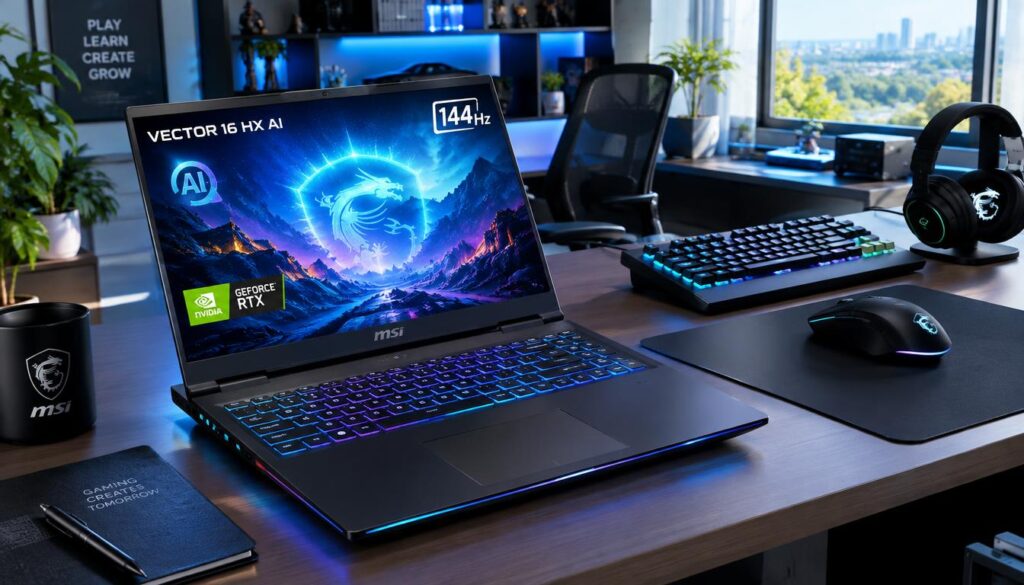
The MSI Vector 16 HX AI is the performance-first choice when a listed RTX 5070 Ti configuration matters more than choosing a thinner machine. Its listed $1,899 version pairs that GPU with an Intel Ultra 7-255HX processor.
The configuration also includes 16GB memory, a 1TB SSD, and a 16-inch 144Hz FHD+ WUXGA display. That combination keeps the listed price below the $2,000 cap while putting a higher-tier GPU at the center of the build.
The FHD+ panel can be a sensible match for players who want high frame rates without rendering at a higher resolution. It gives up some fine detail compared with a sharper screen. A more powerful graphics card is less useful if the games we play do not need its extra output.
The Intel Core processor and RTX GPU name help identify the parts, but they do not tell the whole story. Cooling and power limits can affect performance during long gaming sessions. We should check reviews or test results for the exact configuration where possible.
The Vector is a strong pick for a gamer who puts graphics performance ahead of a thin design. Its 16-inch screen keeps the system more manageable than an 18-inch model, though the machine still prioritizes gaming hardware over portability.
Compare the panel resolution and the games you play before paying extra for graphics power you may not use.
What Can an HP Victus Under $1,000 Deliver?
Under $1,000, the HP Victus RTX 4050 configuration offers the clearest balance of graphics capability and 16GB memory among these examples. Its listed price is $949.99, with a Ryzen 7 7445HS, RTX 4050, and 512GB SSD.
These four Victus listings show why a low price alone does not tell us what a gaming laptop can do. The processor, graphics card, RAM, and storage differ, even when the screen size stays close.
| Listed price | Processor and graphics | Memory | Storage and display |
|---|---|---|---|
| $949.99 | Ryzen 7 7445HS, RTX 4050 | 16GB | 512GB SSD, 15.6-inch FHD 144Hz |
| $649.99 | Core i5-13420H, RTX 3050 | 8GB | 512GB SSD, 15.6-inch FHD 144Hz |
| $866.81 | Ryzen 5 7535HS, Radeon RX 6550M | 8GB DDR5 | 512GB SSD, 15.6-inch FHD |
| $942.51 | Core i5-12450H, RTX 3050 | 8GB | 512GB SSD, 15.6-inch FHD |
The two RTX 3050 laptops are separate options, not the same configuration at different prices. One uses an Intel Core i5-13420H and lists for $649.99. The other uses an Intel Core i5-12450H and lists for $942.51.
The 8GB options are entry-level choices, and we should check whether their RAM can be upgraded. The RTX 4050 model is the strongest balanced example in this set because it combines a stronger listed GPU tier with 16GB memory.
That makes the RTX 4050, 16GB configuration a sensible answer to “What is the best gaming laptop under $1000 sale?” We should still check the current price and SKU, since sale listings can change. The $949.99 Victus listing is the balanced example, not a promise that every Victus has those parts.
A low listed price can be attractive, but a near-$1,000 8GB model needs a clear reason to beat the 16GB option. Avoid paying nearly the same amount for an 8GB configuration unless its other features or upgrade options justify the difference.
Which Display Resolution and Refresh Rate Should You Choose?
For most shoppers, FHD is the practical choice for maximum frame rates, while QHD or QHD+ better suits those who value sharper detail on a larger screen. Pick a resolution your GPU can run smoothly in the games you play.
FHD is 1920 × 1080 pixels, while 1440p is 2560 × 1440. A 4K display is 3840 × 2160. More pixels can sharpen the image, but they also make the GPU work harder.
Choose resolution for screen size and GPU
FHD is often called 1080p, while QHD is often called 1440p. Some laptops use QHD+ or 1600p, which offers more vertical pixels than standard 1440p. That can look sharper on a larger display, but the GPU must render more detail.
The refresh rate is the number of times a display updates its image each second, measured in hertz (Hz). A 1Hz refresh rate means one update each second. A high refresh rate can make motion look smoother when the GPU can produce enough frames.
Pick refresh rate for the games you play
Fast esports games can benefit from a high refresh rate. Slower games may not need the same level, especially when the GPU cannot reach the display’s full rate. The number on the panel is not a guarantee of matching frame rates.
| Display type | Typical resolution | Best fit | Trade-off |
|---|---|---|---|
| FHD | 1920 × 1080 | High frame rates and smaller screens | Less fine detail than QHD |
| QHD/QHD+ | 2560 × 1440 or 2560 × 1600 | Sharper detail on larger screens | Higher GPU rendering load |
| OLED high-refresh | 2.5K, 2560 × 1600 example | Rich visuals and fast motion | Often tied to premium configurations |
The 2026 Zephyrus G16 OLED is listed with a 2.5K display, 240Hz refresh rate, and 0.2ms response time. It is also listed at up to 1,100 nits peak brightness and 100% DCI-P3 color coverage. Those features describe that panel, not every G16 configuration.
Choose a refresh rate your games and GPU can actually use, rather than treating the highest number as an automatic win.
How Much RAM and Storage Should a Gaming Laptop Have?
For a new gaming laptop, 16GB is a practical starting point, while 32GB is useful for heavier multitasking and longer-term flexibility. We should check whether RAM is soldered or replaceable before choosing a configuration.
Sixteen gigabytes can support mainstream gaming and everyday use. Thirty-two gigabytes can help when we stream, edit media, or keep many apps open. These are general targets, not a promise about any named laptop.
Choose memory for games and multitasking
Some laptops have RAM soldered to the board, so we cannot replace it later. Others use replaceable memory. A model’s maximum listed RAM does not show whether the version we are buying can reach that amount through an upgrade.
Check SSD capacity and expansion
A 512GB SSD can fill faster than a 1TB SSD when we keep a large game library installed. Game sizes and personal files add up, so storage needs depend on what we save locally. An extra M.2 slot can make future expansion easier.
The 2026 Zephyrus G16 shows why we should check the exact version. ASUS lists up to 32GB LPDDR5X-8533MHz memory and up to 2TB PCIe 4.0 SSD storage, with a second SSD slot available. The reviewed RTX 5080 configuration discussed earlier instead has 64GB onboard memory and a 1TB SSD.
- Installed RAM and whether it is upgradeable.
- SSD capacity and the space left after setup.
- Number and type of available M.2 slots.
- Charging-port limits and the included power adapter.
The 2026 G16 has two M.2 2280 storage slots and supports USB-C charging up to 100W. That charging limit is a model detail, not proof that USB-C replaces the included power adapter for every gaming task.
Verify upgradeability before buying, because a listed memory maximum does not mean every component can be replaced.
What Should We Check Before We Buy?
The most avoidable buying mistake is comparing laptop family names instead of the exact configuration and its current price. We should confirm the SKU, parts, and terms before placing an order.
A matching model name can cover different GPUs, screens, and memory amounts. A low price does not help if the listed configuration lacks the features we need or costs more than a better-specified alternative.
Five checks before checkout
- Verify the exact SKU and current listed price.
- Confirm the GPU and CPU in the configuration.
- Compare screen resolution and refresh rate.
- Check RAM and storage upgradeability.
- Review return terms and warranty coverage before purchase.
For “What laptop to stay away from?”, our rule is model-neutral: avoid a configuration with too little RAM for your needs, unclear GPU power or cooling, or poor value against a clearly listed alternative.
Warranty terms and return windows can affect the risk of buying online. We should read the actual terms for the seller and listing, rather than assuming every retailer offers the same protection.
Check the SKU, parts, price, and purchase terms before checkout. A familiar laptop name does not confirm what the box contains.
Save the listing details for the exact SKU so the configuration can be checked again before checkout.
Conclusion
Our best all-around starting point is the ASUS TUF Gaming A16, while the MSI Vector suits shoppers who prioritize GPU performance. The HP Victus RTX 4050 configuration gives budget-minded gamers a lower-cost starting point.
We can make the final choice by matching the laptop to the games we play and the way we use it. A higher GPU tier is useful only when its performance matters more than the cost or other features.
- Choose the A16 for balanced value.
- Choose the Vector for performance priority.
- Consider the Victus RTX 4050 for a lower price.
Before placing an order, verify that the listing’s GPU, screen, memory, and price match the configuration you intended to buy.