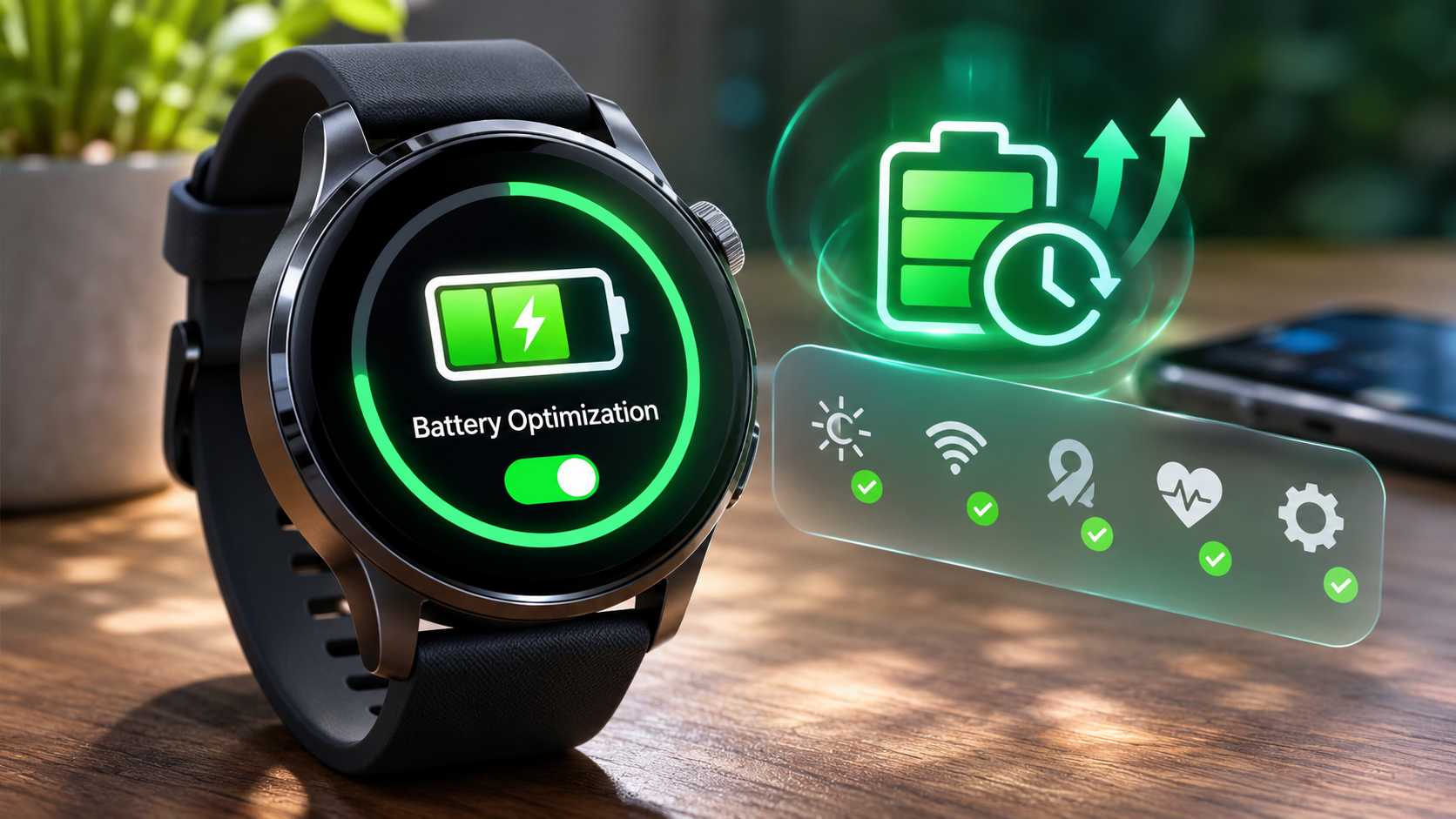
Smartwatch Battery Optimization is essential for anyone looking to make the most of their wearable technology. In a world where smartwatches have become integral to our daily lives, ensuring that your device can keep up with your demands is crucial. Effective battery management not only extends the lifespan of your smartwatch but also enhances its overall performance, allowing you to enjoy all the features without constant recharging.
With various factors influencing battery life, from screen brightness to app usage, understanding how to optimize these elements can significantly improve your user experience. This guide will delve into practical strategies and insights that will help you maximize your smartwatch’s efficiency and longevity.
The Importance of Smartwatch Battery Optimization
Battery optimization is crucial for enhancing the usability and functionality of smartwatches. With the multitude of features and apps available on these devices, ensuring a long-lasting battery can significantly improve the user experience. A well-optimized battery not only extends the time between charges but also helps maintain the overall performance of the smartwatch, allowing users to take full advantage of its capabilities without the constant worry of running low on power.
The role of battery life in smartwatch functionality is paramount. A smartwatch serves multiple purposes, from fitness tracking to receiving notifications and even making calls. If the battery life is inadequate, users may miss out on important alerts or may find themselves unable to track their activities accurately. Optimizing battery performance can lead to prolonged usage and increased reliability of these devices. For instance, a smartwatch that can last up to two days on a single charge compared to one that needs daily charging offers a vastly different experience, allowing users to interact with their devices more freely and effectively.
Enhancing Longevity Through Battery Optimization
Effective battery optimization techniques can significantly extend the lifespan of a smartwatch, ensuring that it functions optimally for a longer period. Here are several methods that illustrate how battery life can be improved:
1. Screen Brightness Management: Reducing the brightness of the display can greatly decrease power consumption. Many smartwatches feature adaptive brightness settings that adjust based on ambient light, which can help conserve battery life.
2. App Management: Limiting the number of active apps running in the background can prevent unnecessary battery drain. Users can regularly check which apps consume the most power and adjust their usage accordingly.
3. Battery Saver Modes: Most smartwatches come equipped with battery saver or energy-saving modes that limit functionality but extend battery life during critical times. Activating this feature when battery levels are low can be a smart choice.
4. Reducing Connectivity Options: Turning off Bluetooth, Wi-Fi, or GPS when not in use can significantly save power. Many users might forget these features are active, leading to quicker battery depletion.
5. Updating Software: Keeping the smartwatch updated with the latest firmware can optimize battery performance since manufacturers often release updates that enhance efficiency and fix known issues.
6. Custom Notifications: Tailoring notifications to show only the most important updates can also help manage battery consumption, as each notification often lights up the screen and uses additional energy.
“Optimizing battery life in a smartwatch not only enhances user experience but also prolongs the device’s overall functionality and reliability.”
Battery optimization is integral in ensuring that smartwatches remain functional and convenient tools for users. By implementing these strategies, users can enjoy a seamless experience, reducing the frequency of charging and enhancing the overall utility of their smart devices.
Key Factors Affecting Smartwatch Battery Life
Smartwatches have become essential gadgets for many, providing convenience and functionality right on our wrists. However, users often find themselves grappling with battery life issues. Understanding the key factors that affect a smartwatch’s battery life can help users make informed choices and extend their device’s usability throughout the day.
One of the primary factors influencing battery life is the screen brightness. A brighter display consumes more power, particularly in models with AMOLED screens, where pixels are turned on individually. In contrast, lower brightness settings can significantly enhance battery longevity. Connectivity options also play a crucial role; features such as Bluetooth, Wi-Fi, and GPS use energy continuously. Keeping these options active when not in use can deplete the battery faster than necessary. Additionally, the use of apps can impact battery consumption, especially those requiring constant updates or location tracking.
Smartwatch Modes and Their Impact on Battery Consumption
Different operating modes on smartwatches can either conserve energy or drain it quickly, affecting overall battery performance. Understanding these modes helps users optimize their devices based on their daily needs. Here are some common modes and their impacts:
- Fitness Tracking: This mode typically uses GPS and heart rate monitoring, which can be power-intensive. For example, running with an active GPS can reduce battery life by up to 50% compared to regular use.
- Always-On Display: While convenient, this feature keeps the screen active at all times, consuming more battery. Disabling this can extend battery life significantly, especially during prolonged use.
- Sleep Tracking: This mode usually utilizes less battery, as it switches off certain features. However, using it continuously without charging overnight can lead to battery drain.
External Factors Influencing Battery Efficiency
Besides the internal settings and modes of smartwatches, external factors such as temperature and location significantly impact battery performance. Batteries tend to perform optimally within a specific temperature range. Extreme cold can cause a battery to lose charge more quickly, while excessive heat can damage battery cells and reduce their lifespan. For instance, temperatures below freezing can reduce battery life by around 20-30%.
Location also matters; areas with poor connectivity will cause the smartwatch to work harder to maintain a signal, thus draining the battery faster. It’s not uncommon for users in rural or remote areas to experience a noticeable decline in battery life due to frequent searching for a stable connection. Understanding these external influences can help users anticipate and manage their smartwatch’s battery performance effectively.
By optimizing settings and being mindful of external conditions, users can significantly enhance their smartwatch battery life.
Effective Strategies for Optimizing Smartwatch Battery
To make the most of your smartwatch’s battery life, it’s essential to adopt effective strategies that can significantly extend its usage between charges. A few adjustments in settings and habits can lead to remarkable improvements in battery longevity, allowing you to enjoy your device without the constant worry of recharging.
Regular software updates play a pivotal role in battery optimization. These updates often include enhancements that improve battery management, fix bugs consuming unnecessary power, and introduce new features that may help conserve energy. By keeping your smartwatch updated, you ensure that you’re benefiting from the latest improvements and optimizations introduced by the manufacturer.
Practical Strategies for Battery Life Extension
Implementing specific strategies can lead to noticeable changes in your smartwatch’s battery performance. Here are some practical tips to consider:
- Reduce Screen Brightness: Lowering your screen brightness can dramatically save battery life, especially in brightly lit environments where high brightness isn’t necessary.
- Limit Always-On Display: Disabling the always-on display feature can significantly reduce power consumption, as the screen will turn off when not in use.
- Turn Off GPS When Not Needed: GPS tracking is a battery-intensive feature. Turning it off when you’re not using navigation or fitness tracking can help save significant battery power.
- Disable Unused Features: Features like heart rate monitoring or sleep tracking can be turned off when not in use to conserve energy.
- Manage Notifications: Review and limit the notifications that sync to your smartwatch. This reduces the frequency of screen activations and can help save battery.
- Use Power Saving Mode: Many smartwatches come with a power-saving mode that restricts certain functions to extend battery life. Activating this mode can be beneficial during long periods without charging.
Battery optimization is not just about turning off features; it also involves being mindful of how you use your smartwatch.
“By making informed choices about settings and features, you can greatly extend your smartwatch’s battery life.”
Features to Consider Turning Off
To further enhance battery efficiency, consider disabling the following features that are known to drain power:
- Background App Refresh: Preventing apps from refreshing in the background will help conserve battery power.
- Wi-Fi and Bluetooth: Turning off Wi-Fi and Bluetooth when not in use can save energy, especially if your smartwatch has to constantly search for connections.
- Vibration Alerts: Disabling vibration alerts can help preserve battery life, as vibrations consume more power than simple notifications.
- Animation Effects: Reducing or disabling animations can lessen the demand on battery energy, leading to longer usage times.
- Sync Frequency: Adjusting the frequency of data syncs with your smartphone can reduce battery strain significantly.
Incorporating these strategies can lead to a better overall experience with your smartwatch, ensuring it serves you well without the constant need for charging.
The Role of Apps in Smartwatch Battery Consumption
The apps installed on your smartwatch play a significant role in determining how long the battery lasts. While some apps are designed to be lightweight and efficient, others can heavily tax the battery due to their functionality or the way they operate in the background. Understanding which apps can drain battery life and making informed choices about alternatives can lead to a more enjoyable and efficient smartwatch experience.
Certain applications are notorious for their high battery consumption. These typically include fitness tracking apps, GPS navigation tools, and social media platforms that require constant data updates. Background activity, such as location tracking and frequent notifications, can quickly deplete the battery. Users have options to mitigate this, such as limiting background activity or opting for less intensive versions of these apps.
Battery Consumption Rates of Popular Smartwatch Apps
It’s essential to consider the battery consumption rates of popular apps to better manage your smartwatch’s longevity. Below is a comparison of some commonly used smartwatch apps and their estimated impact on battery life based on user reports and app reviews:
| App Name | Battery Consumption Rate | Notes |
|---|---|---|
| Strava | High | Continuous GPS tracking and active monitoring significantly drain the battery. |
| Spotify | Moderate | Streaming music while offline generally consumes less power as compared to online streaming. |
| High | Frequent notifications and image updates consume substantial battery life. | |
| Weather App | Low | Minimal background activity when set to refresh hourly instead of constantly. |
To optimize battery life, consider these recommendations for battery-efficient alternatives that offer similar functionalities:
- MapMyRun instead of Strava: A less intensive fitness app that still tracks runs but with reduced energy consumption.
- Amazon Music over Spotify: Allows for offline listening, minimizing the need for continuous data usage.
- Simple Weather instead of feature-heavy weather apps: Provides essential information without the battery drain from constant updates.
By making these choices, users can significantly extend the battery life of their smartwatches while still enjoying essential functionalities.
The Impact of Display Settings on Battery Optimization
The display settings on your smartwatch play a crucial role in how long your device lasts on a single charge. Tweaking these settings not only influences the visibility of the screen but significantly affects battery consumption. Understanding how factors like resolution, brightness, and timeout duration can impact battery life is essential for maximizing your smartwatch’s performance.
Adjusting display settings can lead to considerable battery savings. For instance, higher resolutions often require more power to illuminate pixels, while increased brightness can drain the battery faster. Additionally, a longer timeout duration, which keeps the display on for extended periods, can further reduce battery life. Users can optimize their watches by finding a balance that maintains visibility without unnecessary energy consumption.
Adjusting Display Settings for Optimal Battery Performance
Making the right adjustments to your display settings is straightforward and can significantly extend your smartwatch’s battery life. Here are some effective strategies for modifying these settings across various smartwatch models:
- Brightness Control: Lowering the brightness settings can lead to substantial energy savings. Most smartwatches allow you to access this through the quick settings panel or the display settings menu. For optimal performance, aim for a brightness level that’s comfortable for you but does not strain your eyes.
- Display Resolution: If your smartwatch offers adjustable resolution settings, opting for a lower resolution can help conserve battery life. This can usually be found in the display settings menu. However, be mindful of how this affects your ability to read notifications and monitor health metrics.
- Timeout Duration: Setting a shorter screen timeout duration ensures that your display turns off quickly when not in use. This setting is typically available in the display settings and is a simple yet effective way to save battery life.
- Dark Mode: If your smartwatch features an OLED display, enabling dark mode can significantly reduce battery usage. Dark mode uses less power because individual pixels can turn off completely to create the appearance of black, making it an excellent option for extending battery life.
By implementing these display adjustments, you can enhance the longevity of your smartwatch’s battery while maintaining an optimal user experience.
Future Trends in Smartwatch Battery Technology
As technology progresses, the demand for longer-lasting and more efficient smartwatch batteries has become increasingly prominent. The future of smartwatch battery technology promises exciting innovations that aim to enhance battery life and overall user experience. Emerging technologies and novel materials are set to redefine how we interact with wearable devices, providing more power without sacrificing functionality.
Emerging Technologies for Improved Battery Life
Recent advancements in energy storage technology hint at a future where smartwatch batteries may last significantly longer. Several key innovations are on the horizon:
- Solid-State Batteries: These batteries replace liquid electrolytes with solid materials, leading to higher energy densities and improved safety. Solid-state technology could potentially double the lifespan of smartwatch batteries while reducing the risk of leakage or explosions.
- Graphene Batteries: Graphene’s unique properties allow for faster charging and higher capacity. This material could revolutionize how quickly smartwatches recharge, possibly achieving full charges in just a few minutes.
- Solar Charging Technology: Integrating solar cells directly into smartwatch designs could harness ambient light, providing a supplementary power source. This approach could extend battery life during outdoor activities, reducing reliance on conventional charging methods.
Innovations in Battery Materials and Charging Methods
The materials used in batteries and the methods for charging are critical to enhancing smartwatch performance. Emerging innovations are likely to pave the way for smarter charging solutions:
- Nanotechnology in Battery Materials: By utilizing nanomaterials, manufacturers can create batteries that are lighter and more efficient. These batteries can charge faster and hold more power, all while maintaining a compact size for the smartwatch.
- Wireless Charging Advancements: Future smartwatches may feature more efficient wireless charging capabilities, allowing users to simply place their devices on a charging pad without the hassle of cords. This could lead to a seamless charging experience integrated into daily routines.
- Energy Harvesting Methods: Technologies that capture kinetic energy from user movement or thermal energy from the user’s body can potentially keep smartwatches charged throughout the day, transforming the way people think about battery management.
Impact on User Experience and Functionality
As these advancements take hold, the user experience is expected to significantly improve. Longer-lasting batteries and efficient charging methods will allow for more robust smartwatch functionalities, including:
- Enhanced Health Monitoring: With improved battery life, smartwatches can support continuous health tracking features, providing real-time data on heart rate, sleep patterns, and physical activity without the need for frequent charging.
- Advanced Applications: Users can expect smarter applications that utilize more complex algorithms and data analyses. Features such as GPS navigation and live notifications will be more accessible with reliable battery performance.
- Increased Customization and Personalization: Innovations may allow for more apps focused on user preferences and experiences, leading to a tailored smartwatch experience that better fits individual lifestyles.
“The future of smartwatch batteries is not just about longer life; it’s about smarter energy solutions that redefine user interaction with technology.”
Troubleshooting Common Battery Issues in Smartwatches
Smartwatches have become an essential part of our daily lives, but battery issues can significantly affect their functionality. Understanding how to troubleshoot common battery problems can enhance the user experience and extend the smartwatch’s lifespan. This guide provides insights into identifying and resolving battery-related issues for optimal performance.
Identifying Battery Problems
Recognizing the signs of battery problems is crucial for addressing issues promptly. Common symptoms of battery-related issues include rapid drain, failure to charge, and unexpected shutdowns. Users should monitor their smartwatch’s performance regularly and be aware of any unusual behavior.
Troubleshooting Rapid Battery Drain
Rapid battery drain can be frustrating, but there are several steps to identify and resolve this issue. Begin by checking which apps are consuming the most battery. Many smartwatches feature built-in battery management tools that provide insights into app usage.
- Disable unused apps and features: Turn off notifications and services like GPS, Bluetooth, and Wi-Fi when not in use.
- Reduce screen brightness: Lowering the display’s brightness can significantly improve battery life.
- Limit background activity: Close apps that run in the background, as they can drain the battery without your knowledge.
- Update software: Ensure the smartwatch is running the latest operating system, as updates often include battery optimization fixes.
Troubleshooting Charging Problems
Charging issues can stem from various factors, including faulty cables, dirty charging contacts, or software glitches. To troubleshoot charging problems, follow these steps:
- Inspect the charging cable and adapter: Ensure they are not damaged and are compatible with your smartwatch.
- Clean the charging contacts: Use a dry cloth to remove any dust or debris from the charging ports on both the watch and the charger.
- Restart the smartwatch: A simple restart can resolve software issues that may be preventing charging.
- Try a different power source: Sometimes, using a different outlet or USB port can solve charging problems.
Checklist for Maintaining Smartwatch Battery Health
Regular maintenance is key to prolonging the life of your smartwatch’s battery. Consider following this checklist to keep your battery in top condition:
- Update firmware regularly: Keep your smartwatch software updated to benefit from the latest optimizations.
- Use battery-saving modes: Activate power-saving features when you know you won’t be able to charge your device for an extended period.
- Avoid extreme temperatures: Keep your smartwatch away from excessive heat or cold, which can negatively impact battery health.
- Perform regular resets: Occasionally resetting the smartwatch can help in clearing glitches that affect battery performance.
Taking proactive steps to manage battery health can lead to a more enjoyable and reliable smartwatch experience.
Final Summary
In conclusion, prioritizing Smartwatch Battery Optimization is key to a seamless and enjoyable experience with your device. By implementing the strategies discussed, from adjusting settings to choosing the right apps, you can enhance battery performance and ensure your smartwatch remains a reliable companion throughout your day. As technology continues to evolve, staying informed about new trends and innovations will further empower you to make the most of your smartwatch.
FAQ Explained
How can I check my smartwatch battery health?
You can check your smartwatch battery health through the settings menu, usually under ‘Battery’ or ‘Device Information,’ depending on the model.
Why does my smartwatch battery drain quickly?
Quick battery drain can occur due to high screen brightness, excessive app usage, or connectivity features like GPS and Bluetooth being constantly active.
What is the best way to recharge my smartwatch?
It’s best to use the charger that came with your smartwatch and avoid letting the battery drop to 0% before recharging to maintain battery health.
Are there any apps specifically designed for battery optimization?
Yes, many smartwatches have built-in battery-saving modes, while some third-party apps can help manage battery consumption more efficiently.
How often should I update my smartwatch software for optimal battery life?
Regular updates are recommended, ideally every time a new version is released, as they often include improvements related to battery optimization.