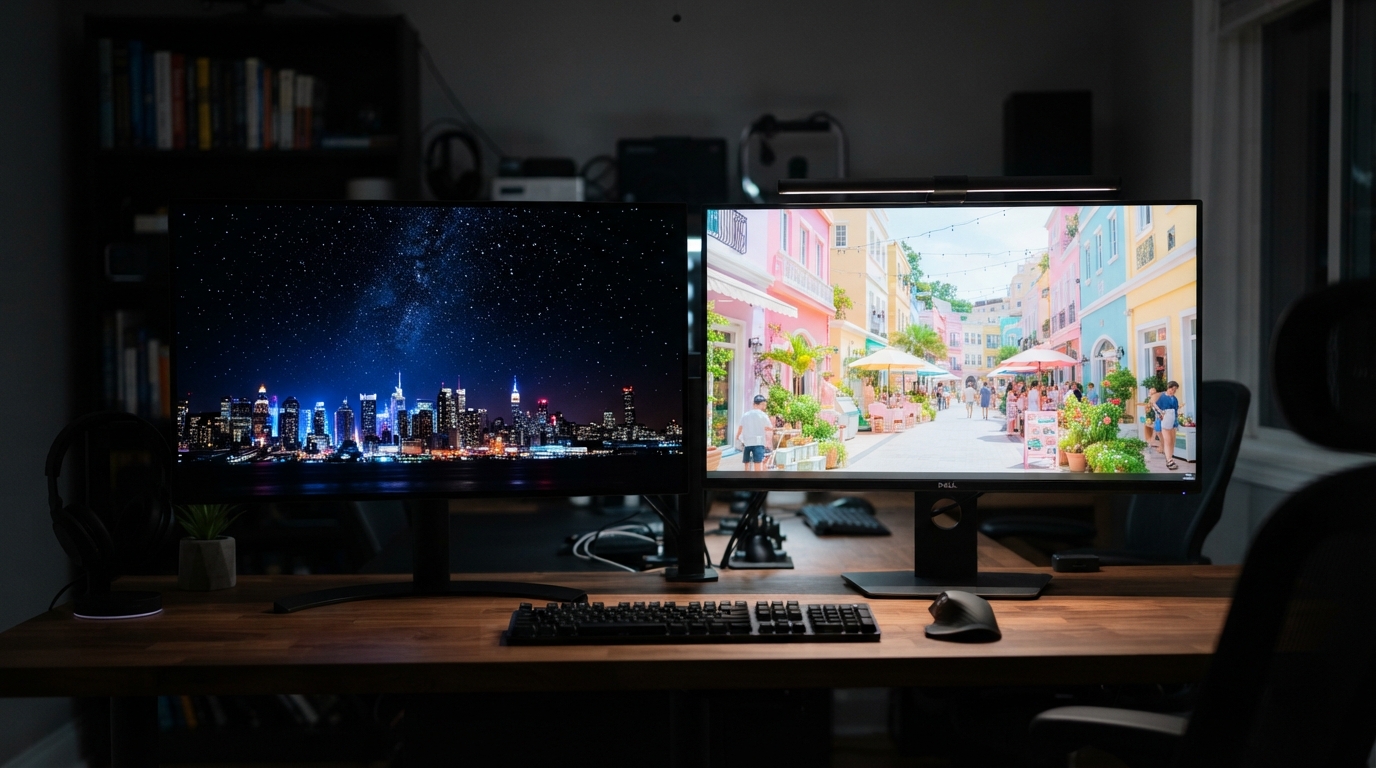
OLED generally uses less power on dark or mixed images, while an LCD can draw less on a screen filled with bright white content. The gap can change with brightness, screen size, and the hours we spend viewing. Average picture level (APL) is the share of a screen image made up of bright pixels. It helps explain why the same display can draw different amounts of power during different tasks.
For a household budget, the useful question is not which technology always wins. It is how much energy our display uses during the shows, games, work, and reading we do. A TV used for dark films may have a different pattern from a monitor filled with bright documents. We can make a better comparison by matching displays to real viewing habits and estimating their costs from actual hours and power use.
Key Takeaways
- OLED often draws less power on dark or mixed images.
- LCD may draw less on bright, white-heavy images.
- Brightness, screen size, and viewing time affect energy use.
- A wattage rating does not predict every hour of use.
- We can estimate yearly energy and cost from watts, hours, and our electricity rate.
How OLED Display Power Efficiency Works
An OLED pixel makes its own light, while an LCD pixel controls light from a separate backlight. That difference makes image content a key part of power use: dark scenes can lower OLED draw, while LCD power stays more consistent across scenes. OLED monitor power use changes more with the picture than IPS monitor power use does.
A pixel is the tiny point of color that combines with other pixels to form an image. In an OLED display, each pixel can produce light on its own or switch off for black. The screen does not need a constant backlight behind those pixels.
OLED Pixels Emit Their Own Light
OLED means organic light-emitting diode. The organic light-emitting material in each pixel gives off light when it receives power. A black area can use almost no pixel power because its pixels can turn off, while bright areas need lit pixels.
That control also helps OLED show deep blacks beside bright objects. A star on a dark background can stand out without lighting the whole screen. The screen still uses power for its control circuits and other parts.
LCDs Need a Backlight
An LCD, or liquid-crystal display, does not make light at each pixel. A backlight shines through a liquid crystal layer, which controls how much light passes through colored filters. IPS is a type of LCD panel, and IPS monitors use LED backlights to illuminate the screen.
Many LED/LCD TVs use LEDs as their backlight. The backlight can vary by model and setting, but LCD pixels still control light from behind rather than making it themselves. This helps explain why LCD power use can stay steadier across dark and bright scenes.
The IPS and OLED panel comparison describes IPS as an LCD panel type, not a separate display category. The same distinction matters when we compare OLED and LCD power use.
Where AMOLED Fits
AMOLED means active-matrix OLED. It is an OLED implementation, not a separate light-emission technology. The active matrix controls how each pixel receives its signal, while the OLED material still makes the light.
Some screens can show a black image while keeping their processor, power control, and other electronics running. A black OLED image can darken the pixels, but it does not power down the whole display.
OLED pixels can switch off for black, but the rest of the display still needs power.
That distinction matters when we measure power at the outlet. A dark picture can reduce the panel’s draw without making the full TV or monitor use no energy.
Does OLED Use More Power Than LCD?
OLED tends to draw less on dark images, but an LCD can draw less when most of the screen is bright white. The content changes the result, so OLED power consumption vs LED depends on the image and the specific displays. There is no reliable winner based on the technology label alone.
Listed TV figures show how power use can differ by size and model. A 55-inch OLED TV is listed at 98W, compared with 57W for a 55-inch LED/LCD TV. A 65-inch OLED is listed at 116W, while a 65-inch LED/LCD is listed at 88W.
| Screen size | OLED TV power | LED/LCD TV power |
|---|---|---|
| 32 inches | 57W | 28W |
| 55 inches | 98W | 57W |
| 65 inches | 116W | 88W |
A 32-inch OLED TV is listed at 57W, compared with 28W for a same-size LED/LCD TV. These figures describe listed power, not every scene or setting. A bright image with a white background can make an OLED use more than twice the power of an LCD.
The figures make OLED look higher in these model pairs, but they do not prove every OLED uses more. A dark movie can shift the comparison because the OLED pixels producing black can turn off. The LCD’s backlight still shines behind the liquid-crystal layer.
IPS is one LCD type, and its power use tends to be steadier as scenes change. That steadiness can help people who use a monitor for mixed tasks, though a particular screen’s draw still depends on its settings. An example of listed TV power figures shows why screen size belongs in a fair comparison.
For the OLED power consumption vs IPS question, remember that IPS describes a panel type, not one fixed wattage. OLED can draw less in dark scenes; IPS LCD can be the lower-draw choice for bright content. Compare displays using the same screen size and viewing conditions rather than treating the wattage of one TV as a rule for every model.
How Much Power Do OLED Monitors and TVs Use?
A 32-inch 4K OLED monitor typically uses 40W-80W or more, with its actual draw changing as brightness and displayed content change. That range is not a daily average: settings, screen size, and pixel density can shift the reading. Rated or maximum power does not tell us what a monitor uses in every moment.
A 4K screen packs many pixels into its display area. Resolution-related pixel density is one factor in power use, along with size and brightness. A large screen or a high brightness setting can raise draw, while a darker picture can lower OLED panel demand.
Maximum-brightness operation can exceed 60W for a 32-inch 4K OLED monitor. That figure is a useful planning point, not a promise that normal work will always reach it. A monitor used for a bright full-screen page may draw differently from one showing a dark game.
Personal computers use power for more than the screen. Display subsystems can account for up to 38% of personal-computer power and up to 50% of handheld-device energy. Those shares show why screen settings matter, though they do not tell us the draw of one specific monitor.
We should separate a rating from the energy used over time. A rating describes a limit or specified condition, while daily use shifts as brightness and content change. The 40W-80W typical monitor range offers a starting point for planning, not a reading from every hour.
The phrase OLED monitor power consumption can refer to a rated figure, a peak reading, or a measured average. Those are not interchangeable. A plug-in meter can capture use under the settings and content we actually work with, while a label alone cannot establish average energy use.
Displays also differ in how they handle brightness and image processing. A monitor may draw more during a bright task, then less during a darker one, even if its settings stay fixed. Treat the maximum or rated wattage as a ceiling for planning, not as a measurement of every hour of use.
How Screen Content and Color Change OLED Consumption
OLED power falls when more of the image is made up of black pixels, because those pixels can turn off. Bright pixels need more power, so a dark scene and a mostly white page can produce different readings on the same screen. What matters is how much of the image is lit, not just whether one small area is black.
A black app header above a white reading page leaves most of the screen lit. A mostly black reading area can turn off far more pixels. The color of a small icon matters less than the area it covers.
Dark Images and Black Areas
When OLED pixels show black, they use nearly zero energy for light output. Dark images can therefore reduce screen power, especially when black covers a large share of the view. Gray pixels still emit light, so a dark gray background does not act like pure black.
A 2021 image-processing study tested 48 images on a Samsung Galaxy A50. Its image-adjustment method measured an average 13.16% power reduction across those test images. That result came from image processing, not from a guarantee that every dark-mode setting saves the same amount.
White Backgrounds and Colorful Scenes
A bright white page lights many OLED pixels at once. Colorful scenes can also draw more power when they use broad areas of bright color. A mostly dark picture with a small bright title may need less panel power than a pale screen with a narrow dark title.
The effect depends on the whole image, not a single color label. A colorful scene can include dark areas, while a white page may have only a few colored marks. We can group common viewing into three useful cases:
- Mostly black images with large dark areas.
- Mixed dark-and-bright scenes with both lit and unlit regions.
- White-heavy pages or documents with broad bright backgrounds.
Research published by Purdue University measured dark-mode effects on OLED phones. Under typical indoor use, dark mode reduced total phone power by about 3%-9%; outdoors at high brightness, savings reached 39%-47%. These are phone results, and the app’s main reading or viewing area still matters.
Check whether an app’s main reading or viewing area is actually dark before expecting its dark theme to reduce screen power.
How Brightness and Viewing Habits Affect Power
Lowering brightness is a direct way to reduce a display’s power draw, though the size of the saving depends on the display and its settings. Comfort matters too, since a screen that is hard to read can make work tiring. Reducing monitor brightness from 100% to 50% can cut power draw by 30% in one estimate.
That 30% result is a specific estimate, not a promise for every monitor. Different panels and brightness controls respond in different ways. A change from full brightness to half brightness may not cut display power in half.
The room affects what feels readable. A dim office often allows a lower setting than a sunny room, where glare can hide text. Accessibility needs can also make a higher brightness setting useful, and strong daylight may call for it.
Automatic brightness control can adjust a screen as the room changes, when the display supports that feature. It may not suit every task or person, so we can check whether the screen stays comfortable. For a fair visual comparison, temporarily turn automatic brightness off, set brightness for the room, and use the same familiar image.
The smartphone display calibration guide explains how settings can change how colors look. That helps us separate a visual change from a measured power change. Color settings and brightness controls can interact, so a screen may look different even when our task stays the same.
- Lower brightness to a comfortable level.
- Use automatic brightness control where available.
- Reassess brightness when moving between indoor and outdoor viewing.
Viewing time matters alongside brightness. A lower draw repeated across many hours can affect total energy more than a brief change. We can keep a comfortable setting for the task rather than relying on one level in every room.
Choose the lowest brightness that keeps text and images comfortably visible in your actual viewing conditions.
How to Calculate Annual Display Energy Costs
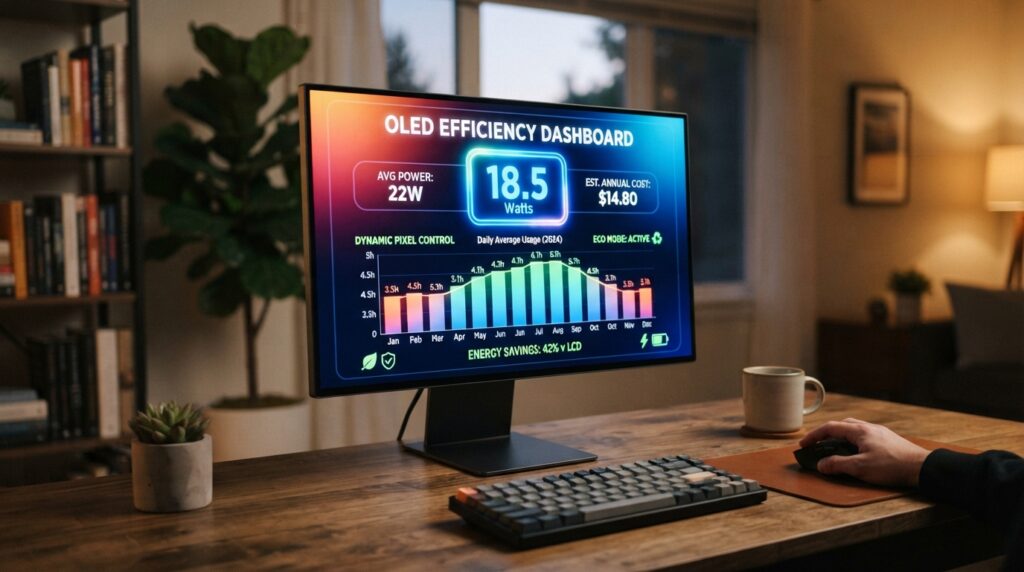
Multiply a display’s watts by its daily hours and annual days of use, then divide by 1,000 to estimate yearly kWh. This gives energy use, while a separate step turns it into a dollar cost. Annual display energy in kWh = watts × hours used per day × days used per year ÷ 1,000.
Watts measure display power at a moment in time. Multiplying watts by hours gives watt-hours, and dividing by 1,000 converts watt-hours to kilowatt-hours. The energy charge on a U.S. electricity bill is often shown as a rate per kWh.
Convert Watts to Kilowatt-Hours
For a 27-inch performance monitor rated at 60W and used six hours each day for 365 days, the estimate is 131.4 kWh per year. The math is 60 × 6 × 365 ÷ 1,000. This assumes the display draws its rated 60W throughout those hours.
A rated wattage estimate may differ from actual use. Brightness, content, and display settings can change the draw while the monitor is on. A plug-in meter can measure a particular setup during real use, while the formula gives a clear planning estimate.
Apply Your Electricity Rate
Estimated annual cost = annual kWh × electricity rate per kWh. At $0.16 per kWh, the example monitor costs about $21.02 per year: 131.4 × $0.16. That estimate covers the display’s energy, not the rest of the computer.
We can make the estimate for a TV or monitor with three steps:
- Find the display’s wattage.
- Multiply by daily hours and days used, then divide by 1,000.
- Multiply annual kWh by the household’s electricity rate.
If our viewing hours change by season or weekday, we can use an average that fits the year. For example, someone who uses a monitor on weekdays can count their usual yearly days rather than assume daily use. The closer the time estimate is to our real routine, the more useful the cost estimate becomes.
Some displays list typical power, while others highlight maximum draw. Using a maximum figure can overstate normal energy use, especially when the display rarely runs at full brightness. We should keep the estimate tied to the wattage figure’s meaning and the number of hours we actually use the screen.
Use the electricity rate on your bill, since a small change in the rate changes the estimated yearly cost.
Which Display Fits Your Viewing Habits?
Choose OLED when dark or mixed viewing is common, and consider an LCD when most use involves bright, white-heavy pages. Your usual work matters more than the display label by itself. OLED display power efficiency comparison depends on the scenes and hours we use, not only the panel name.
OLED suits viewers who value per-pixel control and often watch darker films or play games with dark scenes. The screen can turn off pixels in black areas. For a mixed scene, its power draw shifts with how much of the image is bright.
LCD is a reasonable fit for work that stays bright and white-heavy, such as reading long documents. IPS is one LCD type, and its power use tends to stay steadier from scene to scene. That can make an IPS monitor a predictable choice for changing work, though the exact display still matters.
OLED vs AMOLED is not a like-for-like technology comparison. AMOLED is an active-matrix form of OLED, so both names refer to OLED light emission. When we compare an OLED phone with an AMOLED phone, other features and the specific display matter more than those labels alone.
LCD is the broad category, and IPS panels fit within it. OLEDs and LCDs can also differ in brightness, color, contrast, and motion, not just power. A gaming laptop display comparison can help us judge panel features alongside other device choices.
For an OLED display vs AMOLED choice, first check whether the product uses an OLED panel, then compare its actual features. The word AMOLED does not promise a separate power advantage. A more useful comparison matches the screen size, the settings, and the kind of work or viewing we do.
Choose by the images you show most often, then compare the actual panel and settings.
Compare the panel type and your own viewing pattern before treating an OLED or LCD label as a promise of lower energy use.
Does OLED’s Operating Efficiency Reduce Its Environmental Footprint?
Lower operating power does not automatically give OLED the smaller environmental footprint across manufacturing, use, and disposal. Electricity is one stage in a display’s life, and materials, factory energy, water, and recycling also matter. A lower draw during use cannot settle the full lifecycle comparison on its own.
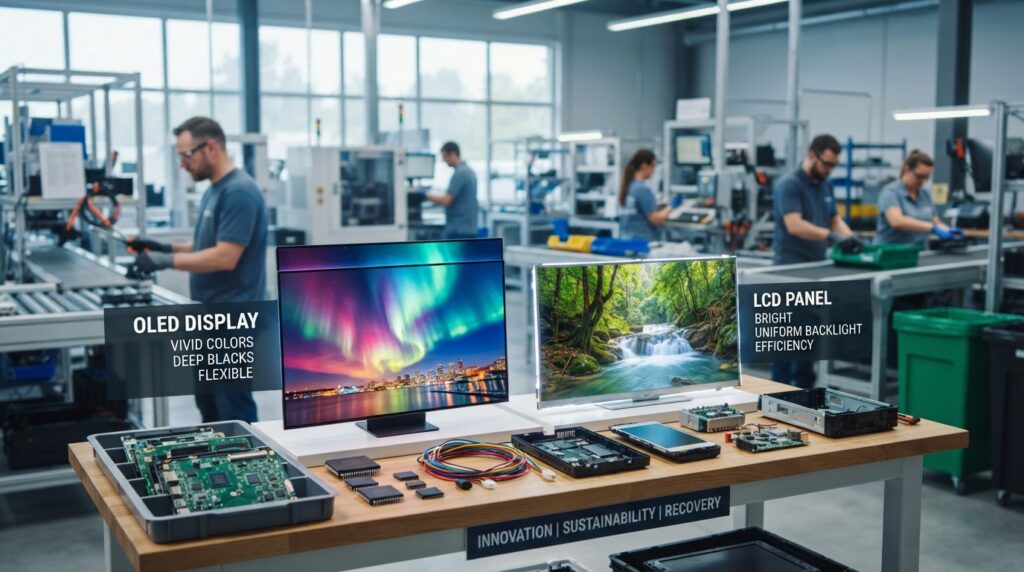
Manufacturing can have different effects for OLED and LCD panels. OLED manufacturing carbon footprint can be 20%-30% higher than comparable LCD panels, while LCD production typically uses 20%-40% more water than OLED production. These measures describe different impacts, so neither one alone ranks the full footprint.
| Lifecycle stage | OLED | LCD |
|---|---|---|
| Manufacturing carbon footprint | Can be 20%-30% higher for OLED panels | Comparable panel reference |
| Manufacturing water use | Lower than LCD production in typical comparisons | Typically uses 20%-40% more water |
| End of life | Limited recycling infrastructure | Complex layer separation; mercury in some older models |
Factory impacts include the materials used to make panels and the energy and water used during production. EU RoHS and REACH rules affect hazardous-material use in display manufacturing. They shape material limits and controls, but they do not erase every impact from making or disposing of a screen.
End-of-life options differ by location. OLED recycling infrastructure remains limited, while LCD recycling can require complex separation of layers. Some older LCD models may contain mercury, so safe collection matters when those screens leave service.
Local e-waste programs may accept electronics through drop-off sites or special collection events. Their rules can depend on the display type and local facilities. Check local e-waste collection options before replacing either type of display.
Conclusion
OLED is often the lower-power choice for dark or mixed images, while LCD can have an advantage on bright, white-heavy screens. Actual energy use depends on the display, its settings, and our viewing pattern.
That makes a label alone a poor way to predict cost. A screen’s draw changes with the images we show and the hours we use it. Our own routine gives a more useful estimate than a broad claim about one panel type.
Check the wattage for the display you use, then estimate its energy cost from your own viewing hours and electricity rate.