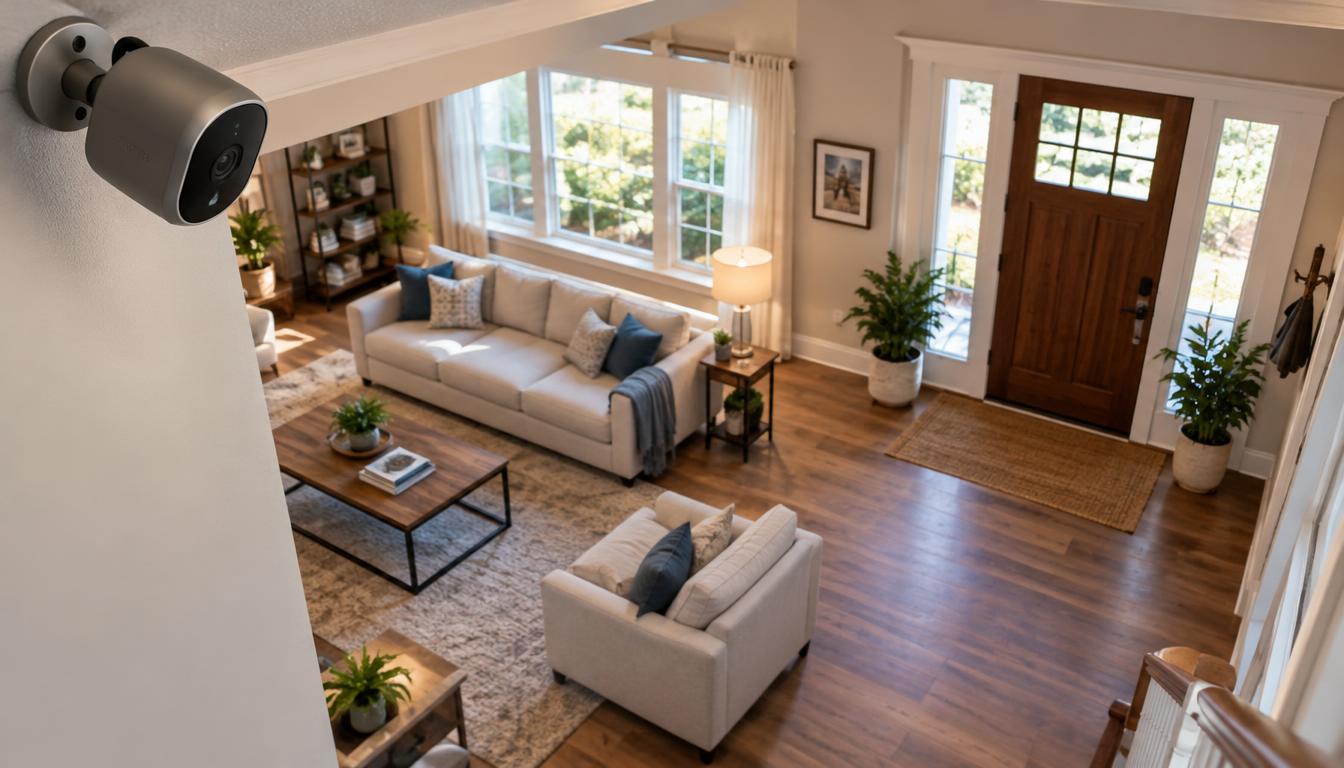
A wireless setup can cover a front door, a living room, or both, but the right camera depends on where it will go and how its footage will be stored. We’ll help you match your home, app, and daily routine to a camera that catches useful movement without adding unwanted costs.
Some households want professional monitoring across the whole home. Others need outdoor deterrence, sharper video, flexible placement, or low ongoing costs. Our five featured picks include ADT with Google Nest Cams, Ring Spotlight Cam Plus, Lorex, Nest Cam (battery), and Arlo Pro 5S 2K. Each serves a different need, so a familiar brand alone should not decide the purchase.
We’ll explain what wireless means, which features shape useful footage, and how recording choices affect access and cost. Then we’ll compare cameras for specific rooms, yards, and household needs. The most useful choice is the one that fits the space, power access, and recording preferences in your home.
Key Takeaways
- Choose ADT when you want professional monitoring across the home.
- Choose Lorex when local recording matters more than a cloud plan.
- Ring Spotlight Cam Plus adds a motion-triggered spotlight and siren outdoors.
- Nest Cam (battery) offers flexible placement and Google Home features.
- Arlo Pro 5S 2K suits scenes where detail and wide coverage matter.
- Check power, Wi-Fi, storage, and paid features before choosing a camera.
What Does Wireless Mean for a Home Security Camera?
A camera can be wireless for video and still need a cord to stay powered. In 2026, a wireless security camera sends video over Wi-Fi, not through a video cable, but its power may still come from a cord. Wireless describes the video link, not every part of the camera setup.
Choose a power source that suits the mounting spot, since power needs can limit where a camera can go. A plug-in camera works well near an outlet, while a battery camera can go farther from one. Solar power can reduce charging, but it depends on a suitable location and sunlight.
Wireless means the camera sends video over Wi-Fi; it does not mean the camera never needs a power cord.
In 2026, wireless cameras may use a plug, battery, or solar panel. The table shows how each choice affects placement and daily use. For a room near an outlet, a plug can save battery checks; a yard may call for more flexible power.
| Power source | Connection or placement advantage | Practical constraint |
|---|---|---|
| Plug-in | Steady power near an outlet | Needs an outlet and visible cord |
| Battery | Flexible placement without a power cord | Needs charging or battery changes |
| Solar panel | Can help keep a camera charged outdoors | Needs a sunny panel location |
Before fixing a camera in place, check the connection and the surface. A strong signal in the kitchen may not reach a detached garage or a far corner of the yard.
- Test Wi-Fi signal at the exact mounting spot.
- Check whether an outlet is close enough for a plug-in camera.
- Make sure the mounting surface can hold the camera securely.
- Decide whether weather will reach the camera or its power source.
Security cameras can send a clear view only when their connection stays steady. Check Wi-Fi strength at the exact mounting spot before committing to a camera location.
Which Features Matter Most Before You Buy?
For most homes, compare the scene you need to identify with the camera’s resolution and field of view, not the largest number on the box. An IP rating is a two-digit code that describes how well an enclosure resists dust and water. Choose detail for the distance you need to see, then check whether the camera covers the full scene.
Resolution, field of view, and night vision
Resolution measures the image’s pixel count. In 2026, 1080p HD means 1920 x 1080 pixels, 2K QHD means 2560 x 1440, and 4K UHD means 3840 x 2160. Four times as many pixels as 1080p gives 4K more detail, but also uses more storage and Wi-Fi bandwidth.
Field of view describes how much of a scene the lens can show. A wider view can cover more of a porch, but objects may look smaller at the far edges. Infrared night vision uses infrared light for a black-and-white view, while color night vision needs visible light, often from a spotlight.
Power, weather resistance, and two-way audio
Outdoor cameras need power that suits the site and an enclosure rated for exposure. An IP65 rating means the camera is fully protected from dust and can withstand water jets from any direction. It does not mean the camera can sit underwater.
Two-way audio lets people speak through the camera and hear replies in its app. That can help with a delivery or a visitor, but sound quality and delay can affect a conversation. Think about the people near the camera before using audio in shared spaces.
- Measure the distance from the camera to faces, doors, or packages.
- Check how much light reaches the scene after dark.
- Decide whether two-way audio suits the people and place.
- Confirm the rating fits the camera’s outdoor exposure.
Higher resolution helps when distant detail matters, but larger files place more demand on a connection and recording space. Choose higher resolution when distant detail matters, and confirm that your Wi-Fi and storage can handle the larger files.
Is Local or Cloud Storage Better?
Local storage is usually the better fit for avoiding monthly charges, while cloud storage protects access to recordings if a camera is stolen. Local storage stays on a card or recorder; cloud storage keeps video on a remote server. Check what happens when storage fills, because some cameras overwrite old video and others stop recording.
Many cameras offer free live viewing, basic motion alerts, and local storage. A home security camera with no subscription can still provide those features, while advanced AI alerts and longer cloud video history may require a subscription. That difference can matter more than the camera’s purchase price.
| Storage type | Location | Recurring fee | Key limitation |
|---|---|---|---|
| Local storage | Camera card or recorder | Usually none | Full card may overwrite older footage |
| Cloud storage | Remote server | Typically monthly | Recordings rely on an active plan |
| Both | Local device and remote server | May apply to cloud features | Features differ by camera and plan |
In 2026, local camera storage commonly uses a microSD card. Older footage may be overwritten once the card fills, so check how the camera handles a full card before relying on it.
Cloud storage can keep recordings accessible if someone steals the camera. Plans typically charge a monthly fee, and the saved history depends on the plan. A camera that offers both options may let you keep local clips while adding remote access.
When choosing a security camera for a home with no subscription, check which alerts and recordings stay free. Live view is not the same as saved video, and free features can differ across models.
Think through a power cut or internet outage, too. Local recording may keep working if the camera and recorder still have power, while cloud access needs an internet connection. Check whether a full memory card overwrites the oldest footage or stops recording.
https://www.youtube.com/watch?v=1dKB9lESAJQ
What Should You Know About Camera Privacy?
A camera’s privacy settings can affect who may access or analyze video beyond the people in the household. Review sharing before turning features on, especially when a camera links to a neighborhood or household service. In February 2026, Ring’s Search Party feature was on by default and could scan footage across Ring devices in a neighborhood for possible matches to lost pets.
Ring owners could turn off Search Party in the Ring app as of February 2026. The path was Control Center, then Search Party, then disable Search for Lost Pets. The setting matters to people who do not want neighborhood footage analyzed for that purpose.
Ring also settled with the Federal Trade Commission in 2023 over employees’ and contractors’ access to customer video footage. That history gives households a reason to check account access, not a reason to assume every camera is unsafe. Consider who can view video and which features can share it.
Before enabling a household or neighborhood feature, check app permissions and sharing settings. Remove access for people who no longer need it, and use strong account security. Alerts can also reveal activity, so limit who receives them.
Privacy preferences can change when roommates move, family members join, or a camera changes rooms. Review sharing and access controls in the app whenever a household member or camera changes.
Compare Our 5. Best Wireless Security Cameras for Home
ADT is the strongest fit for readers who want a monitored whole-home setup, while Lorex suits those prioritizing local recording. Ring Spotlight Cam Plus adds an outdoor spotlight and siren; Nest Cam (battery) suits flexible placement, and Arlo Pro 5S 2K offers more detail. Each pick serves a different use, so compare the setup, not just the camera.
The best home security choice depends on where you will mount the camera and how you want recordings kept. Our shortlist includes a monitored system, an outdoor deterrent, a recorder-based option, a battery camera, and a 2K model.
| Camera/system | Best fit | Resolution | Power or storage note |
|---|---|---|---|
| ADT with Google Nest Cams | Whole-home monitoring | Up to 2K | System plan includes cloud video storage |
| Ring Spotlight Cam Plus | Outdoor light and siren | 1080p HD | Rechargeable battery; no local storage |
| Lorex | Local recording and night vision | Up to 4K | Records to a local recorder |
| Nest Cam (battery) | Flexible placement | 1080p HDR | Battery or wired power; cloud history |
| Arlo Pro 5S 2K | Detailed video and wide coverage | 2K QHD | Battery or wired power; plan adds features |
The outdoor options do not suit every yard. Ring’s light and siren may help draw attention near an entrance, while Lorex offers local recording in supported camera systems. Check the camera’s power source and exposure rating for the exact site.
ADT ties Google Nest Cams to a wider monitored system. Lorex instead suits people who want to keep footage on hardware at home. Nest Cam (battery) gives more choice in placement, while Arlo offers a broad view and sharper video than 1080p.
The table gives a starting point, not a promise that every model has the same features. Product lines can change, and storage or power choices differ by model. Treat the shortlist as a starting point and confirm the exact model’s power and storage options before buying.
Is ADT the Right Choice for Whole-Home Monitoring?
Choose ADT when professional monitoring and a connected home-security system matter more than buying a camera by itself. ADT is a system choice, not simply a camera purchase, and its setup ties camera alerts to a broader security service. In 2026, ADT monitoring plans start at $49.99 per month and include 30 days of cloud video storage.
Google Nest Cams are available through ADT Pro Install systems, but buyers cannot purchase them on their own through that setup. Installation also matters: ADT suits households that want a professionally installed system rather than managing every device alone.
Integrated camera alerts can make sense when a household wants professional monitoring and a coordinated home security setup. A standalone camera may cost less to start, but it does not provide the same response service. Decide whether you need a camera alone or a wider alarm system.
- Set a monthly budget for monitoring and video features.
- Choose between professional installation and self-installation.
- Decide whether you need a professional response to alerts.
- Consider whether you want standalone ownership of each camera.
ADT is a stronger fit when cameras must work as part of a monitored system. It is less suited to someone who wants to buy one camera, move it freely, and avoid a service plan.
Compare the cost with the response and installation you want, not just the camera count. Confirm that the monitoring plan covers the cameras and recording features you intend to use.
Does the Ring Spotlight Cam Plus Suit Your Outdoor Space?
The Ring Spotlight Cam Plus is a useful fit when an outdoor entrance needs a motion-triggered light and siren. Its light adds visible deterrence while the camera records 1080p HD across a 130-degree field of view. The model has no local storage or free cloud storage, and basic person detection requires a Ring Home subscription.
Motion can trigger the spotlight, a recording, and a smartphone alert. The light helps the camera capture color night vision, while infrared night vision offers a darker view without visible light. A bright beam may draw attention, which can be useful at an entrance but conspicuous near a neighbor’s window.
The camera also has two-way audio, so someone at home can speak through the app. A siren adds another deterrent, but its value depends on the location and whether a person nearby can hear it. Aim the camera at your own approach, not a shared path alone.
At a listed price of $179.99, it is a feature-rich outdoor camera, but the recording limits shape the real cost. Without a subscription, it does not provide local recording or free cloud video storage. Advanced detection also depends on a paid plan.
Ring batteries are rechargeable and were reported to last three to six months. Actual charging frequency depends on how often motion triggers the camera. A busy walkway may drain a battery sooner than a quiet side yard.
That means charging is part of the setup, particularly if the camera sits above a door or garage. Before mounting it high on a wall, plan how you will safely reach the battery for charging.
Is Lorex a Better Fit for Local Recording and Night Vision?
Lorex is a strong fit when you want high-resolution options and footage stored on hardware you control. Its recorder-based setup favors local control, with wireless cameras available up to 4K in some lines. Higher resolution gives more detail but uses recorder space faster.
Some Lorex models offer night vision up to 100 feet. That range can help with a long driveway, but the exact result depends on the model and scene. Check the camera’s stated night vision distance against the area you want to monitor.
A described test found that a 2 TB Lorex recorder stored about three weeks of 1080p video from four cameras. The same recorder held about 10 days of 4K video from four cameras. That contrast shows how resolution can shorten the recording history on the same hardware.
Lorex Fusion systems can combine up to eight wireless and eight wired cameras. A hybrid recorder can suit a home with existing wired cameras and new wireless ones. It also avoids treating every camera as a separate standalone setup.
Product lines and smart-home support vary, so check the exact model before choosing it. A feature on one Lorex system may not appear on another. Match the camera, recorder, and app features to the way you want to view footage.
Lorex can be a practical choice for people who prefer a local recording setup and do not want cloud video to be the only record. Match recorder capacity to camera count, resolution, and the number of days of footage you want to keep.
Is the Nest Cam (Battery) the Most Flexible Option?
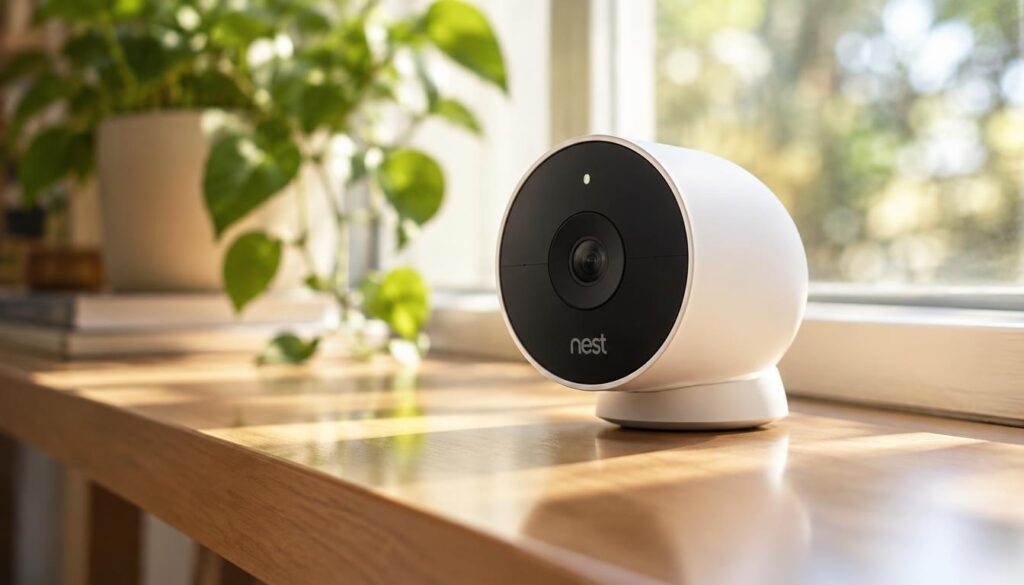
The Nest Cam (battery) is a flexible choice when you want a camera that can move between wired and battery use. Power choice helps placement, while Google Home links the camera to smart-home controls. Free cloud storage keeps event recordings for only three hours.
The camera records 1080p HDR and has a 130-degree field of view. Person, package, animal, and vehicle detection can help sort alerts by activity. Those labels may reduce irrelevant notifications, especially when the camera faces a busy walkway.
Free event history is not the same as continuous recording. Google Home Premium Standard costs $10 per month for 30 days of history, while Advanced costs $20 per month for 60 days. Advanced adds 10-day continuous recording only when the camera is plugged in.
That wired condition matters if you plan to use a battery mount. A camera that runs on battery can move around, but it cannot provide that continuous recording feature while unplugged. Decide whether saved event clips or a longer video timeline matters more.
The camera is easiest to use for people already comfortable with Google Home. It can suit a shelf, wall, or temporary location where a power cord is not always practical. Check the app and storage terms before relying on older clips.
Free history may be enough if you check alerts soon after they arrive. Check how long you need to retrieve an event before deciding whether the free history is enough.
Should You Choose the Arlo Pro 5S 2K for Video Detail?
Choose the Arlo Pro 5S 2K when a wide scene and detailed video matter more than minimizing data use. The 2K image can show finer detail than 1080p, and its 160-degree field of view covers a broad area. The camera connects directly to Wi-Fi without a hub.
It records at 2560 x 1440 pixels and supports HDR, which helps manage scenes with bright and dark areas. Battery or wired power gives it indoor and outdoor placement options. Check the exact mounting spot for a stable signal and a suitable power plan.
Color night vision requires the camera’s spotlight. Without that light, the camera uses a different night view, so the nighttime image may not match daytime color. Consider whether a visible spotlight works for the scene you want to cover.
Arlo supports Alexa, Google Assistant, and Apple Watch integrations. That may suit a home already using one of those tools. The camera can also work without a hub, reducing the number of devices needed near the router.
Some detection features require an Arlo Secure subscription. The listed price is $7.99 per month for one camera or $17.99 per month for unlimited cameras. Compare those costs with the features you expect to use.
A wide view does not always mean useful detail across the whole image. Set the camera to cover the places where people or packages are most likely to appear. Check whether your preferred detection features are included at no charge or require a plan.
Which Indoor Cameras Make Sense for Different Rooms?
For a budget indoor camera with pan and tilt, the Tapo C210 is the simplest starting point among these options. Room layout should guide the pick: a shelf, window, or pet area calls for different features. Cheap security cameras can connect to a phone through an app, but saved footage and advanced detection may cost extra.
The Tapo C210 cost $25 at Amazon in 2026 and offers 2K video, pan and tilt, sound detection, object recognition, and a built-in siren. Some features require a subscription. It is a low-cost indoor camera, but check which alerts and recordings remain free.
Choose the Tapo C210 for affordable pan and tilt
Pan and tilt lets the camera turn to follow a room view, which can help cover a living room from one shelf. Sound detection and object recognition add more ways to sort activity. The subscription caveat matters if you expect every feature to work without a plan.
Pick the Wyze Window Camera when a window view works
The Wyze Window Camera cost $35 at Amazon in 2026. It offers local storage and object recognition without a subscription, but it needs suitable window space, a useful view, and a nearby outlet. Measure the glass and test the view before deciding where it belongs.
Wyze cameras can also use local microSD storage. A tested Wyze Cam used a 32 GB card and supports cards up to 256 GB. Person detection and activity zones are available without a subscription, while face recognition requires a monitoring plan.
Compare Aqara and Nest for smart-home features
The Aqara Indoor Camera Hub G3 cost $99 at Amazon in 2026. It offers 2K pan and tilt, onboard microSD storage, two-way audio, and noise and people alerts, but it has no wireless option.
The Google Nest Indoor Cam (3rd Gen) offers 2K resolution but works only with wired power. Gemini for Home AI features require payment. Choose Aqara for onboard storage and two-way audio, or Nest if its Google Home setup suits your home.
The Arlo Essential Pan/Tilt Security Camera 2K was listed at $35 at Amazon in 2026. It offers pan, tilt, zoom, person and animal auto-tracking, and onboard or cloud storage. The microSD card is sold separately, so include it in the setup cost.
Use Furbo for pet check-ins and treat dispensing
Furbo is designed for pet check-ins, not general home security. Its 360-degree 1080p camera rotates to show more of a room, and its treat launcher lets owners dispense treats remotely. The subscription-version price was $72 at Amazon in 2026.
For the best home security camera without a subscription, Wyze offers local storage and basic detection without a plan. Tapo is a low-cost indoor pick, but some features need a subscription. Measure the usable view and check outlet access before selecting a window or shelf camera.
Which Outdoor Cameras Offer Value Without a Subscription?
Lorex is the clearest fit for outdoor recording without a required monthly plan, while SimpliSafe is for buyers who want monitored deterrence. Lorex keeps local recording central, while SimpliSafe’s Active Guard service connects a camera to monitoring agents. A Lorex recorder package starts around $300, while camera system prices can reach $1,500.
Choose Lorex for locally recorded outdoor footage
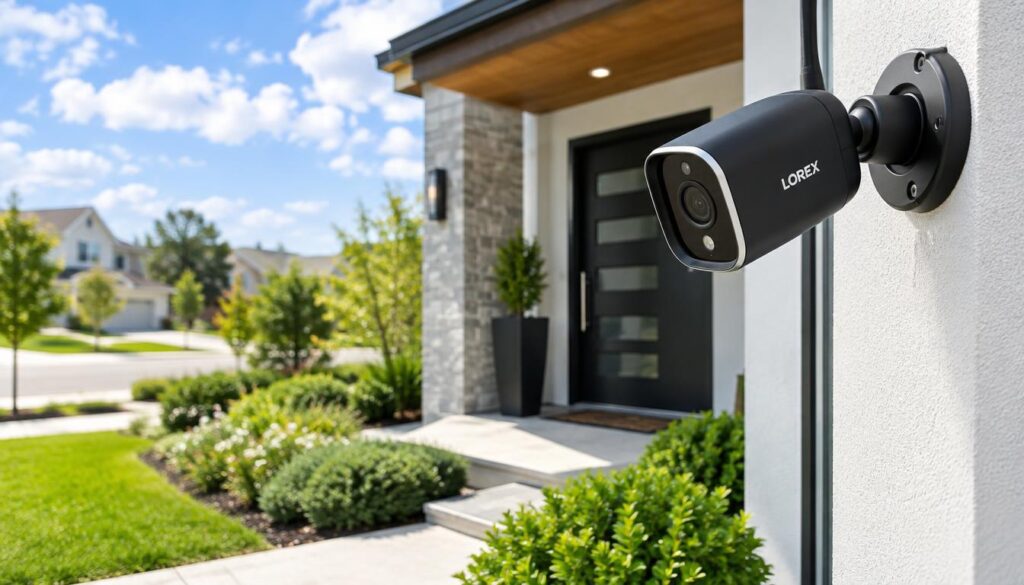
Lorex offers cameras up to 4K with free local recording in 2026. Recorder packages cost more upfront than a single camera, but they can suit homes that need several views and want to avoid monthly storage fees. A standalone camera’s price depends on its model and storage needs.
That makes Lorex a strong choice for an affordable outdoor security camera without a subscription, especially when local recording matters. A camera alone may cost less to start, but the recorder bundle can store footage from a wider setup. Match the package to how many cameras you plan to use.
Ring’s battery-powered Outdoor Cam can work indoors or outdoors, but advanced features such as AI require a subscription. That can suit a simple live-view setup, but buyers should check which saved video and detection features remain available without a plan.
Choose SimpliSafe when active deterrence is the priority
SimpliSafe’s Outdoor Camera records 1080p and has a 140-degree field of view, spotlight, 90 dB siren, and two-way audio. It is designed to work in wind, snow, and rain. The camera cost $199.99 in 2026.
Active Guard Outdoor Protection requires SimpliSafe’s $49.99-per-month Pro monitoring plan. Monitoring agents can use the camera’s two-way audio, siren, and spotlight to deter a possible intruder. That is a paid response service, not just self-monitoring through an app.
For a budget security camera system without a subscription, Lorex is the better fit when local recording is the priority. SimpliSafe makes more sense when you want agents to act through the camera’s deterrence tools. Compare the upfront recorder cost with any monthly monitoring charge across the time you expect to use the system.
Is a Standalone Camera or a Home Security System Better?
Choose a monitored system when you want cameras connected to a response service, and a recorder system when local control matters more. The response path is the key difference: a standalone camera sends alerts to you, while professional monitoring links cameras to a broader service. The best home CCTV system depends on whether monitoring or local recording is your priority.
ADT is the stronger fit for whole-home monitoring and professional installation. Its outdoor lineup includes battery-powered and wired Google Nest models with up to 2K resolution and a 130-degree field of view. Its floodlight model offers color night vision.
Choose monitored cameras for whole-home response
A monitored home security system connects cameras to a response service. That can make sense when you want professional installation and someone beyond the household to handle alerts. The system is less suited to buyers who want to manage each camera on their own.
Choose ADT when you want a wider setup and professional monitoring. Think about whether alerts should go only to people in the home or also to a monitoring team. The answer affects the type of system that makes sense.
Choose a recorder system for local control
A recorder system stores video locally and can serve several cameras. Lorex Fusion recorders can combine up to eight wireless cameras and eight wired cameras. That hybrid setup suits homes that want to add wireless cameras while keeping wired ones.
Use these checks before choosing a system:
- Count the cameras and views the home needs.
- Ask whether recording continues during an internet outage.
- Check how remote viewing works away from home.
- Decide who responds when an alert arrives.
For professional monitoring, ADT fits a household that wants whole-home response. For local recording and control, a Lorex recorder system is the better match. Decide who should act on an alert before choosing between self-monitoring and professional monitoring.
Is Blink or Ring Better for Your Home?
Blink is the better fit when lower starting prices and longer battery life matter most, while Ring wins for professional monitoring. Blink favors low starting costs, while Ring offers more power choices and a monitoring plan. Blink is cheaper at the listed starting prices, but plan and model features differ.
Blink indoor cameras started at $29.99 in 2026, compared with $49.99 for Ring indoor cameras. Outdoor cameras started at $69.99 for Blink and $79.99 for Ring. Listed cloud plans start at $3.99 per month for Blink and $4.99 for Ring.
| Brand/model group | Starting indoor and outdoor prices | Power and battery information | Storage or monitoring |
|---|---|---|---|
| Blink cameras | $29.99 indoor; $69.99 outdoor | Two AA batteries; plug-in or hardwired options | Sync Module supports local storage without a plan |
| Ring cameras | $49.99 indoor; $79.99 outdoor | Battery, hardwired, or solar on some lines | Professional monitoring available through Ring Pro |
| Blink cloud plan | Starts at $3.99 per month | Battery cameras use two AA batteries | Cloud storage plan available |
| Ring cloud plan | Starts at $4.99 per month | Rechargeable batteries in battery models | Cloud storage plan available |
| Ring Pro plan | $19.99 per month | Power depends on camera model | Professional monitoring available |
Blink battery cameras use two AA batteries, and tested models ran for up to two years on non-rechargeable lithium batteries. Ring batteries are rechargeable and were reported to last three to six months. Some Blink models support solar charging, while Ring offers solar power in some lines.
Blink’s Sync Module provides subscription-free local storage. Ring local storage through its Alarm Pro base station requires an active subscription. Blink does not offer professional monitoring, while Ring offers it through its $19.99-per-month Ring Pro plan.
The longer battery life and lower starting prices favor Blink for simple self-monitoring. Ring suits buyers who value monitoring and wider power choices. Compare the camera’s full storage and monitoring needs, not just its starting price.
Blink costs less to start and can last longer on batteries; Ring adds professional monitoring and more power options.
Conclusion
Start with the one requirement you will not compromise on, whether that is professional monitoring, local recording, or flexible placement. ADT fits households seeking whole-home response, while Lorex suits people who want local recording without a required monthly plan.
Before choosing, confirm the exact model’s power needs, storage method, and subscription terms. A camera that looks right online may not suit a distant outlet or a weak signal. Measure the intended location and check its Wi-Fi signal before finalizing your camera choice.