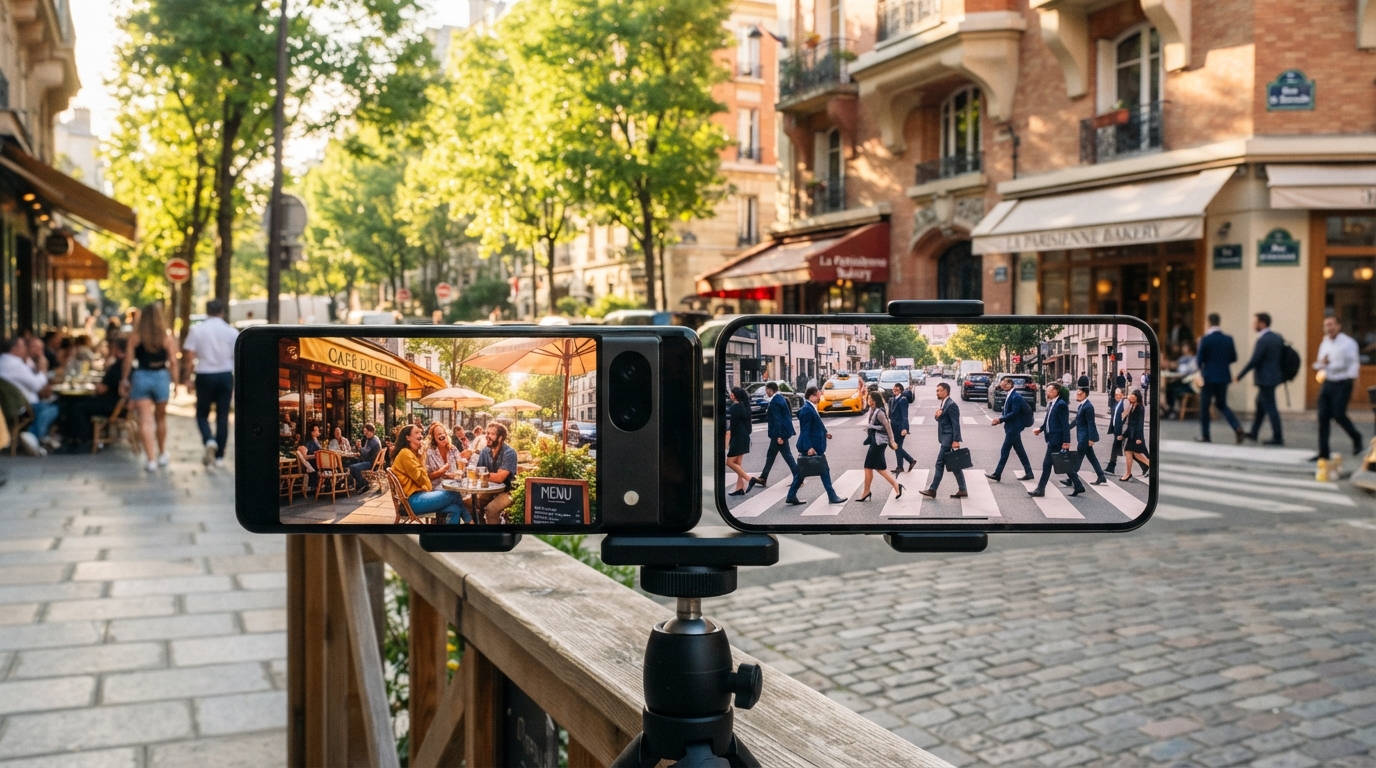
Two smartphones can photograph the same scene and produce noticeably different results, even when neither has a large camera sensor. Computational Photography Technology helps explain why: camera software can shape a photo as much as the light and hardware do. That matters when we compare phones, judge a striking image, or want better photos from the camera we already own.
This beginner’s guide explains what happens as a smartphone camera captures and processes a scene. We’ll see what a finished image can tell us, where software has limits, and how to try simple techniques ourselves. We don’t need special gear to notice the choices behind a picture. Treat the image on the screen as the result of both the light captured and the choices made by the camera’s software.
Key Takeaways
- Camera software can change how a captured scene looks.
- Some features combine several captures into one image.
- Other tools estimate details or alter image content.
- Software can improve a picture, but it can also add artifacts.
- Comparing the original files helps us judge the result.
What Is Computational Photography Technology and How Does It Work?
Computational photography is the use of digital computation to enhance or transform images captured by a camera. It adds to optical capture: the camera records light, then software analyzes and adjusts the resulting data. Image fusion means combining information from multiple captures of a scene into one image.
The sensor records light, but processing shapes the finished image. Algorithms can align frames, balance color, reduce noise, or make a single rendered picture from several captures. A camera may use fixed rules, machine learning, or both.
A processed image is not always a direct record of one exposure; the camera may combine captures or infer details.
From Sensor Data to a Finished Image
A basic pipeline moves from sensor data to analysis, adjustments, and a rendered image. The camera can use computation to supplement what its lens and sensor capture, rather than replace optical capture.
- Capture light with the camera sensor.
- Analyze or align the captured data.
- Combine frames or adjust image values.
- Render the finished image for viewing.
What Machine Learning Adds
Artificial intelligence in photography is usually narrow AI, built for a specific task rather than general thinking. Machine learning lets a system recognize patterns in training data and improve its decisions through feedback, instead of following only a list of hand-written answers.
Training data affects what the camera recognizes. For example, uneven face data can lead to different face-detection performance across skin tones. Apple iPhones include a neural processing unit, or NPU, to handle machine-learning computations.
A useful first check is whether the camera is combining several captures or making a decision from one frame.
Which Camera Features Use Computational Photography?
HDR, low-light modes, panoramas, portrait effects, and motion photos all use computational photography. They combine or analyze image data to handle light, depth, color, or movement in ways a single unprocessed frame may not.
Multi-frame blending can improve a still scene, but moving subjects can create artifacts. The camera must align captures before blending them, and a person or car that moves between frames may appear doubled or blurred.
Exposure Fusion in HDR and Low Light
High dynamic range imaging, or HDR, combines multiple exposures to keep more detail in both bright and dark areas. It aims to handle a wider range of light than one exposure can show clearly.
Image stacking combines photos of the same subject to reduce noise and increase detail. Astrophotographers often stack images because dim stars need more detail than one quick capture can provide.
Low-light processing can also use noise reduction and image fusion. The camera combines information from captures to make dark areas clearer, though movement can complicate the blend.
Panoramas, Portraits, and Scene Detection
Panorama stitching aligns and blends images taken from different angles into a wide or 360-degree view. Small changes in camera position or moving objects can leave visible seams where the images meet.
Smartphone portrait mode estimates depth with a depth sensor or dual-camera setup. It keeps the subject in focus and blurs the background to mimic the look of a camera lens with shallow focus.
Automatic scene detection can identify a type of subject or setting and adjust exposure or color balance. It may brighten a face or shift color to suit a landscape, based on patterns it recognizes.
Motion Photos and More Than a Still Frame
Apple Live Photos and Google Motion Photos capture a few seconds of video alongside a still photograph. The combined still and short video is called a motion photo. It can preserve brief movement that a single picture misses.
The still remains the main image, while the extra video records nearby moments. A moving subject can look different in the still and the short clip because each captures a separate point in time.
For a first comparison, photograph a high-contrast scene with HDR on and off and check the shadow and highlight detail.
What Are the Limits of Digital Zoom and Computational Enhancement?
Optical zoom changes the view through the lens, while digital zoom crops and enlarges pixels already captured by the camera. Optical zoom changes magnification through lens elements; digital zoom enlarges part of the existing frame.
Digital zoom can reduce image quality and detail because it starts with a crop. Software can sharpen or enlarge that crop, but the result does not prove that the camera captured every fine feature accurately.
Digital Zoom Versus Optical Zoom
Optical zoom uses the lens to change magnification before the sensor records the image. Digital zoom works on the captured pixels afterward, so a close crop has less original information to work with.
Super-resolution algorithms can increase apparent resolution, including in digitally zoomed images. They analyze image patterns and may estimate extra detail, but the added detail remains an estimate rather than a guarantee.
Super-Resolution and Motion Blur
Algorithms can also analyze movement during capture to estimate and reduce motion blur or camera shake. They may use changes between frames to make an image look sharper than a single frame would.
That approach has limits when the scene changes substantially during exposure. Fast movement, blocked details, or an unstable subject can leave the software without enough consistent information to restore.
- Inspect the original crop before judging the enlarged image.
- Check fine textures at full size for odd patterns.
- Do not treat reconstructed detail as evidence.
If an important detail matters, capture it closer or with optical zoom rather than relying only on a digitally enlarged crop.
How Does Generative AI Change Photo Editing?
Generative AI can change image content, not just adjust exposure, color, or sharpness. Inpainting fills a missing or damaged area, or replaces an unwanted object with content the software creates.
Generative edits can add or alter what appears in a photo. A repaired picture may look natural, but it is no longer a fully untouched record of the scene.

Repairing and Removing Image Content
Inpainting can fill a torn section of an old image or remove a distracting object. The software studies nearby patterns, then creates pixels that fit the gap. A research method for damaged artworks uses style cues to help new areas match the original.
Some inpainting methods aim to keep the repair consistent with the artwork’s style, as described in a Frontiers study of style-aware inpainting. The same basic idea can support creative edits, though everyday tools may use different methods.
Changing Style, Scene, or Surroundings
Style transfer applies the visual look of one image to another. Image-to-image translation can change a daytime scene into a night scene or turn a photograph into a painting.
Related tools can synthesize realistic images. Generative adversarial networks, or GANs, have been used to create images, while GANs and variational autoencoders have also supported image super-resolution.
Generative AI can make augmented-reality filters that place digital objects over a live camera view. These effects change what we see through the camera, even before we save an image.
Keep an unedited original when the photograph needs to remain a faithful record.
Which Cameras Have Computational Photography Features?
Computational photography features appear in both smartphones and dedicated digital cameras, although their specific tools differ. Some examples include Google Pixel phones and Sony’s A7R V.
Feature names and availability can differ across models. The Google Pixel 9 Pro XL uses multiple exposures to improve dynamic range and tone mapping.
| Device | Named feature | What it does |
|---|---|---|
| Google Pixel 9 Pro XL | Multiple-exposure processing | Improves dynamic range and tone mapping |
| Google Pixel 9 series | Zoom Enhance | Reconstructs detail during zoom |
| Google Pixel 9 series | Night Sight Panorama | Panorama feature for night scenes |
| Sony A7R V | AI subject recognition | Recognizes birds and people in unusual poses or facing away |
Google introduced Zoom Enhance and Night Sight Panorama with the Pixel 9 series in August 2024. The Pixel 9 Pro XL’s multiple-exposure processing supports its dynamic range and tone mapping.
Sony’s A7R V can recognize birds and people, including subjects facing away or in unusual poses. Its AI subject recognition shows how dedicated cameras also use machine learning.
Check the exact feature name on a camera before assuming that every model in its product family includes it.
What Do Market Trends and Photographer Jobs Show?
The market is projected to grow, while U.S. photographer employment is projected to edge down rather than disappear. Those trends describe different things: technology sales and the number of jobs in one occupation.
High relative AI exposure does not mean that AI will replace photographers. Current U.S. projections show a small employment decline, ongoing openings, and no claim that the occupation will vanish.

Market Size and Regional Shares
The global computational photography market is estimated at USD 20.75 billion in 2026. It is forecast to reach USD 47.62 billion in 2033, with a projected 12.6% compound annual growth rate from 2026 to 2033.
| Measure | 2026 figure | Scope or period |
|---|---|---|
| Global market estimate | USD 20.75 billion | 2026 |
| Global market forecast | USD 47.62 billion | 2033, 12.6% CAGR from 2026 to 2033 |
| Asia Pacific share | 45.5% | Global market, 2026 |
| North America share | 23.5% | Global market, 2026 |
Multi-frame HDR and exposure fusion are projected to account for 23.4% of the global market in 2026. That share points to continued demand for tools that process several captures together.
Photographer Employment and AI Exposure
U.S. photographer employment is projected to decline 0.7% from 2025 to 2035. All U.S. jobs are projected to grow 3.5% over the same period.
The projections also show about 10,700 photographer job openings each year from 2025 to 2035. The median annual wage for U.S. photographers was $44,660 in May 2025.
Career data for 2026 classifies photographers as having high relative AI exposure. That label describes task overlap with AI, not the fate of every role. The projected 0.7% employment decline sits alongside annual openings.
Read an AI-exposure label as a measure of task overlap, not a standalone prediction of job loss.
How Can Beginners Study Computational Photography?
Beginners can start with an imaging or computer-vision course and a camera they can control, rather than waiting for a dedicated degree. Hands-on practice helps us connect software choices to visible changes in an image.
A specialized degree is not required to begin. Study may fit within computational imaging, computer vision, imaging science, or photography courses.
Courses and Technical Foundations
Georgia Tech’s CS 6475 covers computational techniques in image formation and camera pipelines. Suggested preparation includes Python, college-level math, physics and optics, probability, and basic camera controls.
OpenCV and NumPy are useful tools to know, and the course suggests them as preferred preparation. Beginners can build those skills over time while learning how algorithms change image capture.
For computational photography at MIT, MIT Media Lab researcher Ramesh Raskar authored a paper on epsilon and coded photography. That work is a research example, not a claim that MIT offers a current degree with that title.
Learn Through Small Imaging Projects
A small experiment can teach us more than changing many settings at once. Keep the scene steady and make one change per capture, so we can see which choice affected the result.
- Capture a controlled set of images.
- Change one capture parameter at a time.
- Compare output detail and artifacts.
Keep original files beside edited versions, so a comparison shows what the software changed.
Choose one small capture experiment and keep the original files so the results can be compared.
Conclusion
Computational processing is most useful when we understand what the camera captured and what its software inferred. It can extend what a small camera records, yet enhanced detail or edited content may not be a literal record of the scene.
We can judge a result by comparing it with the original capture. Try photographing the same high-contrast scene with HDR enabled and disabled, then inspect the bright and dark areas. Try that two-image comparison on a scene you can revisit and decide which rendering preserves the details you value.